Skip to content
Lizora Infotech
Request Quote

Product Comparisons

Wi-Fi 6 vs Wi-Fi 7: What Actually Changes

Wi-Fi 6 (802.11ax) and Wi-Fi 7 (802.11be) compared on channel width, modulation, and Multi-Link Operation — plus the wired upgrade Wi-Fi 7 quietly demands.

  • 6 min read
  • Lizora Infotech Technical Team
  • Ready Stock
  • PAN India Supply
  • Same Day Dispatch*
  • GST Billing
  • BOQ Assistance

*Same-day dispatch applies to in-stock items ordered before cut-off from the Delhi NCR warehouse.

Overview

Wi-Fi 6 is the marketing name for IEEE 802.11ax; Wi-Fi 7 is IEEE 802.11be. Both operate in the 2.4 GHz and 5 GHz bands, and both are designed around dense client environments rather than headline speed alone.

Wi-Fi 7 widens channels, raises modulation density, and adds Multi-Link Operation — the ability for a client to use more than one band at the same time rather than choosing between them.

The consequence most often missed at procurement is wired, not wireless: a Wi-Fi 7 access point can exceed what a gigabit switch port can carry, so the switch specification changes too.

What Wi-Fi 6 introduced

Wi-Fi 6 was primarily an efficiency release. OFDMA lets one transmission carry data for several clients at once, MU-MIMO improves parallel streams, and Target Wake Time reduces battery drain on IoT devices.

In practice its benefit shows up in crowded rooms rather than in single-client speed tests, which is why it remains the right specification for a great many offices today.
What Wi-Fi 7 adds

Wi-Fi 7 builds on the same foundations and pushes three levers further.

  • Channel width up to 320 MHz — double the Wi-Fi 6 maximum.
  • 4096-QAM modulation, packing more bits into each transmission than Wi-Fi 6's 1024-QAM.
  • Multi-Link Operation (MLO): a client can transmit across bands simultaneously, improving both throughput and latency stability.
  • Finer resource-unit allocation, which helps mixed traffic in dense areas.

The wired upgrade nobody quotes for

This is where Wi-Fi 7 deployments most often disappoint. If a Wi-Fi 7 access point is connected to a 1 Gbps switch port, the port becomes the ceiling regardless of the radio's capability.

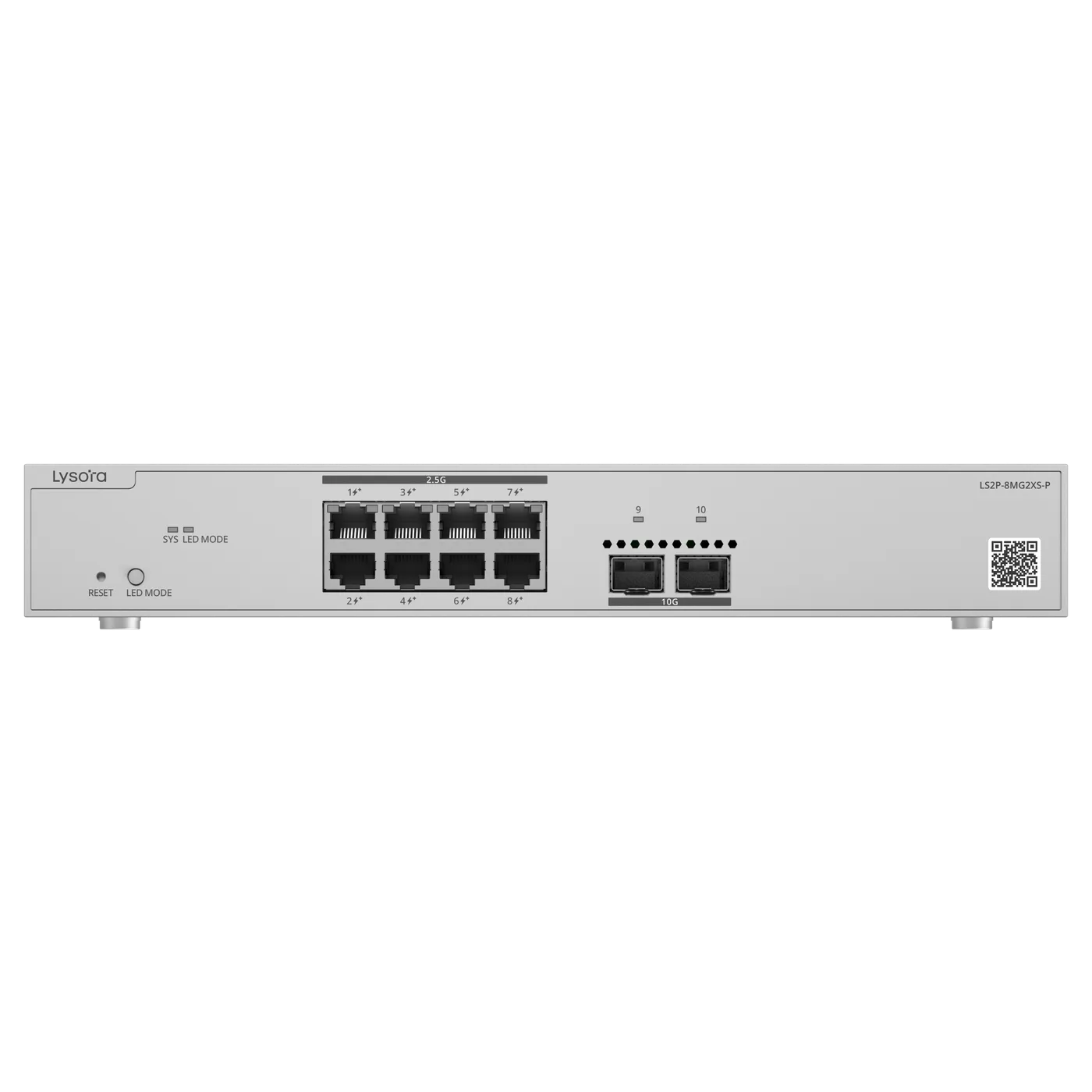
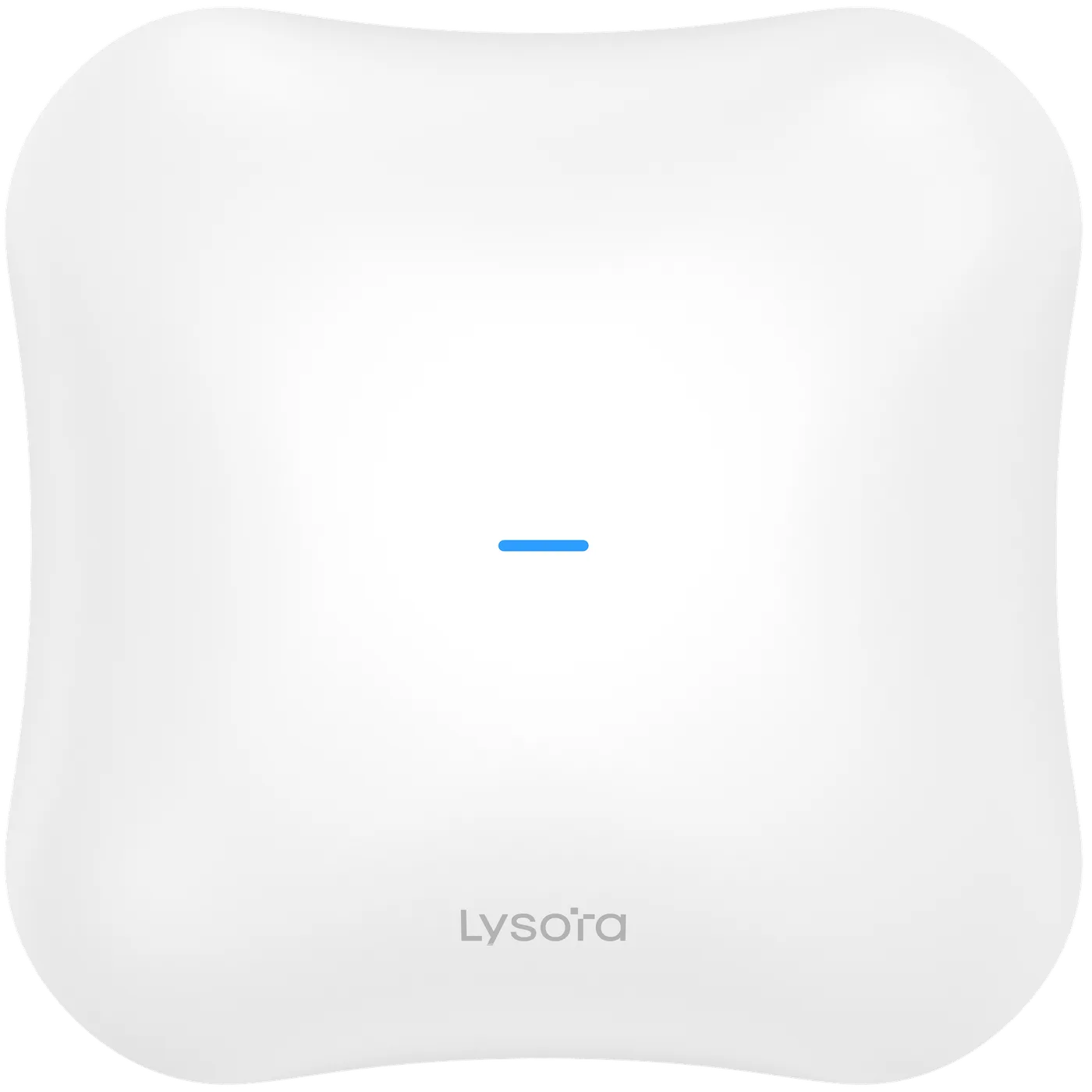
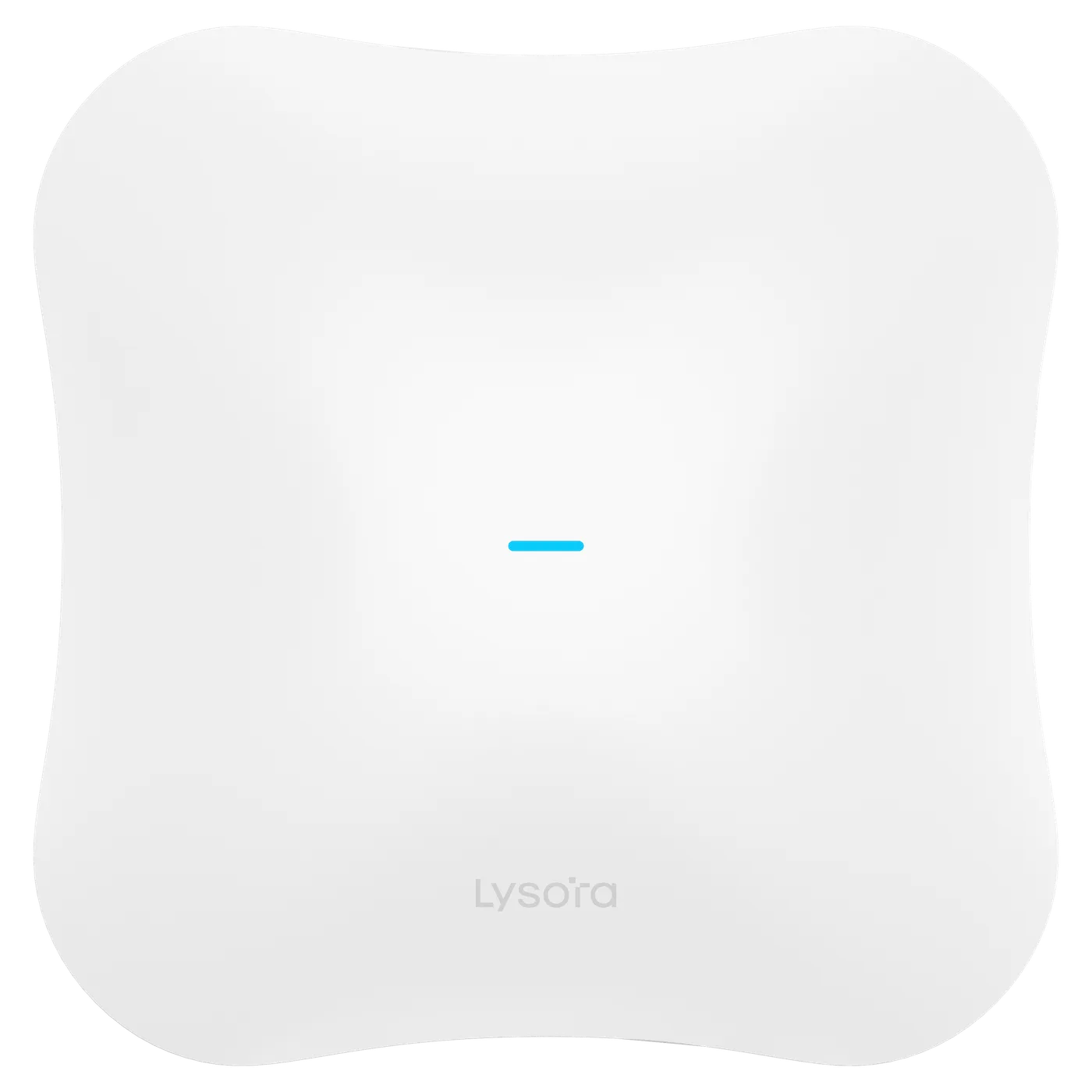
Lysora's Wi-Fi 7 access points reflect this: the L7 provides a 2.5G port for backhaul alongside a 1G port. Feeding a floor of them properly means multi-gig switching — the LS2P-8MG2XS-P pairs 2.5G PoE access ports with 10G SFP+ uplinks for that reason.

Choosing between them

Wi-Fi 6 remains a sound, cost-effective choice where client devices are predominantly older and the cabling plant is gigabit. Wi-Fi 7 is the right call for new builds, high-density spaces, and estates where the switching layer is being refreshed at the same time.

A practical middle path is Wi-Fi 7 in high-density areas and Wi-Fi 6 elsewhere, since both coexist on the same network.

Related Products

Equipment referenced in this guide

Models from the official Lysora catalogue that match the requirements described above.

Related Resources

Read next

  • Buying Guides

    Density before coverage: how to decide access point count, mounting type, power, and backhaul for an enterprise wireless deployment that survives a full office.

  • A six-step method for sizing a managed switch — port count, PoE budget, uplinks, switching layer, environment, and management — before the BOQ goes out for pricing.

Before You Enquire

Frequently asked questions

Do I need new client devices to benefit from Wi-Fi 7?

To gain the Wi-Fi 7 features themselves — particularly Multi-Link Operation — yes, the client must support 802.11be. Older devices still connect and work normally at their own standard, so a Wi-Fi 7 access point is never wasted on a mixed estate.

Will a Wi-Fi 7 access point work on a gigabit switch?

It will connect and operate, but the 1 Gbps port limits total throughput through that access point. Where the wireless capacity is the reason for the upgrade, plan 2.5G access ports and 10G uplinks at the same time.

See the LS2P-8MG2XS-P

Which Lysora access points are Wi-Fi 7?

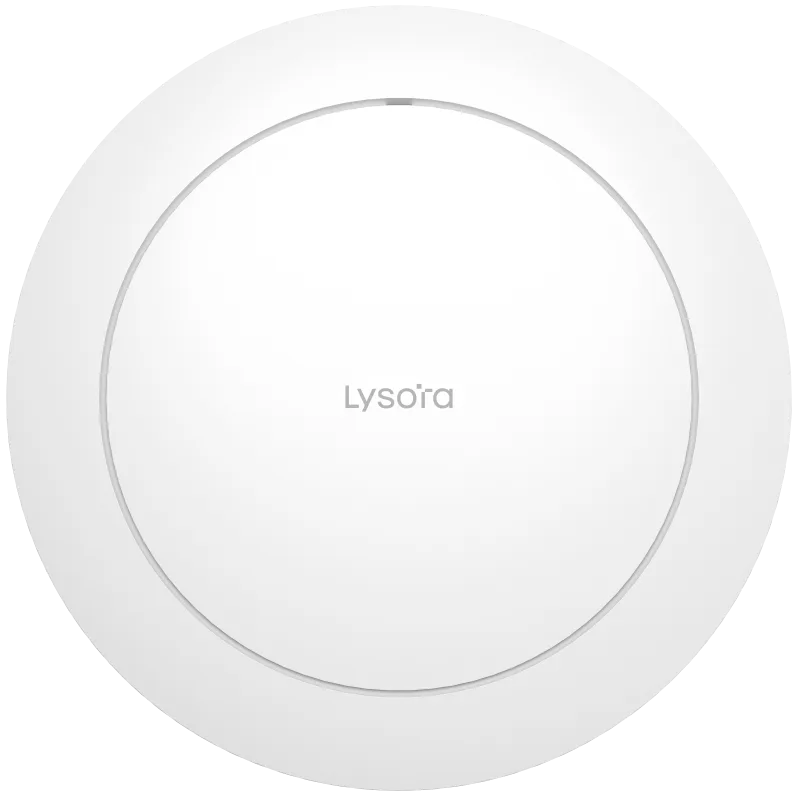
The L7 family is Wi-Fi 7 — including the L7 dual-band ceiling unit, the L7Pro, and outdoor variants. The L6 family covers Wi-Fi 6 for cost-sensitive and refresh deployments.

Browse access points

Tell us what you need — get a quote today

Four fields, no account, no attachments needed. Our sales team calls back within working hours with pricing and stock status.

Send your requirement, get a quote today

Share a BOQ, a part list, or just a description of the site — our sales team responds within working hours with pricing and stock confirmation.

Prefer to talk? +91 98910 20998