

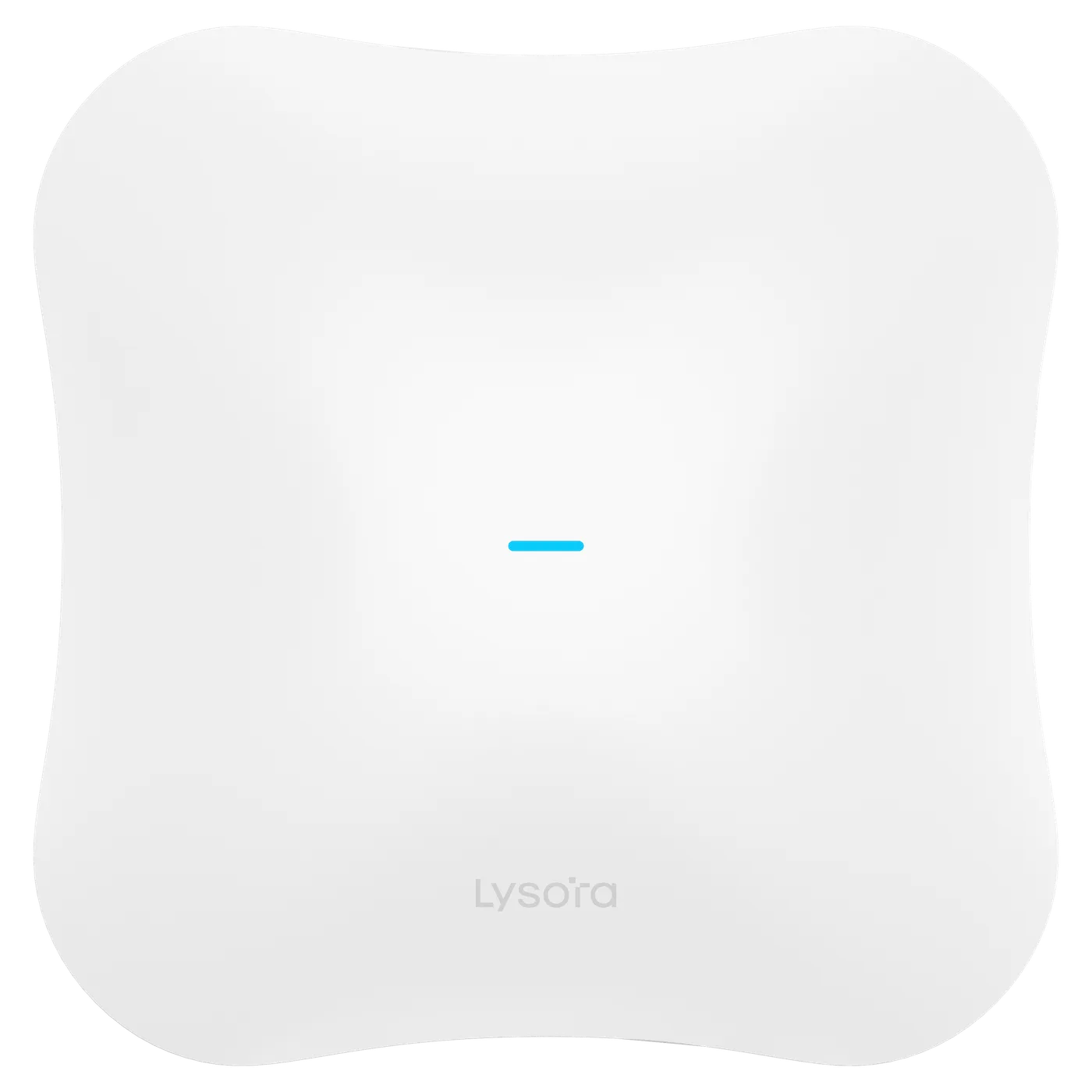
 Wireless Access Points
- Wi-Fi 7 tri-band
- 6 GHz
- 2.5G + 10G SFP+
Product Category
Wireless access points extend the wired network over Wi-Fi, from a single office to a multi-building campus. Lizora Infotech supplies Lysora Wi-Fi 6 and Wi-Fi 7 access points — ceiling, wall-plate, and outdoor models, PoE powered — across India, with dealer pricing and BOQ-based quotations within 24 hours.
*Same-day dispatch applies to in-stock items ordered before cut-off from the Delhi NCR warehouse.
Overview
A wireless access point (AP) converts the wired LAN into Wi-Fi coverage. Unlike consumer routers, business APs are designed to be deployed in numbers — many units on one network, centrally managed, with clients roaming between them without dropping calls or sessions.
The Lysora AP range spans Wi-Fi 6 (AX1800–AX3000) and Wi-Fi 7 (BE3600 to tri-band BE14000 with 6 GHz), in ceiling, wall-plate, and IP65/IP68 outdoor formats. All models power over PoE, and Wi-Fi 7 units carry 2.5G — up to 10G SFP+ — backhaul ports.
Typical buyers are integrators fitting offices, schools, and hotels; enterprises refreshing Wi-Fi 5 estates; and ISPs adding managed Wi-Fi to broadband offerings.
Key Benefits
Featured Products
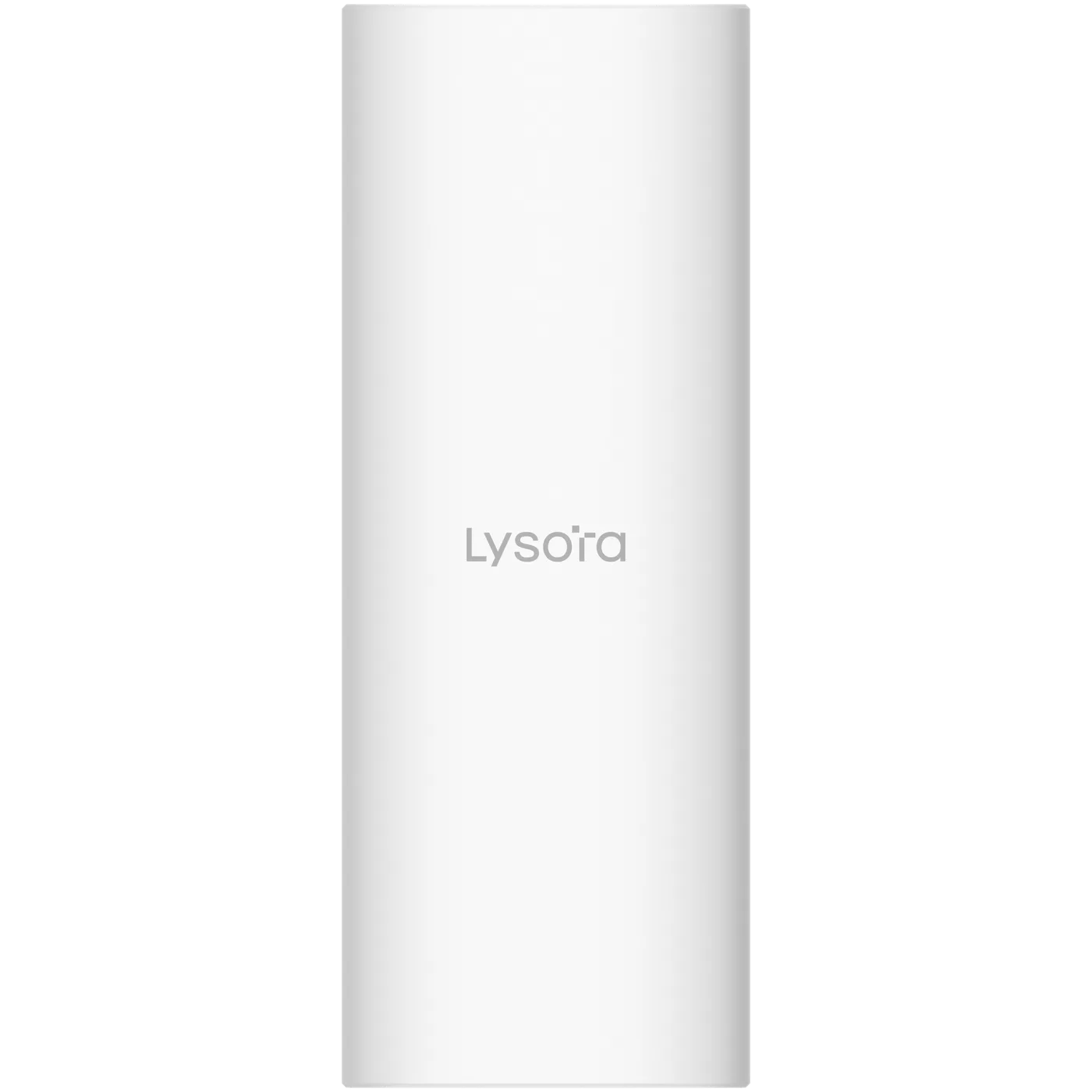
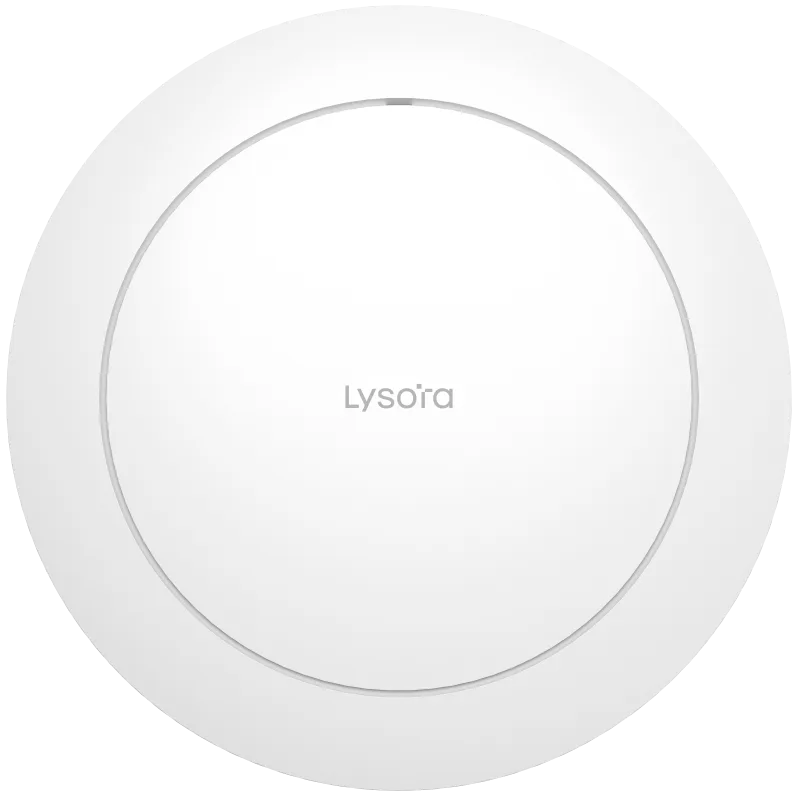
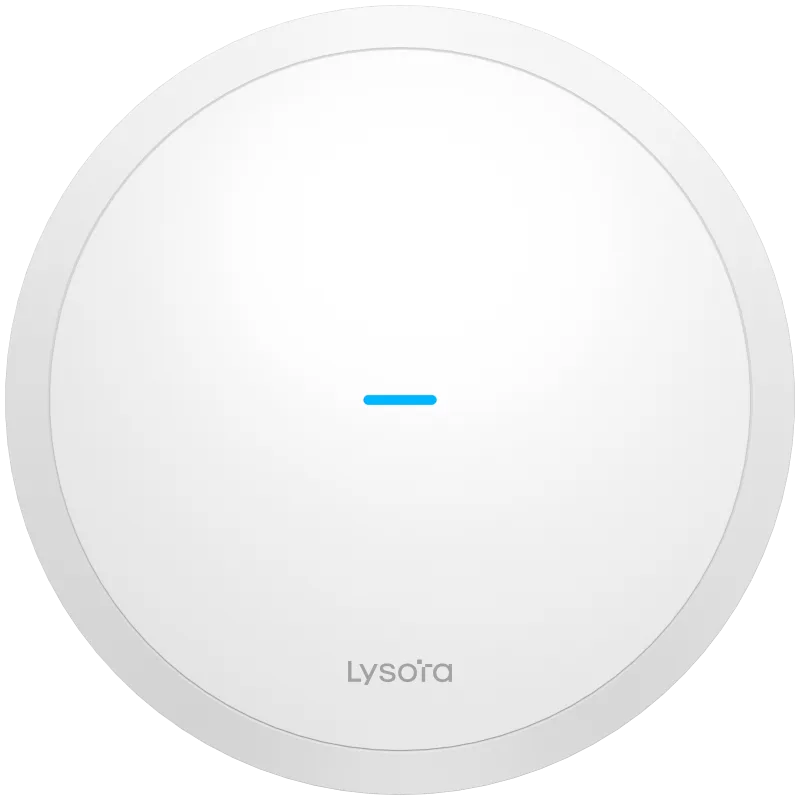
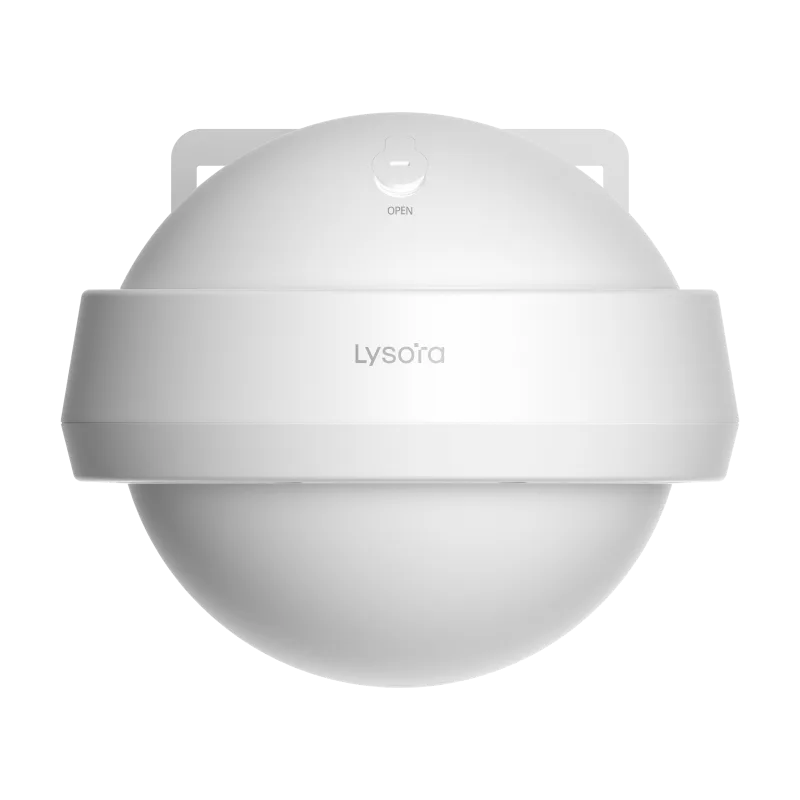
These models cover the most common project requirements — PoE for surveillance, managed switching for offices, Wi-Fi 6 coverage, and GPON for FTTH. Each product page carries full specifications and datasheets.
Wireless Access Points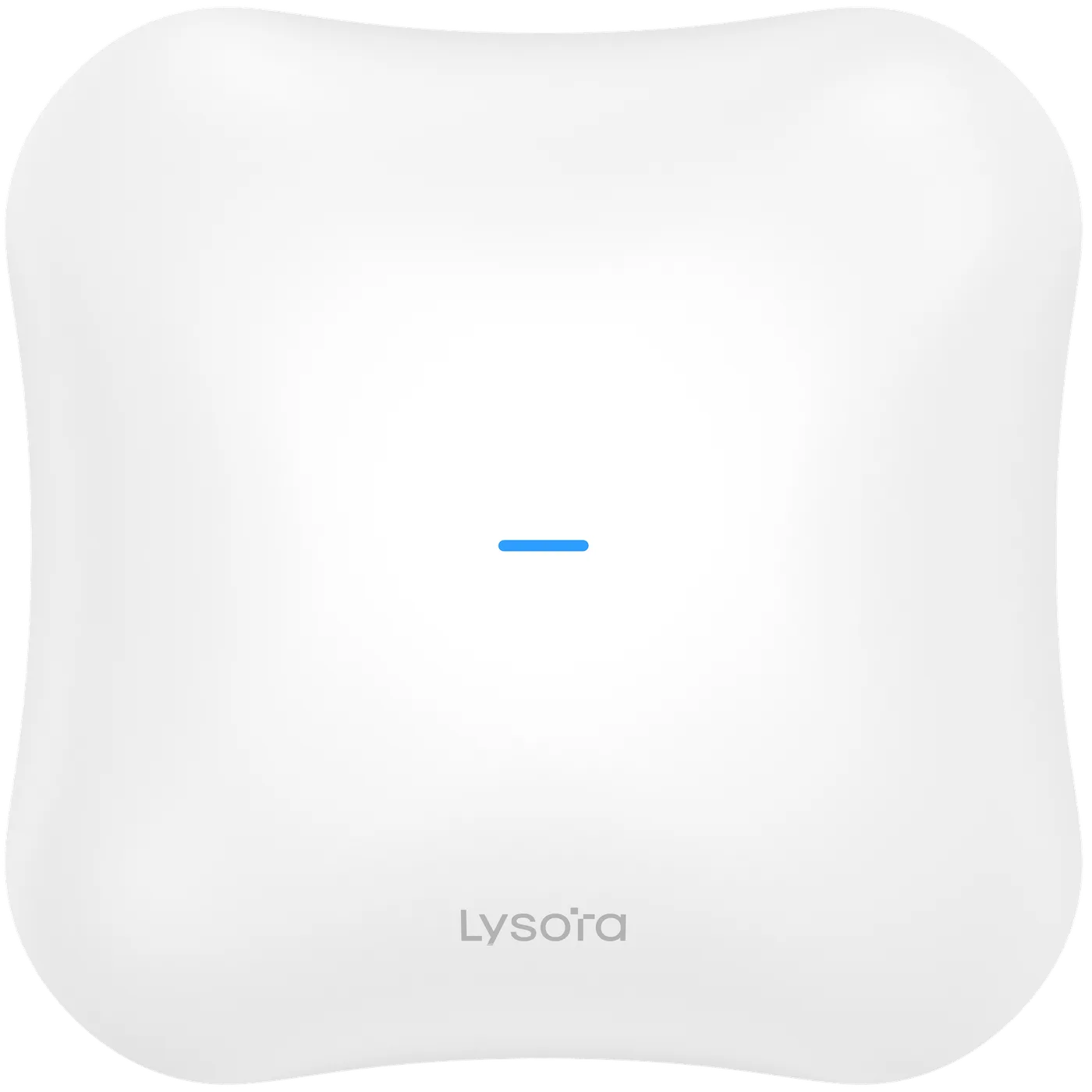 Wireless Access Points
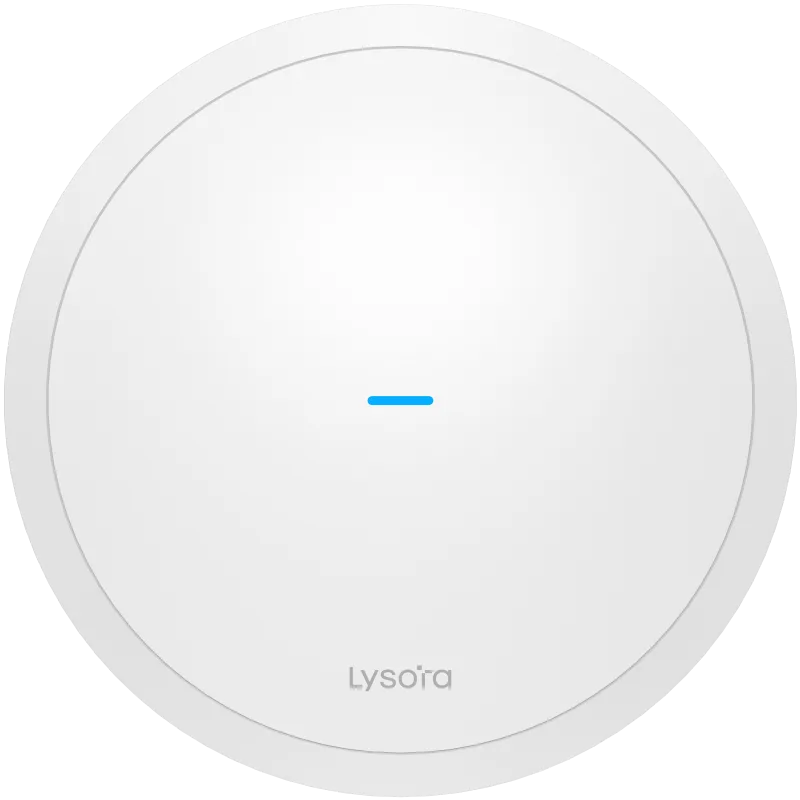 Wireless Access Points
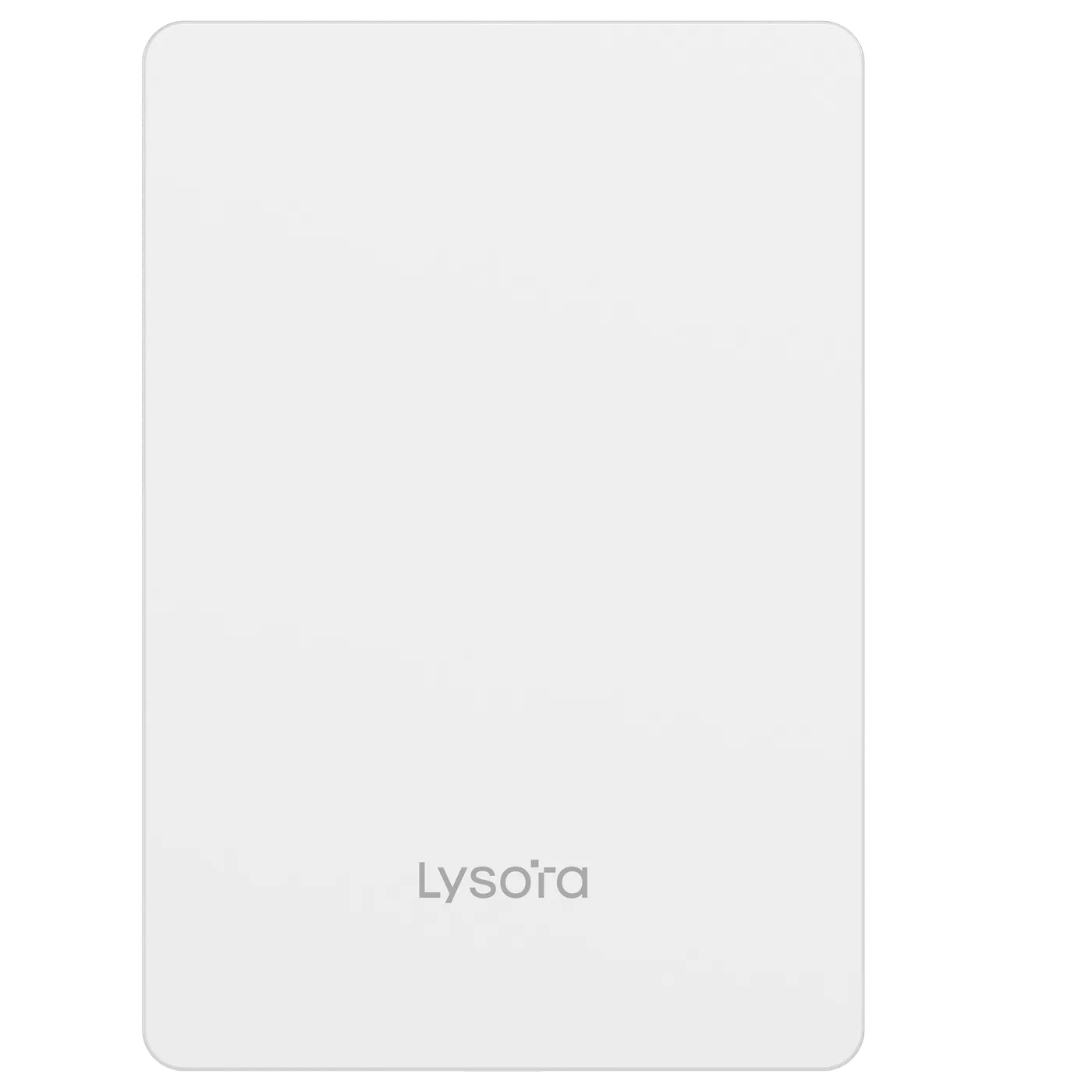 Wireless Access Points
 Wireless Access Points
 Wireless Access Points
 Wireless Access Points
 Wireless Access Points
 Wireless Access Points
Compare Models
The Lysora Wi-Fi 6 and Wi-Fi 7 range side by side — generation, radio layout, backhaul port, and the body the unit ships in.
| Model | Wi-Fi | Bands | Clients | Uplink | Body | Rating | Price |
|---|---|---|---|---|---|---|---|
| L7ProLysora | Wi-Fi 7 | Tri-band | 600 max / 200 recommended | 10G SFP+ | Ceiling | Indoor | — |
| L7Lysora | Wi-Fi 7 | Dual-band | 511 total | 2.5G | Ceiling | Indoor | — |
| L7LiteLysora | Wi-Fi 7 | Dual-band | 100+ | 2.5G | Ceiling | Indoor | ₹13,760.00 |
| L7-WLysora | Wi-Fi 7 | Dual-band | — | 2.5G | Wall-plate | IP41 | — |
| L7-TLysora | Wi-Fi 7 | Dual-band | 511 total | 2.5G | Outdoor | IP65 | — |
| L6Lysora | Wi-Fi 6 | Dual-band | 512 (5 GHz) | 1G | Ceiling | Indoor | ₹12,510.00 |
| L6LiteLysora | Wi-Fi 6 | Dual-band | 100+ | 1G | Ceiling | Indoor | ₹8,680.00 |
| L6Pro-TLysora | Wi-Fi 6 | Dual-band | 512 | 1G | Outdoor | IP68 | — |
| L6-TLysora | Wi-Fi 6 | Dual-band | 110+ | 1G | Outdoor | IP65 | ₹17,970.00 |
An em dash means the figure is not published for that model, not that the capability is absent.
Prices shown are list prices in INR, exclusive of GST, for the 4 of 9 models published today. Dealer slabs are quoted on request.
Client figures are the manufacturer's maximum association counts, not a capacity recommendation — plan 30–50 active clients per AP.
Applications
Buying Guide
Coverage complaints usually trace back to planning, not hardware. Five checks put the right APs in the right places.
Size by concurrent devices per area — a packed classroom needs more radio capacity than an empty warehouse of the same size. Plan roughly 30–50 active clients per AP for comfortable performance.
Several APs at moderate power give better roaming and throughput than one AP at maximum power. Design for overlap at usable signal, not maximum range.
Wi-Fi 6 APs typically need 802.3at PoE+. Count APs early — they usually decide the PoE switch model in the same BOQ.
Ceiling models spread signal downward across rooms; sealed outdoor models point directional coverage at yards and gates. Never weatherproof an indoor AP in a bag.
An AX3000 AP can exceed 1 Gbps of air traffic in bursts; where uplinks matter, plan gigabit per AP and 10G aggregation upstream.
Wi-Fi Design
Wi-Fi complaints are almost never a hardware fault. They come from planning for coverage instead of capacity, from a backhaul port that throttles the radio behind it, and from a PoE budget worked out after the APs were chosen.
Wi-Fi 7 (802.11be) adds 320 MHz channels, 4K-QAM modulation, and Multi-Link Operation, which lets a client use two bands at once instead of picking one. On paper that roughly doubles headline throughput over Wi-Fi 6.
In practice the gain depends on what your clients support. An office fleet of Wi-Fi 5 and Wi-Fi 6 laptops sees better airtime efficiency from a Wi-Fi 7 AP but not the headline speed, because MLO and 320 MHz need a Wi-Fi 7 client at the other end.
The 6 GHz question is now settled in India. The lower 6 GHz band, 5925–6425 MHz, was exempted from licensing for low-power indoor wireless access under rules notified by the Ministry of Communications in January 2026 — so tri-band 6 GHz equipment such as the L7Pro is deployable indoors here rather than being a feature you pay for and cannot switch on.
A coverage survey shows where signal reaches. It does not show how many devices can be served at once, and that is what users experience as 'the Wi-Fi is slow'. Airtime is the shared resource: one distant client negotiating a low data rate holds the channel longer and slows everyone on that radio.
Count concurrent devices per area and divide by 30–50 per AP. Then check the shape of the space rather than its size — a 200-seat hall and a 200-seat open office need different AP counts because of how bodies and partitions absorb 5 GHz.
Two things flow downstream from an AP choice: how much PoE the closet switch must supply, and how fast the port behind each AP has to be. Both are regularly discovered after the switch has been quoted.
An AP whose radios can exceed a gigabit needs a multi-gigabit access port, or the switch becomes the ceiling. The L7Pro backhauls at 2.5GbE with a 10G SFP+ option; L7, L7Lite, L7-W and L7-T backhaul at 2.5GbE; the Wi-Fi 6 models backhaul at 1GbE, which matches their radios.
| Model | Published max draw | 8 units | Backhaul port |
|---|---|---|---|
| L7Pro | 30 W | 240 W | 2.5GbE + 10G SFP+ |
| L7 | 30 W | 240 W | 2.5GbE |
| L6Pro-T | 24 W | 192 W | 1GbE + 1G SFP |
| L7-T | 21 W | 168 W | 2.5GbE |
| L6-T | 16 W | 128 W | 1GbE |
| L7-W | 15 W | 120 W | 2.5GbE |
The housing is a coverage decision, not a cosmetic one. A ceiling AP radiates downward across rooms; a wall-plate unit serves the room it is in and the corridor outside it; an outdoor unit uses directional antennas to throw coverage across open ground.
Ingress protection is the other half. IP65 resists dust and low-pressure water jets, which covers walls, gates and covered yards. IP68 adds sustained immersion resistance for fully exposed mounts. An indoor AP in a weatherproof box is not an outdoor AP — it overheats and the antennas detune.
2.4 GHz has three non-overlapping channels in India — 1, 6 and 11. Any plan that uses others guarantees adjacent-channel interference, and no amount of transmit power fixes it. Treat 2.4 GHz as the compatibility band for older and IoT devices, and steer everything capable onto 5 GHz or 6 GHz.
5 GHz offers far more channels, but a block of them is DFS: the AP must monitor for radar and vacate the channel if it detects any. That is fine in most buildings and worth avoiding near airports and defence installations, where radar events force clients off the channel mid-session.
6 GHz, now delicensed for low-power indoor use, is the cleanest spectrum available because only Wi-Fi 6E and Wi-Fi 7 clients can reach it. Its range is shorter than 5 GHz at the same power, so it rewards denser AP placement rather than replacing the 5 GHz plan.
Four fields, no account, no attachments needed. Our sales team calls back within working hours with pricing and stock status.
Before You Enquire
A router connects a network to the internet and manages addresses; an access point extends an existing wired network over Wi-Fi. Business deployments use one router or firewall and many access points, all bridged to the LAN — not multiple consumer routers.
Count concurrent Wi-Fi devices and divide by 30–50 per AP, then check the floor plan for walls and dead zones. A typical 100-person office lands between 4 and 8 ceiling APs. Share a floor plan for a free placement recommendation.
Book a technical consultationYes. Lysora Wi-Fi 6 models support fast roaming between APs on the same network, so voice calls and video sessions continue as users move between coverage cells. Roaming quality also depends on AP placement and overlapping signal design.
Yes. Multi-SSID support broadcasts separate staff, guest, and IoT networks from one AP, each mapped to its own VLAN on the switch, so guest traffic never touches internal systems. The switch side needs VLAN support — a managed or PoE managed model.
See managed switchesAP pricing depends on the Wi-Fi 6 speed class (AX1800–AX3000) and indoor versus outdoor body. Lysora models are quoted with dealer slabs for registered partners; send your AP count and receive pricing within 24 working hours.
Get current pricingRelated Categories
Most wireless access points BOQs include items from these categories — send one mixed BOQ and we quote it line by line.
Related Resources
Selection guidance and background reading from our technical team.
Share a BOQ, a part list, or just a description of the site — our sales team responds within working hours with pricing and stock confirmation.
Prefer to talk? +91 98910 20998