

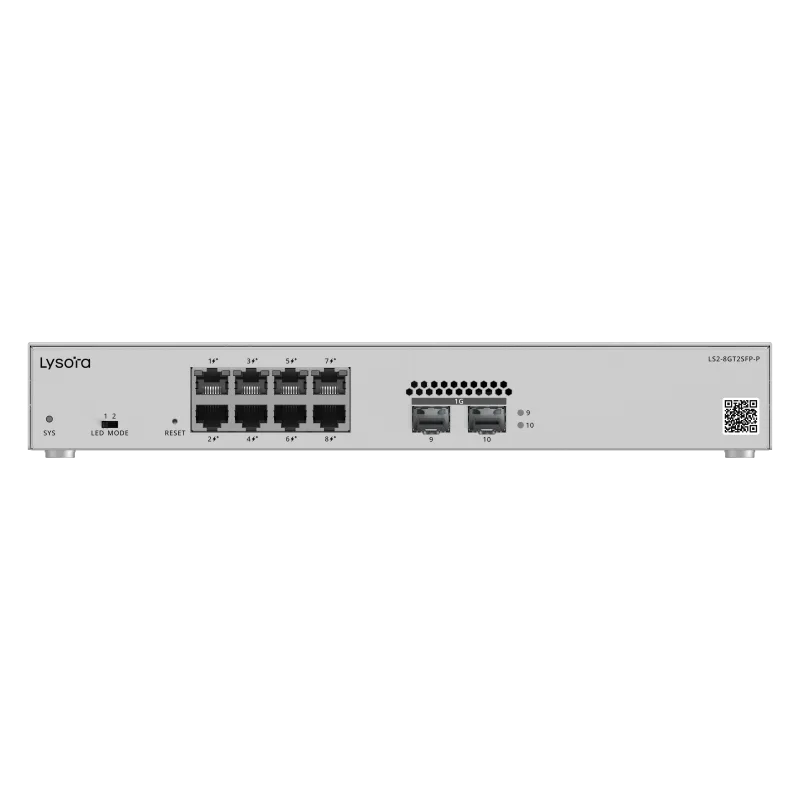
 Managed Switches
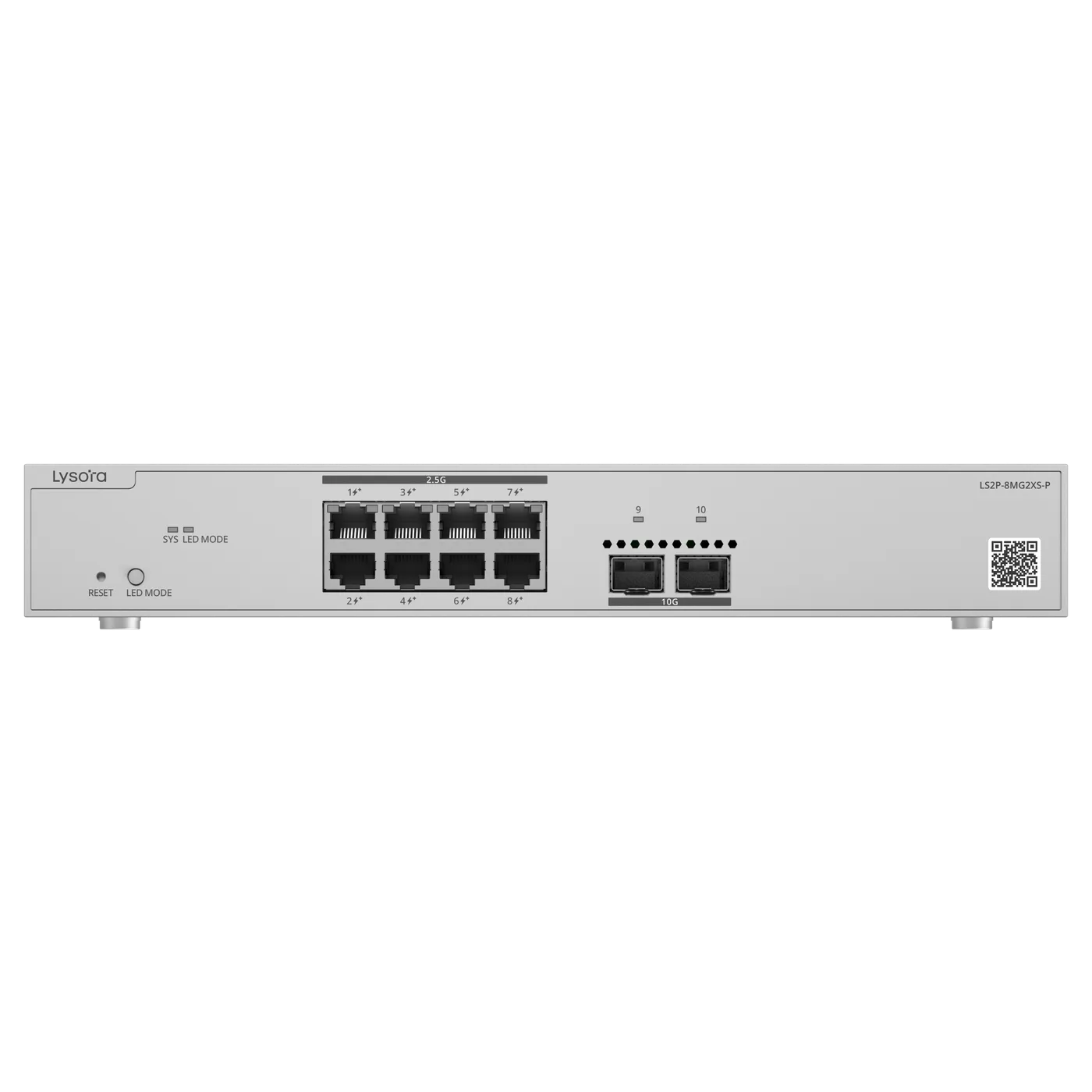
- 8× GbE PoE+
- 125 W budget
- 2× SFP
Product Category
Managed switches let network teams segment traffic with VLANs, prioritise voice and video with QoS, and control access with ACLs. Lizora Infotech supplies Lysora L2/L2+ managed switches from 8 to 48 ports across India, with dealer pricing and BOQ-based quotations within 24 hours.
*Same-day dispatch applies to in-stock items ordered before cut-off from the Delhi NCR warehouse.
Overview
A managed switch is the control layer of a business network. Unlike unmanaged switches, it supports VLAN segmentation, QoS prioritisation, ACL-based access control, port mirroring, and SNMP monitoring — the features integrators need to keep voice, CCTV, guest, and office traffic separated and predictable.
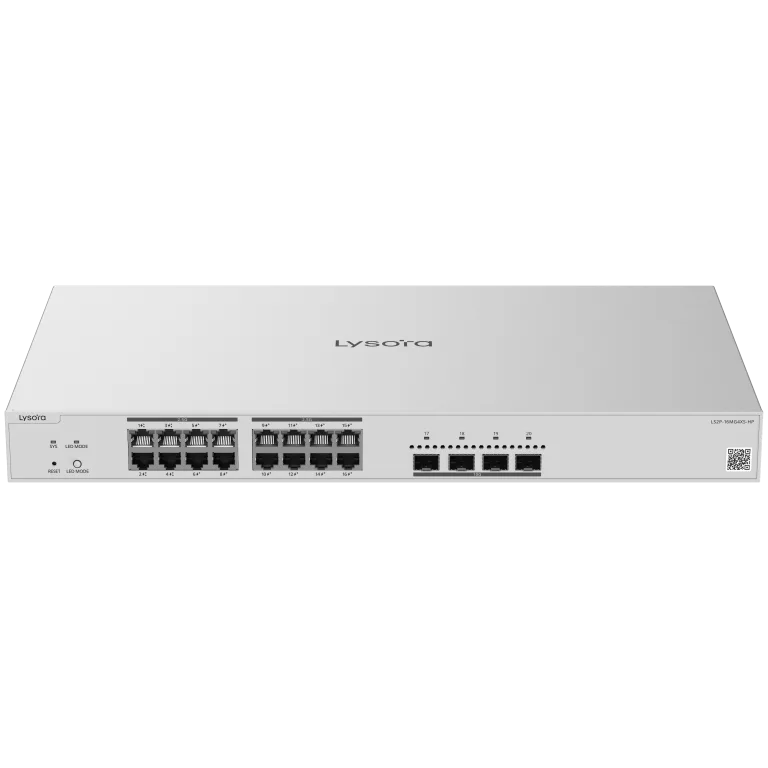
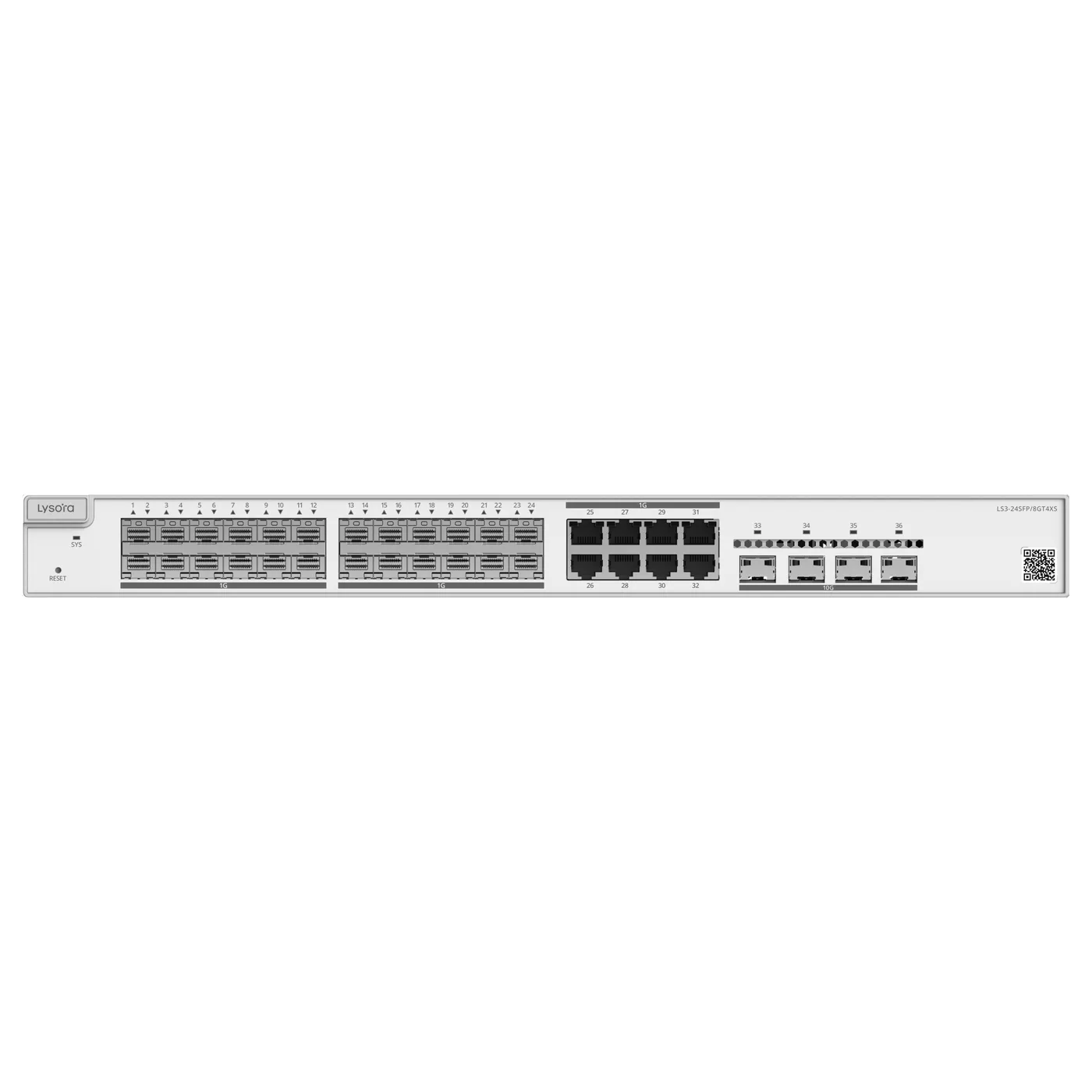
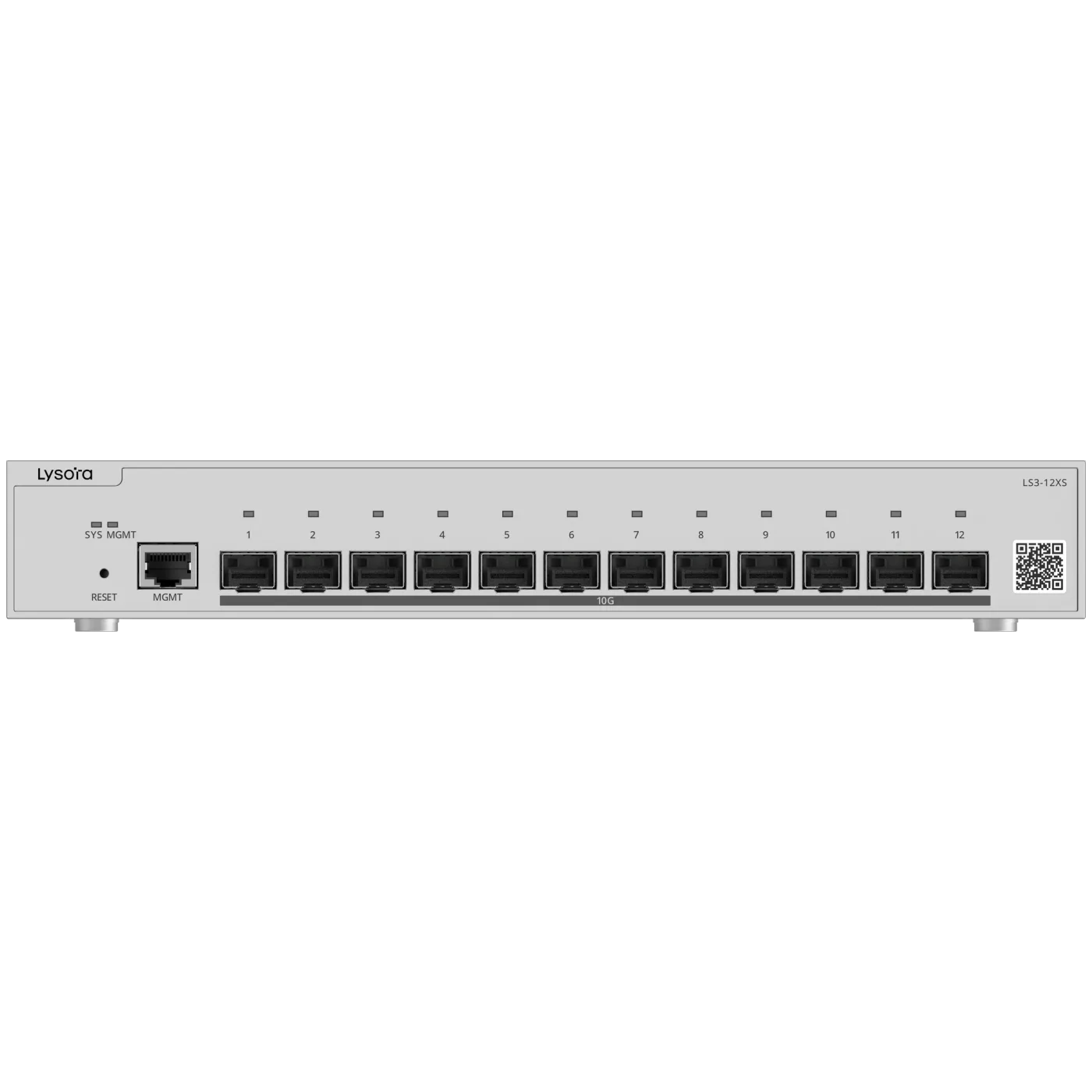
The Lysora managed range covers Layer 2 models from 8 to 48 ports, a 2.5G multi-gigabit model with static routing and 10G SFP+ uplinks, and a Layer 3 fiber aggregation switch with OSPFv2/v3 — all with a 3-year manufacturer warranty serviced in India.
Typical buyers are system integrators building office and campus LANs, IT teams refreshing server-room edge switching, and resellers stocking against project demand.
Key Benefits
Featured Products
These models cover the most common project requirements — PoE for surveillance, managed switching for offices, Wi-Fi 6 coverage, and GPON for FTTH. Each product page carries full specifications and datasheets.
Managed Switches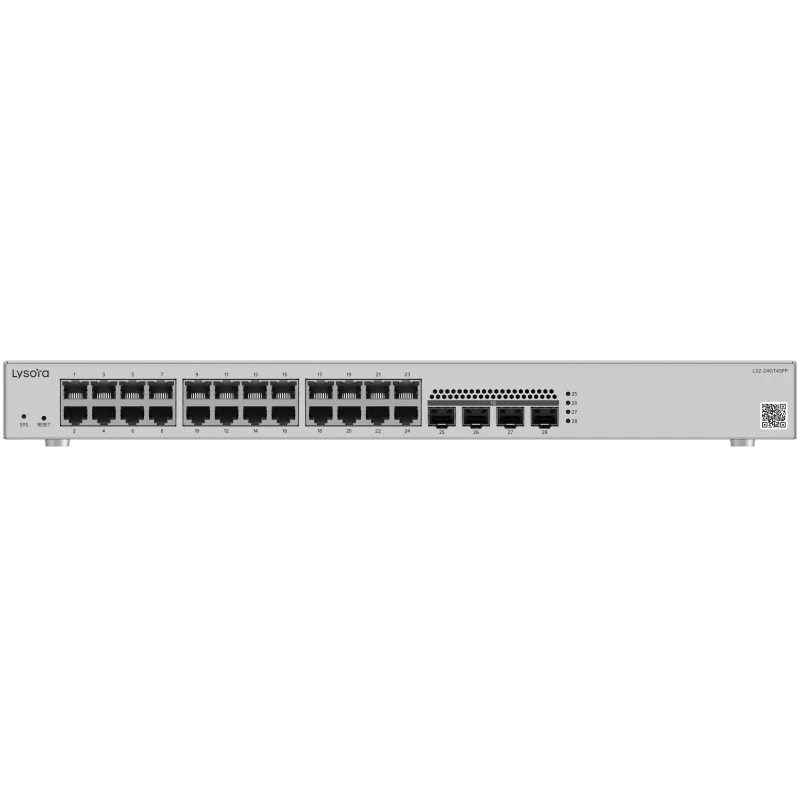 Managed Switches
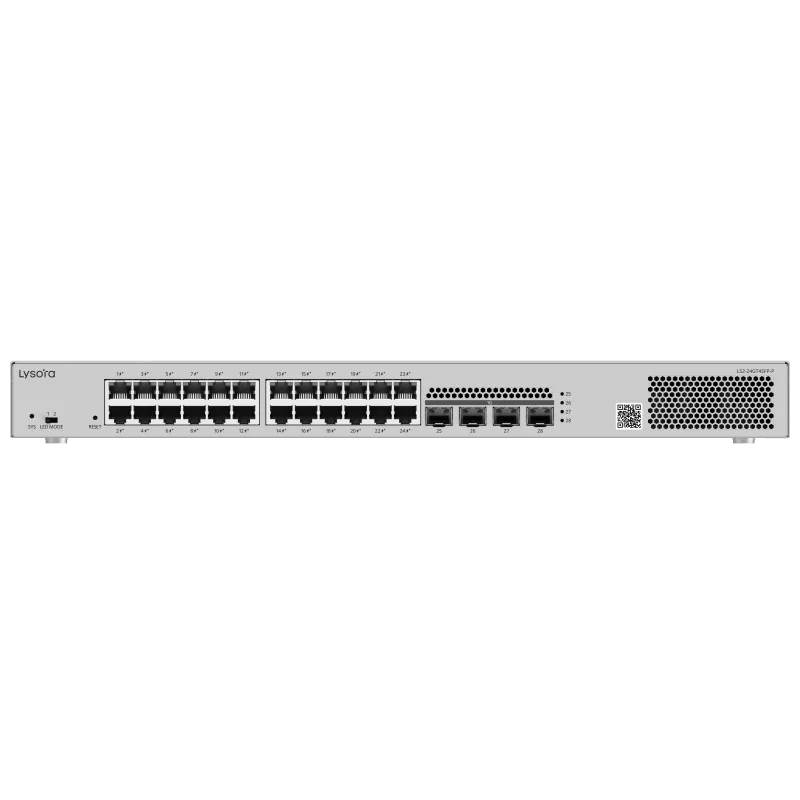 Managed Switches
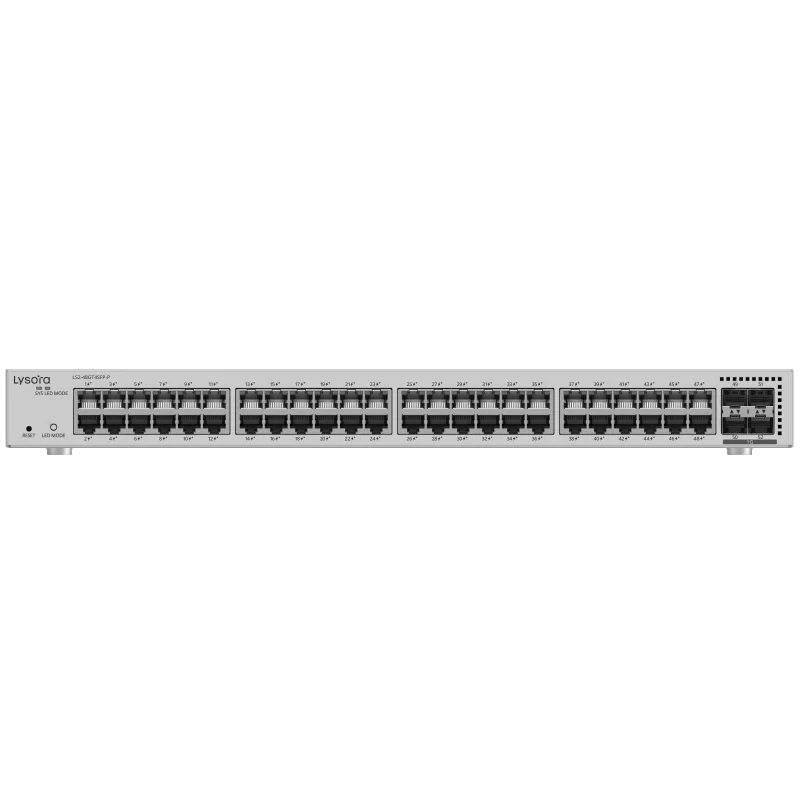 Managed Switches
 Managed Switches
 Managed Switches
 Managed Switches
 Managed Switches
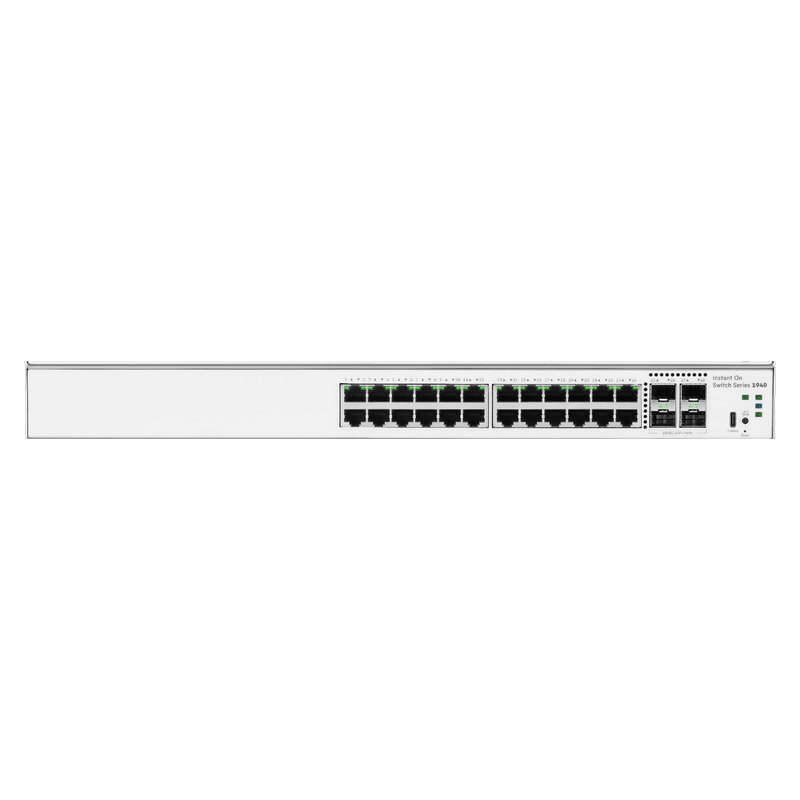 Managed Switches
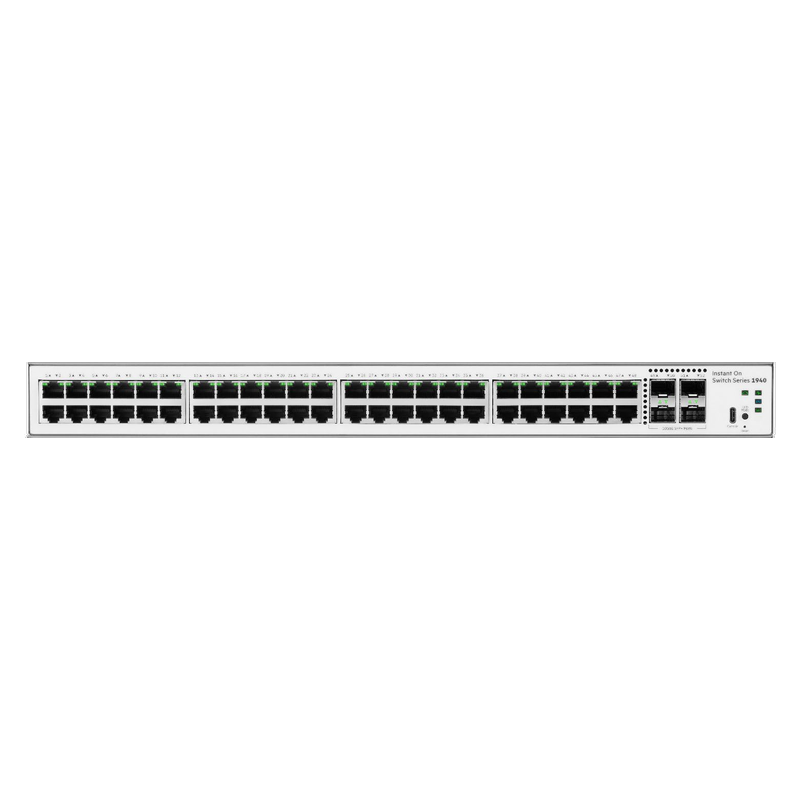 Managed Switches
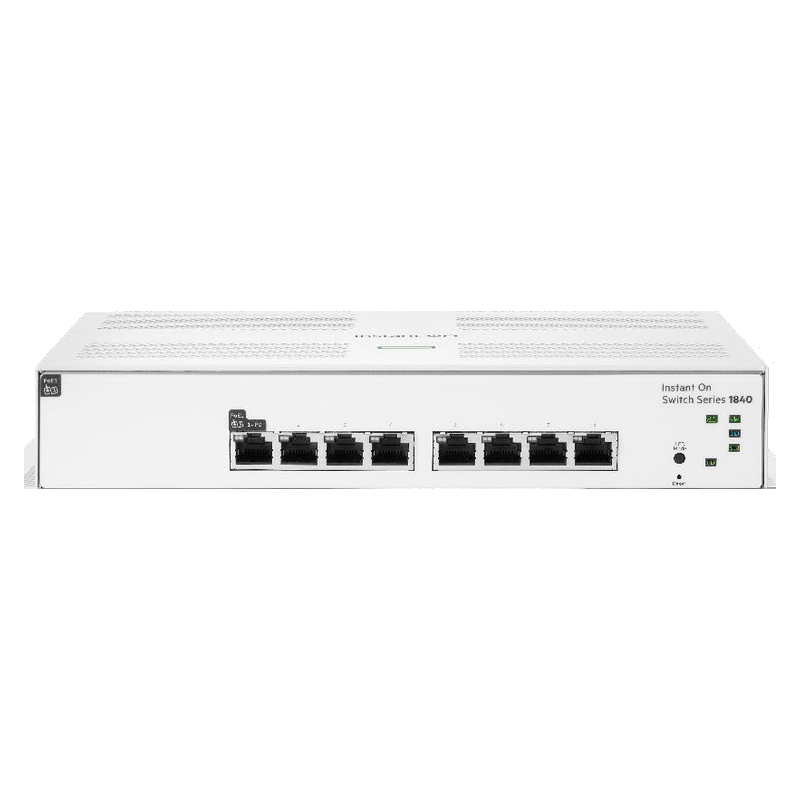 Managed Switches
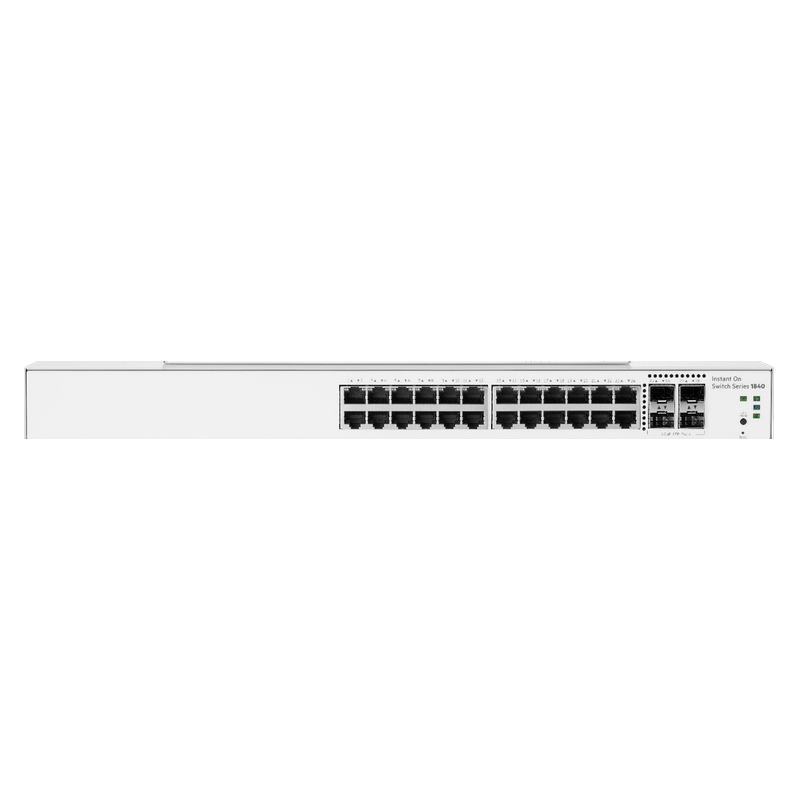 Managed Switches
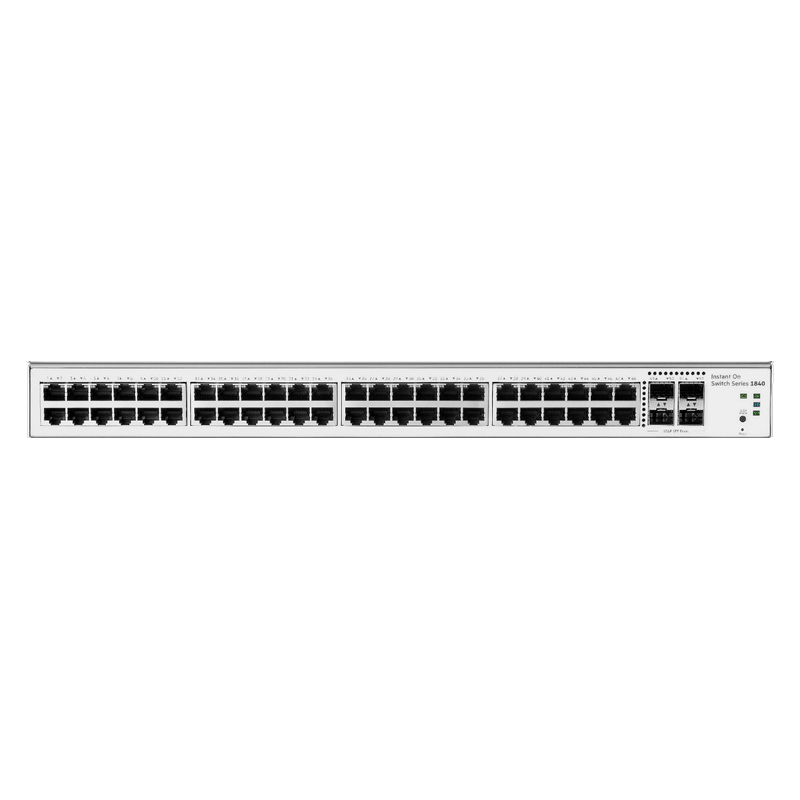 Managed Switches
Applications
Buying Guide
Five specifications decide whether a managed switch fits your project. Check them in this order before requesting a quote.
Count devices per wiring closet and add 20–30% headroom. Gigabit access ports are the default; multi-gig matters only for Wi-Fi 6/6E access points with >1G backhaul.
SFP (1G) uplinks suit small sites; choose 10G SFP+ where several access switches aggregate to a core or where storage/backup traffic crosses the uplink.
L2 covers VLANs, QoS, and ACLs. Choose L2+ when VLANs must talk to each other locally — its static routing removes the extra hop through a router or firewall.
Web-managed is enough for set-and-forget sites. Prefer CLI and SNMP support where the network is monitored centrally or configured in bulk.
Verify the switching fabric is non-blocking (sum of all port speeds × 2) and the MAC table fits the device count — undersized tables cause flooding in large flat networks.
Four fields, no account, no attachments needed. Our sales team calls back within working hours with pricing and stock status.
Before You Enquire
L2 managed switches handle VLANs, QoS, ACLs, and link aggregation at the data-link layer. L2+ models add static routing, so different VLANs can communicate through the switch itself without a separate router — useful in offices that segment traffic but have no core router.
Yes. All Lysora managed models support 802.1Q VLANs, QoS prioritisation, ACLs, port mirroring, and link aggregation. Exact table sizes and feature depth per model are listed on each product's datasheet, shared on request without sign-up.
Read the switch selection guideA 50-user office typically needs one 48-port or two 24-port gigabit L2+ switches with SFP uplinks, sized with 20–30% spare ports. Share your device counts through the quote form and our pre-sales team will confirm sizing before quoting.
Request a sizing quoteManaged switch pricing depends on port count, uplink type, and L2 vs L2+ feature set. Lysora managed models are quoted individually with dealer slabs applied for registered partners. Send your requirement and receive priced options within 24 working hours.
Get current pricingYes, and most cost-optimised networks do: managed switches at aggregation points where VLANs and monitoring matter, unmanaged switches at simple desktop clusters. Keep VLAN trunks between managed devices only, since unmanaged switches pass tags without enforcing them.
See unmanaged switchesRelated Categories
Most managed switches BOQs include items from these categories — send one mixed BOQ and we quote it line by line.
Related Resources
Selection guidance and background reading from our technical team.
Share a BOQ, a part list, or just a description of the site — our sales team responds within working hours with pricing and stock confirmation.
Prefer to talk? +91 98910 20998