

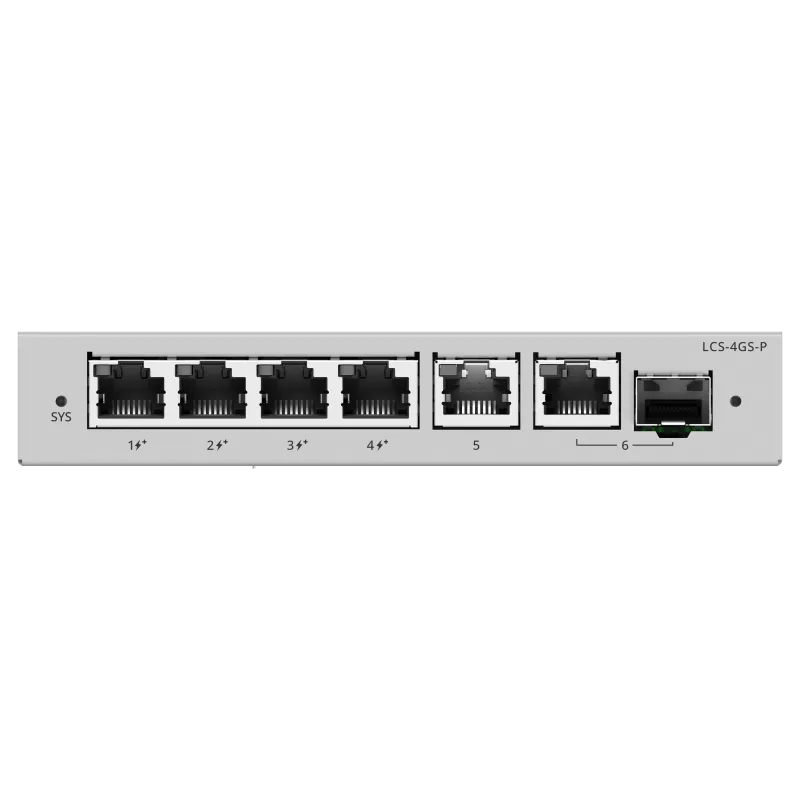
 PoE Switches
- 4× GbE PoE+
- 54 W budget
- Cloud managed
Product Category
PoE switches deliver power and data to cameras, access points, and IP phones over a single network cable, removing the need for local power at each device. Lizora Infotech supplies Lysora PoE+ switches from 8 to 24 ports across India, with dealer pricing and BOQ-based quotations within 24 hours.
*Same-day dispatch applies to in-stock items ordered before cut-off from the Delhi NCR warehouse.
Overview
A PoE switch injects DC power into the data cable under the IEEE 802.3af/at standards, so powered devices — IP cameras, wireless access points, IP phones, door controllers — need no electrician and no socket at the device end. That single fact drives most surveillance and wireless deployments in India.
The Lysora LCS cloud PoE range covers 4 to 24 ports with budgets from 54 W to 370 W, all managed through Lysora Cloud with camera detection and a PoE watchdog that auto-restarts hung devices — plus official camera-capacity ratings per model. Managed PoE variants with full VLAN control live in the LS2 line.
Typical buyers are CCTV integrators powering camera strings, IT teams feeding access points from the wiring closet, and resellers stocking the two or three PoE models that appear in nearly every BOQ.
Key Benefits
Featured Products
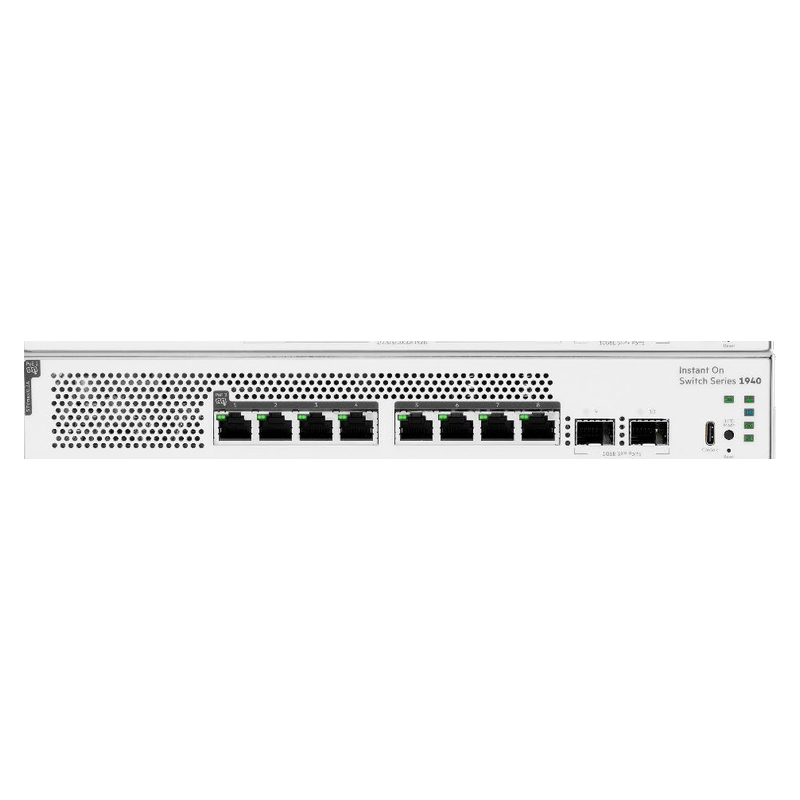
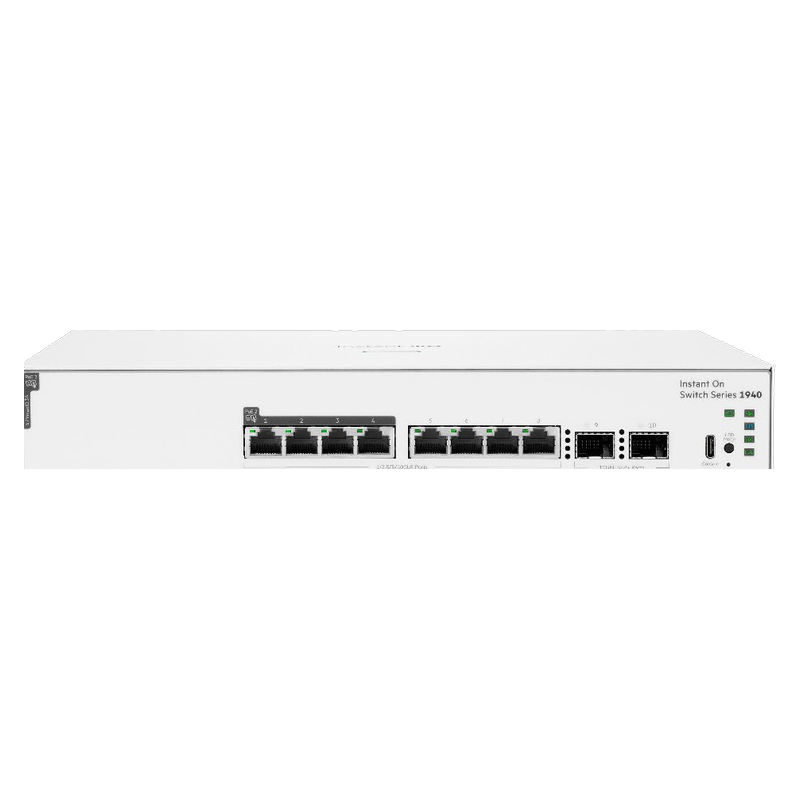
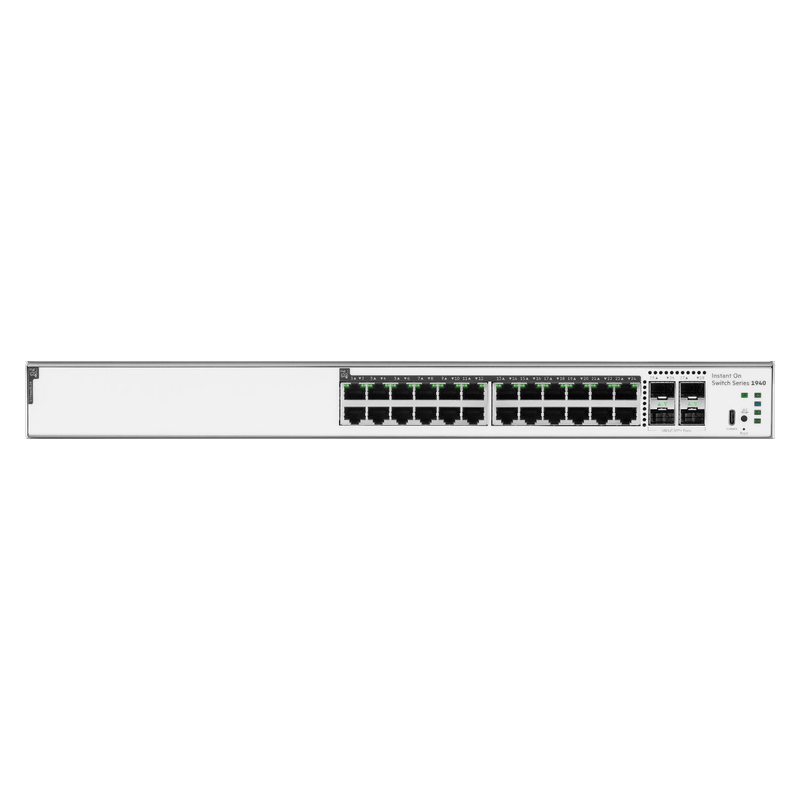
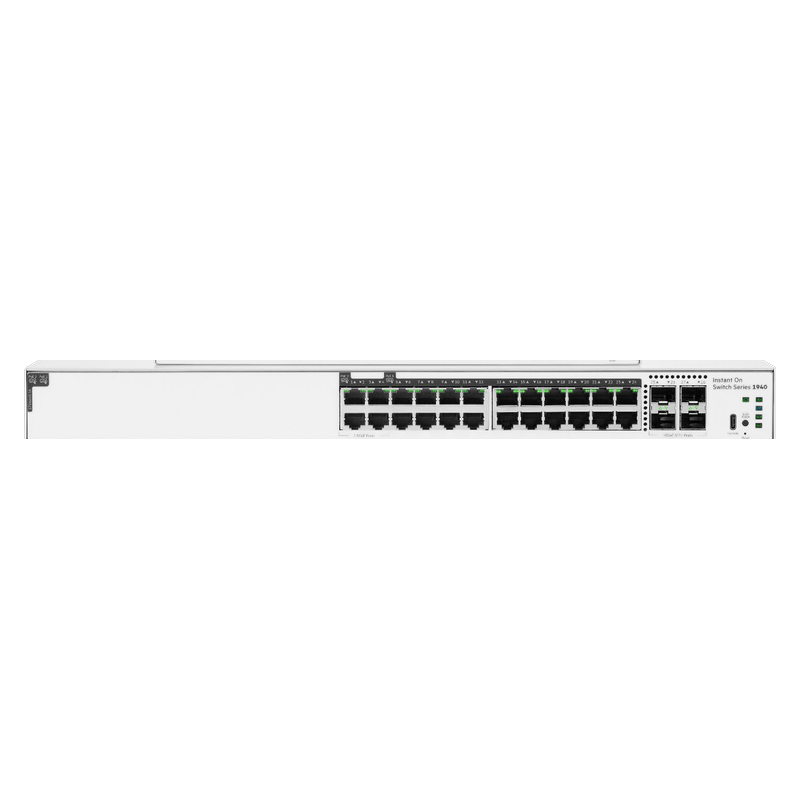
These models cover the most common project requirements — PoE for surveillance, managed switching for offices, Wi-Fi 6 coverage, and GPON for FTTH. Each product page carries full specifications and datasheets.
PoE Switches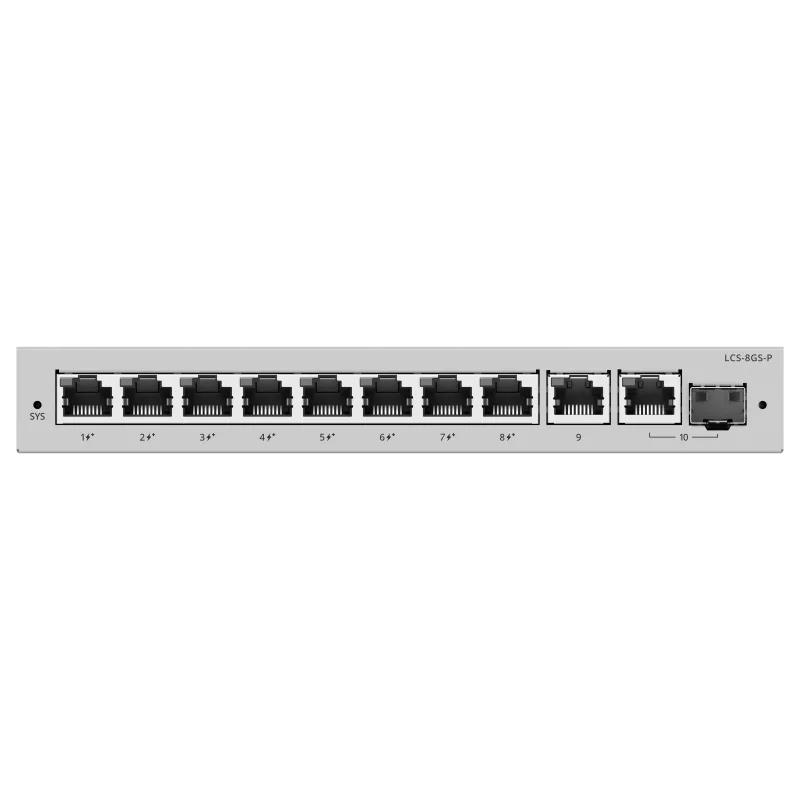 PoE Switches
 PoE Switches
 PoE Switches
 PoE Switches
 PoE Switches
 PoE Switches
 PoE Switches
HPE Networking
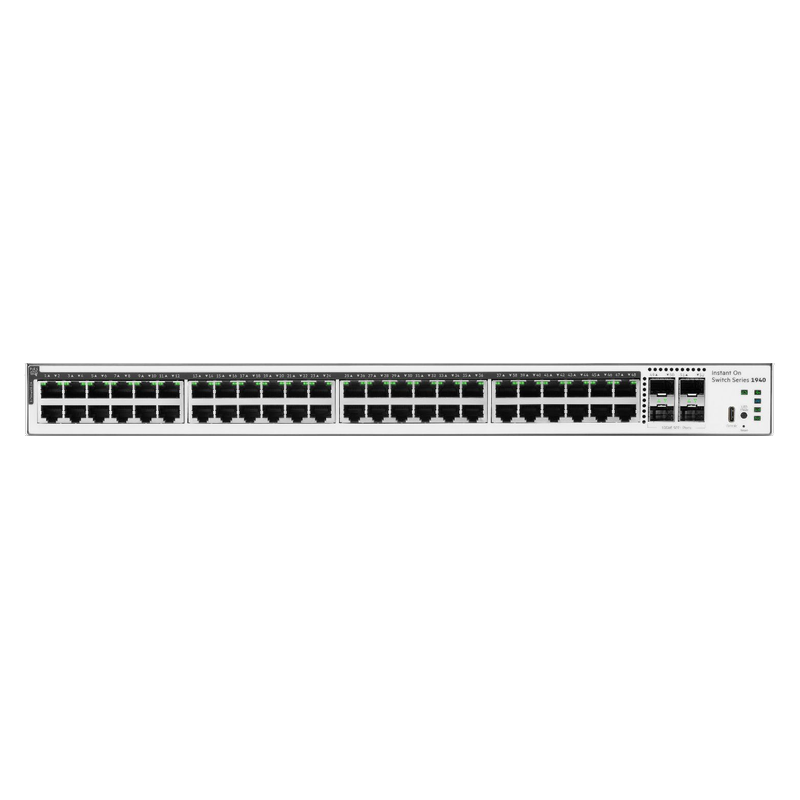 PoE Switches
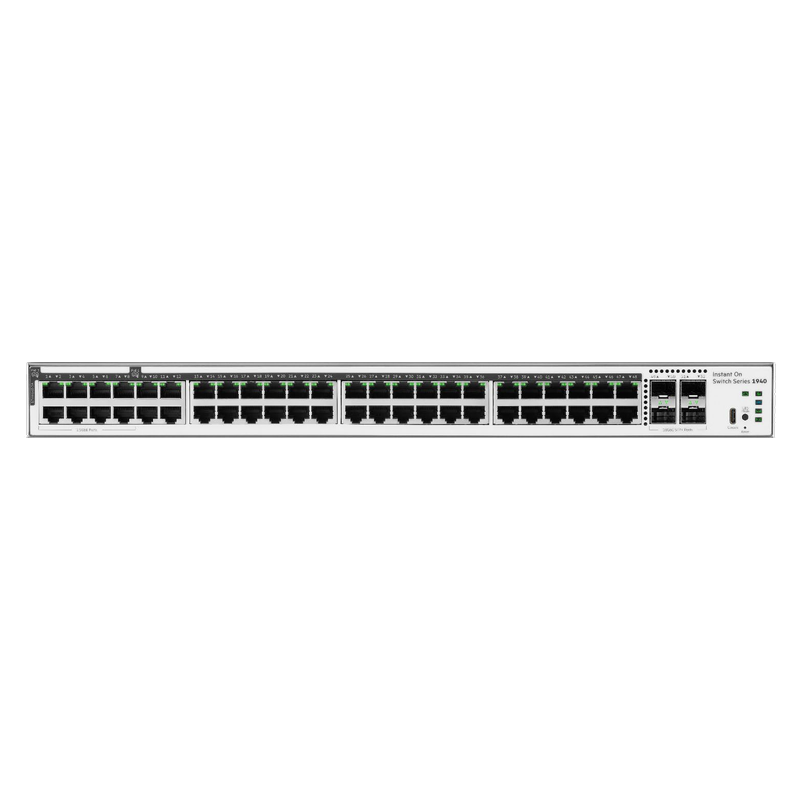 PoE Switches
HPE Networking
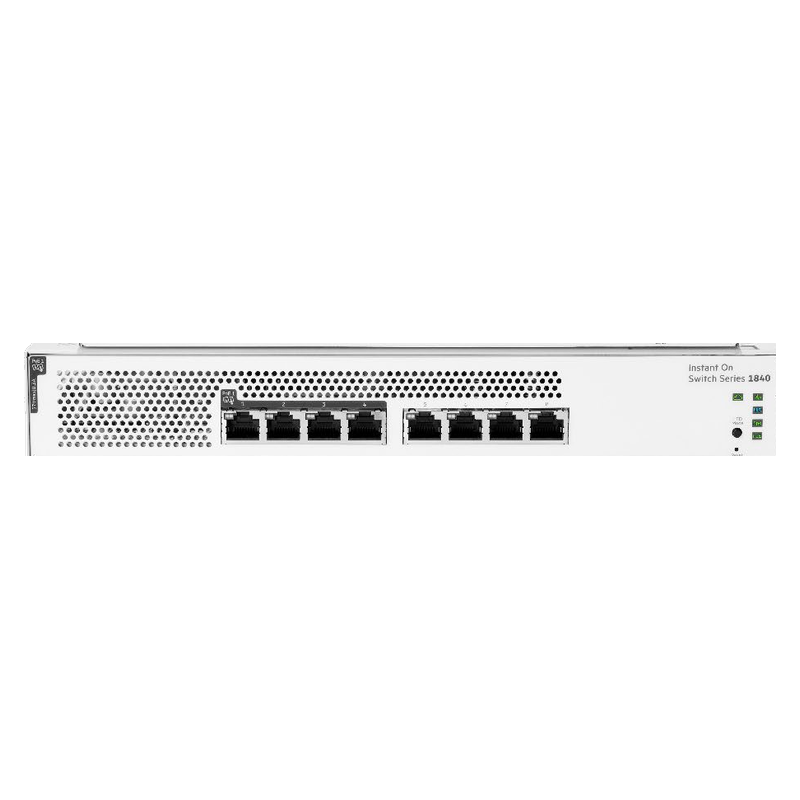 PoE Switches
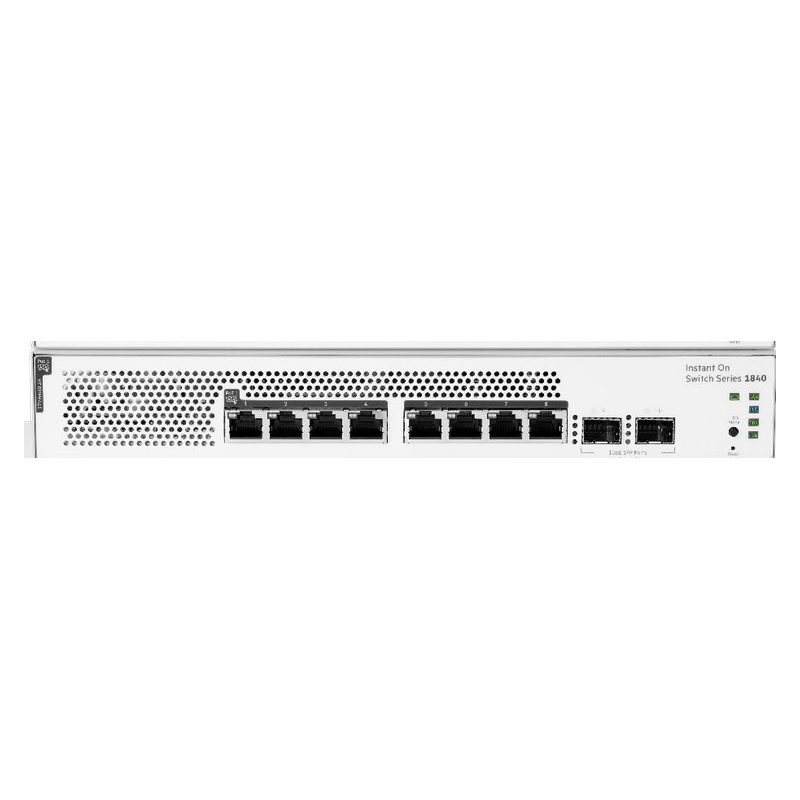 PoE Switches
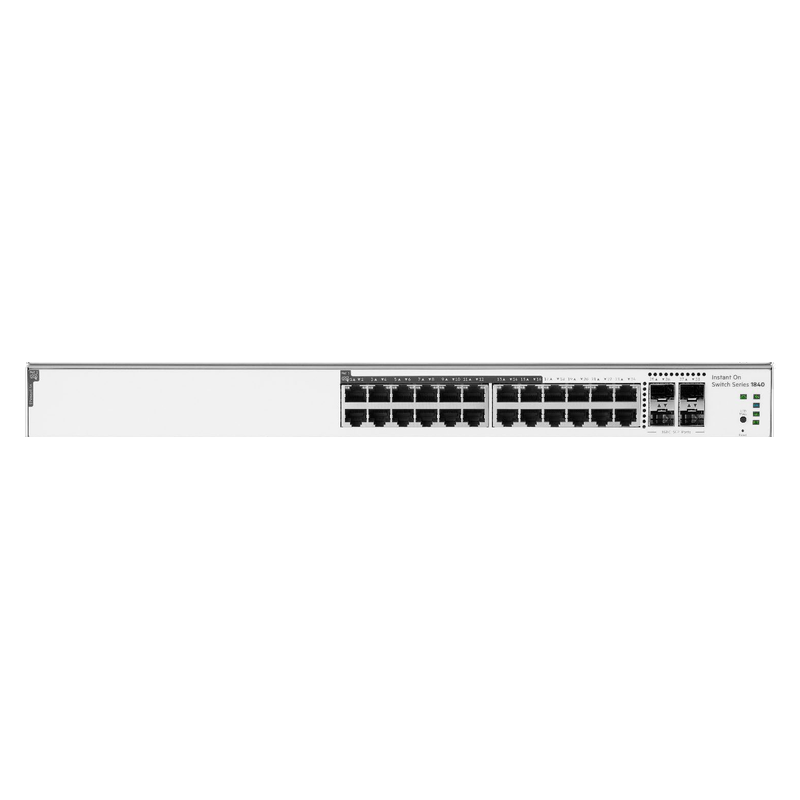 PoE Switches
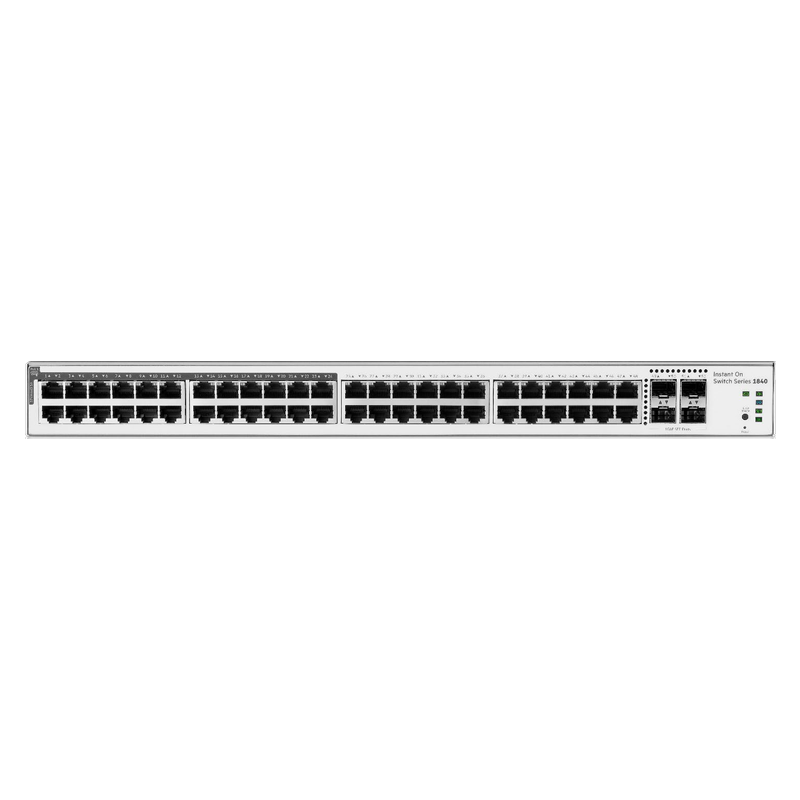 PoE Switches
Compare Models
Every PoE switch Lizora Infotech supplies, on the two numbers that decide the model: how many ports carry power, and how much power there is to share.
| Model | Ports | Port speed | PoE budget | Per-port PoE | Uplink | Price |
|---|---|---|---|---|---|---|
| LCS-4GS-PLysora | 4 ports | Gigabit | 54 W | PoE+ (up to 30 W) | 1G | ₹4,830.00 |
| LCS-8GS-PLysora | 8 ports | Gigabit | 120 W | PoE+ (up to 30 W) | 1G | ₹10,390.00 |
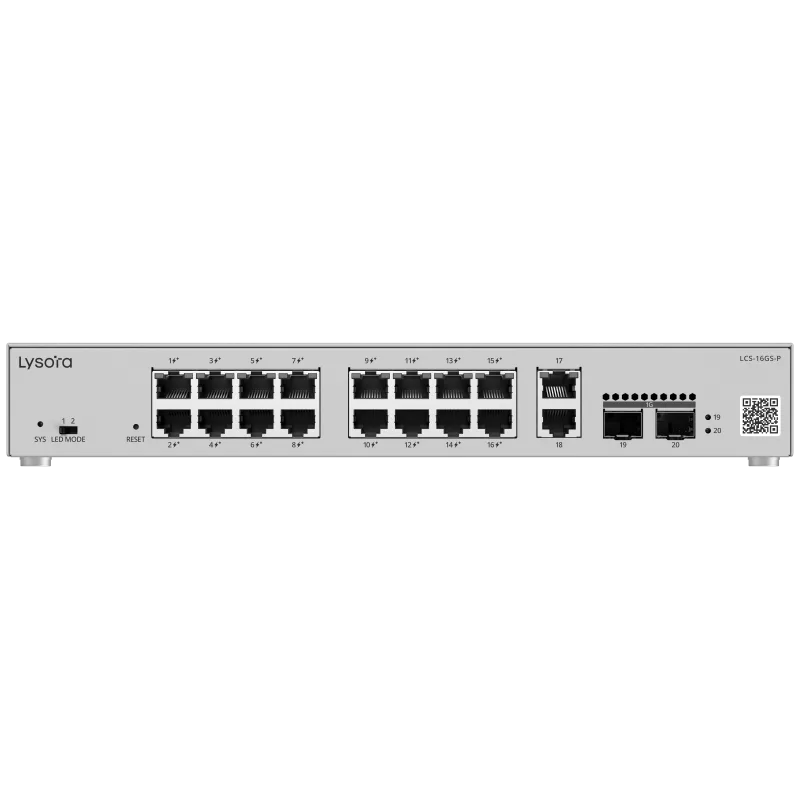
| LCS-16GS-PLysora | 16 ports | Gigabit | 250 W | PoE+ (up to 30 W) | 1G | ₹14,970.00 |
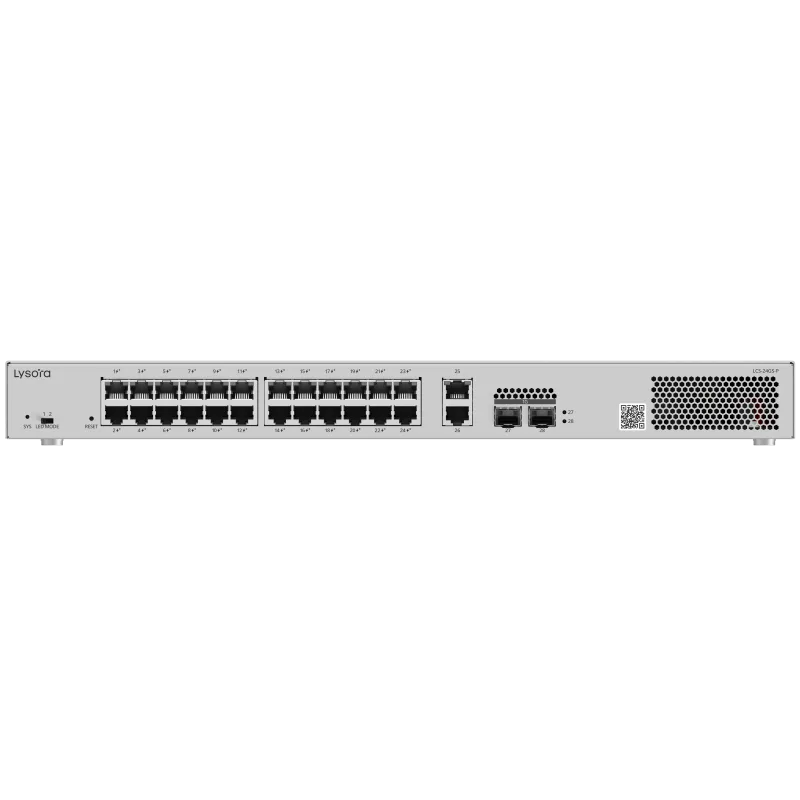
| LCS-24GS-PLysora | 24 ports | Gigabit | 370 W | PoE+ (up to 30 W) | 1G | ₹20,280.00 |
| S4A29AHPE Networking | 8 ports | Gigabit | 124 W | PoE++ (up to 60 W) | 1G | — |
| S4A36AHPE Networking | 8 ports | Multi-Gig (2.5G+) | 120 W | PoE++ (up to 60 W) | 10G | — |
| S4A31AHPE Networking | 24 ports | Gigabit | 240 W | PoE+ (up to 30 W) | 10G | — |
| S4A32AHPE Networking | 24 ports | Multi-Gig (2.5G+) | 370 W | PoE++ (up to 60 W) | 10G | — |
| S4A34AHPE Networking | 48 ports | Gigabit | 370 W | PoE+ (up to 30 W) | 10G | — |
| S4A35AHPE Networking | 48 ports | Multi-Gig (2.5G+) | 600 W | PoE++ (up to 60 W) | 10G | — |
| S5E26AHPE Networking | 8 ports | Gigabit | 65 W | PoE+ (up to 30 W) | No SFP uplink | — |
| S5E27AHPE Networking | 8 ports | Gigabit | 124 W | PoE+ (up to 30 W) | 1G | — |
| S5E29AHPE Networking | 24 ports | Gigabit | 195 W | PoE+ (up to 30 W) | 1G | — |
| S5E31AHPE Networking | 48 ports | Gigabit | 370 W | PoE+ (up to 30 W) | 1G | — |
An em dash means the figure is not published for that model, not that the capability is absent.
Prices shown are list prices in INR, exclusive of GST, for the 4 of 14 models published today. Dealer slabs are quoted on request.
Port count is the total of powered and non-powered access ports. Several HPE Networking models power only part of that total — the split is in the deep dive below and on each product page.
Applications
Buying Guide
PoE projects fail on budget maths, not port counts. Check these five points before requesting a quote.
Add the worst-case draw of every device — IR cameras at night, PTZ in motion — then add 20% headroom. A 16-port switch with a 150W budget cannot run 16× 15W cameras.
802.3af (15.4W) covers fixed cameras and phones; 802.3at PoE+ (30W) is needed for PTZ, Wi-Fi 6 APs, and video phones. Match the standard to your heaviest device.
Standard PoE is rated to 100 m. For longer camera runs, use extend mode (reduced speed) or plan a fiber segment with a media converter.
Unmanaged PoE is fine behind an NVR. Choose managed PoE where cameras share infrastructure with office data and need VLAN isolation, or where per-port power scheduling matters.
Sixteen 4MP cameras saturate a 100 Mbps uplink. Use gigabit or SFP uplinks so recording streams reach the NVR without drops.
PoE Sizing
Most PoE re-quotes come from one of four mistakes: sizing on daytime power draw, confusing port count with PoE port count, under-reading the per-port class, or putting a 1G uplink in front of a 48-port camera switch.
Two numbers matter per port: what the switch sources and what the device receives. They differ because a 100 m copper run loses roughly 15% of the power as heat, and the IEEE standards budget for that worst case.
Quote against the device figure, not the switch figure. A camera rated 25 W needs a PoE+ port, not an 802.3af port that sources 15.4 W.
| Standard | Common name | At the port | At the device |
|---|---|---|---|
| 802.3af (Type 1) | PoE | 15.4 W | 12.95 W |
| 802.3at (Type 2) | PoE+ | 30 W | 25.5 W |
| 802.3bt (Type 3) | PoE++ | 60 W | 51 W |
| 802.3bt (Type 4) | PoE++ / Hi-PoE | 90 W | 71.3 W |
Size on simultaneous worst-case load, then add headroom. This is a mid-size retail or warehouse rack: fixed cameras on a perimeter, two PTZ domes, and two ceiling APs on the same closet switch.
| Powered device | Qty | Worst-case draw | Subtotal |
|---|---|---|---|
| 4 MP fixed IR camera | 16 | 8 W | 128 W |
| PTZ dome (motor + heater) | 2 | 25 W | 50 W |
| Wi-Fi 6 ceiling AP | 2 | 18 W | 36 W |
| Connected load | 20 | — | 214 W |
| Plus 20% headroom | — | — | 257 W |
A fixed IR camera draws roughly half its rated power in daylight. Measure a live rack at 3 pm and the figure looks comfortable; the same rack at 9 pm, with every illuminator on, can approach double. PTZ domes add motor load when they move and heater load below about 5 °C, which is real for North India between December and February.
This is why the headroom is not optional padding. Size on the night figure, in winter, with every device connected.
Several models in this catalogue power only part of their port total. That is a deliberate design for mixed closets — desks and printers on the plain ports, cameras and APs on the powered ones — but it is the single most common BOQ error we correct.
| Model | Total ports | Powered ports | PoE budget |
|---|---|---|---|
| S5E26A | 8 | 4 | 65 W |
| S5E29A | 24 | 16 | 195 W |
| S5E31A | 48 | 24 | 370 W |
| S4A36A | 8 | 4 | 120 W |
Recording traffic is one-directional and predictable, so the maths is simple. A 4 MP stream at H.265 runs about 4 Mbps; the same scene at 4K H.264 runs about 16 Mbps. Twenty-four 4 MP H.265 cameras total roughly 96 Mbps and sit comfortably behind a single gigabit uplink.
Twenty-four 4K H.264 cameras total roughly 384 Mbps, and live viewing re-streams a share of that back out of the same uplink. At forty-eight cameras a gigabit uplink is the bottleneck, not the switch fabric.
Four fields, no account, no attachments needed. Our sales team calls back within working hours with pricing and stock status.
Before You Enquire
PoE (802.3af) delivers up to 15.4W per port — enough for fixed cameras and IP phones. PoE+ (802.3at) delivers up to 30W per port for PTZ cameras, Wi-Fi 6 access points, and video phones. Lysora PoE switches are PoE+ on all copper ports.
Divide the switch's total PoE budget by the real per-camera draw, including IR at night — typically 6–12W for fixed cameras. A 250W budget runs roughly 20 fixed cameras with headroom. Share your camera model and count for exact sizing.
Request a sizing quoteYes. Lysora PoE switches follow the IEEE 802.3af/at standards, so any standards-compliant camera, access point, or phone negotiates power automatically regardless of brand. Passive-PoE-only devices need their vendor's injector instead.
PoE switch pricing depends on port count, total power budget, and managed features. Lysora models are quoted individually with dealer slabs for registered partners. Send your requirement and receive priced options within 24 working hours.
Get current pricingStandard PoE is rated to 100 m of cable. Lysora extend mode pushes runs to roughly 250 m at 10 Mbps — sufficient for a camera stream. For longer distances or full speed, plan a fiber segment using media converters or SFP links.
See media convertersRelated Categories
Most poe switches BOQs include items from these categories — send one mixed BOQ and we quote it line by line.
Related Resources
Selection guidance and background reading from our technical team.
Share a BOQ, a part list, or just a description of the site — our sales team responds within working hours with pricing and stock confirmation.
Prefer to talk? +91 98910 20998