Skip to content
Lizora Infotech
Request Quote

Buying Guides

How to Choose the Right Managed Switch

A six-step method for sizing a managed switch — port count, PoE budget, uplinks, switching layer, environment, and management — before the BOQ goes out for pricing.

  • 7 min read
  • Lizora Infotech Technical Team
  • Ready Stock
  • PAN India Supply
  • Same Day Dispatch*
  • GST Billing
  • BOQ Assistance

*Same-day dispatch applies to in-stock items ordered before cut-off from the Delhi NCR warehouse.

Overview

A managed switch is chosen on six variables: how many devices connect, how much power they draw, how fast the uplink must be, whether the switch has to route between subnets, where it is physically installed, and how it will be administered. Get those six right and the rest of the specification follows.

The most common and most expensive mistake is buying on port count alone. A 24-port PoE switch with an undersized power budget or a gigabit uplink behind Wi-Fi 7 access points will pass acceptance testing and then bottleneck in production.

This guide works through the six decisions in the order a BOQ is normally built, and points at the Lysora models in each bracket.

1. Count ports, then add headroom

Start from the device inventory: desktops, printers, cameras, access points, and any uplinks to other closets. Add roughly 20–25% spare capacity so moves and additions do not need a second switch.

  • Up to 8 devices — an 8-port switch such as the LS2-8GT2SFP-P.
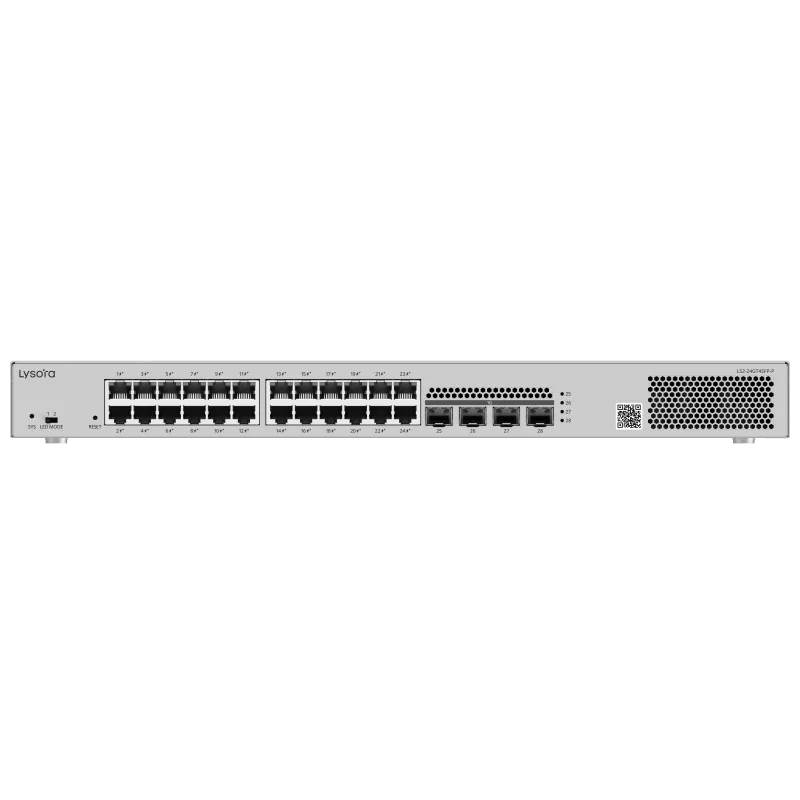
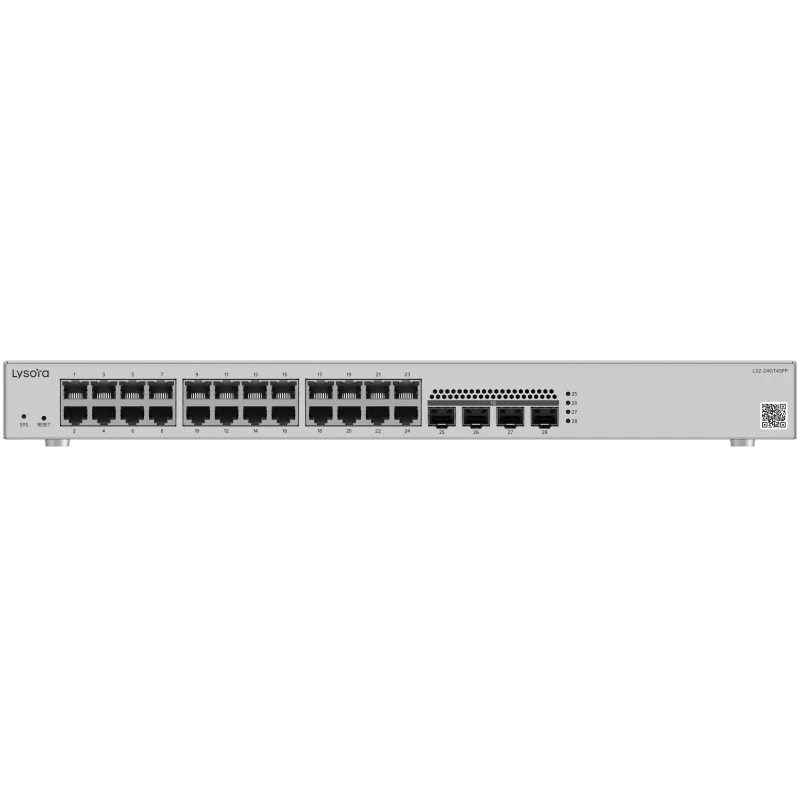
  • 16–24 devices — a 24-port switch such as the LS2-24GT4SFP (data-only) or LS2-24GT4SFP-P (PoE).
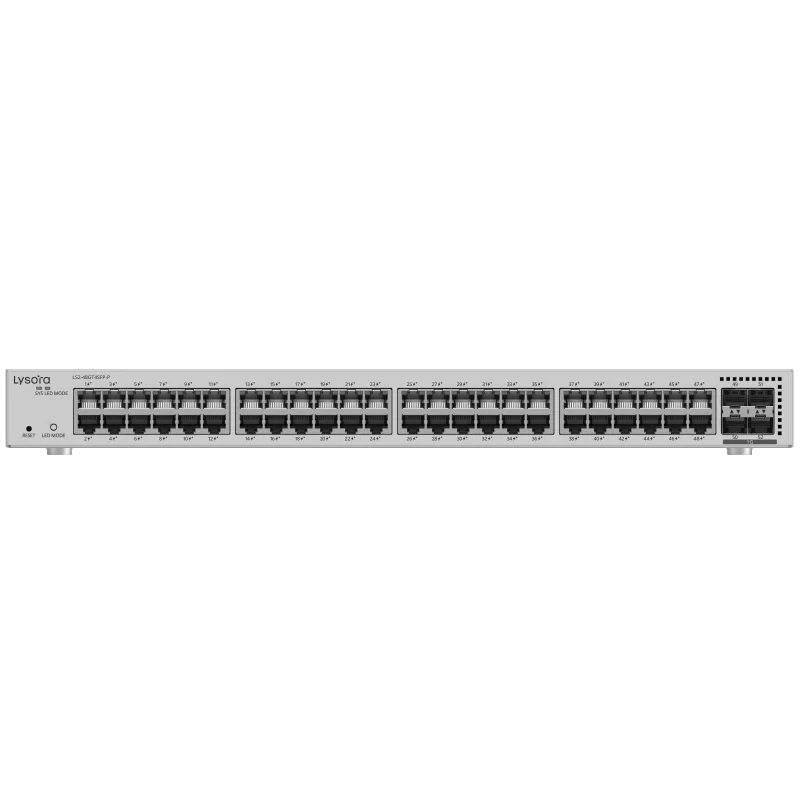
  • 40+ devices — a 48-port switch such as the LS2-48GT4SFP-P.
2. Size the PoE budget from actual draw

PoE budget is the total wattage the switch can deliver across all ports simultaneously — it is not the port count multiplied by the maximum per-port figure. Add up the real draw of each powered device and keep margin for cable loss.

A fixed dome camera is typically a PoE (802.3af) load; PTZ cameras with heaters and Wi-Fi 6/7 access points are usually PoE+ (802.3at) or higher. Where the budget is tight, the correct answer is a larger budget, not a larger port count.

3. Match the uplink to the edge

The uplink carries the combined traffic of every access port. Fibre SFP uplinks also let you cross between buildings or floors beyond the 100 m copper limit.

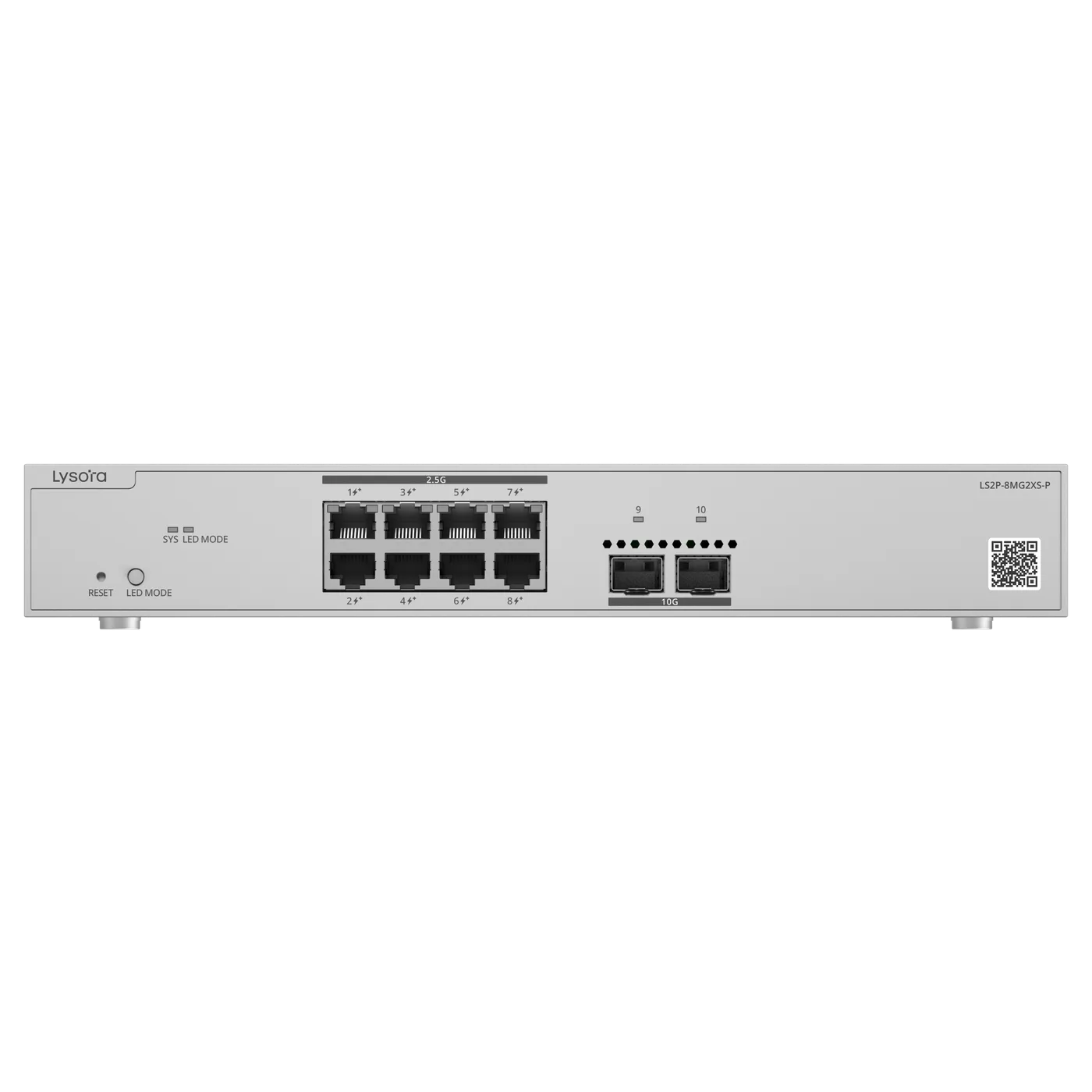
Wi-Fi 7 access points are the current reason gigabit uplinks fail: a single modern AP can saturate a 1G port. Where multi-gig access points are in scope, plan 2.5G access and 10G uplinks — the LS2P-8MG2XS-P exists for exactly this case.

4. Decide Layer 2 or Layer 3

Layer 2 managed switches segment the network with VLANs and hand routing to a firewall or router. That is the right choice for most single-site offices.

Choose Layer 3 when the switch itself must route between VLANs at wire speed — typically a campus or multi-floor core. In the Lysora range the LS3-24SFP/8GT4XS is the Layer 3 fibre-aggregation model.

5. Check the environment before the enclosure

Commercial switches are rated for roughly 0–50 °C in ventilated racks. Roadside cabinets, factory panels, and rooftop enclosures routinely exceed that in Indian summers, and a commercial switch installed there will fail early.

For those locations use an industrial model with DIN-rail mounting and a wide temperature rating, such as the LS2T-8GT2SFP-HP.

6. Confirm how it will be managed

Decide who administers the switch and from where. Local web management suits a single site; cloud management is what makes multi-site estates practical to support without a visit.

Whichever you choose, confirm the exact management method on the datasheet at quotation stage — it is the specification most often assumed rather than checked.

Related Products

Equipment referenced in this guide

Models from the official Lysora catalogue that match the requirements described above.

Related Resources

Read next

  • Layer 2 switches forward by MAC address inside VLANs; Layer 3 switches also route between IP subnets in hardware. Where each belongs, and what it costs to choose wrong.

  • Buying Guides

    A decision tree across the whole switch range — unmanaged, managed, PoE, multi-gig, Layer 3, and industrial — mapping site type to the right class of switch.

Before You Enquire

Frequently asked questions

How much PoE budget do I need for 24 cameras?

Add the rated draw of each camera rather than assuming a per-port maximum. Fixed dome cameras are usually PoE (802.3af) class loads, while PTZ units with heaters are PoE+ or higher. Send the camera model list with your BOQ and we size the switch against the actual load.

Upload your BOQ

Do I need a Layer 3 switch for a single office?

Usually not. A Layer 2 managed switch with VLANs plus a router or firewall handles inter-VLAN traffic for most single-site offices. Layer 3 switching earns its cost when routing has to happen at the switch, at wire speed, across many VLANs.

Layer 2 vs Layer 3 explained

Can I mix PoE and non-PoE switches in one network?

Yes. A common pattern is PoE switches at the edge where cameras and access points terminate, with a non-PoE data switch or fibre aggregation switch above them. Only the ports that actually power a device need PoE.

Tell us what you need — get a quote today

Four fields, no account, no attachments needed. Our sales team calls back within working hours with pricing and stock status.

Send your requirement, get a quote today

Share a BOQ, a part list, or just a description of the site — our sales team responds within working hours with pricing and stock confirmation.

Prefer to talk? +91 98910 20998