

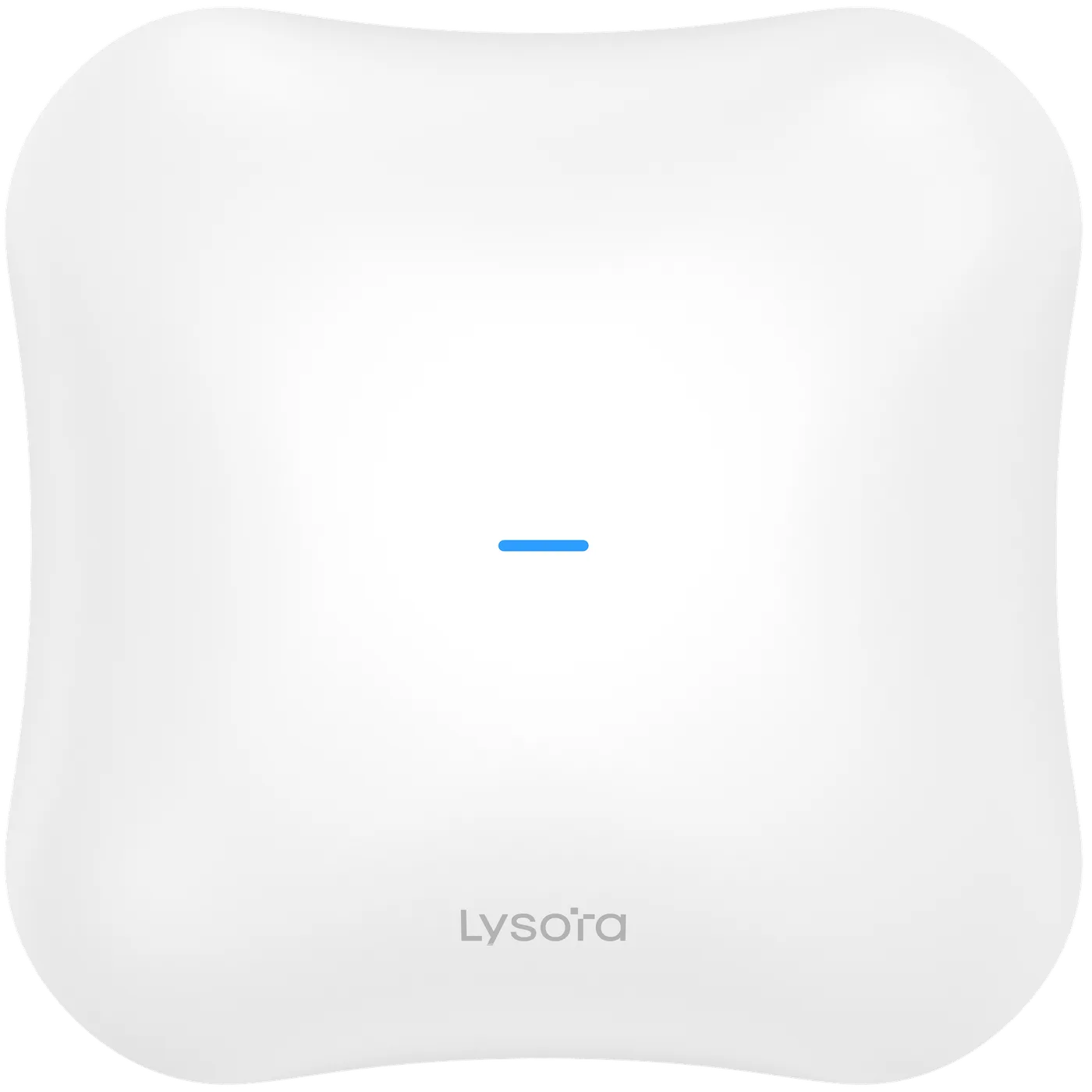
 Wireless Access Points
- Wi-Fi 7 BE5040
- 511 clients
- 2.5G port
Solution
High-density wireless for guest rooms, lobbies, and banquet halls — per-room coverage, seamless roaming, and guest traffic kept off the property network.
*Same-day dispatch applies to in-stock items ordered before cut-off from the Delhi NCR warehouse.
Overview
Guest Wi-Fi is now judged like hot water — it is only noticed when it fails. A hotel network has to deliver consistent per-room coverage through concrete and steel, hold up when a banquet hall fills with several hundred devices, and let guests roam from lobby to room without re-authenticating.
This solution combines wall- and ceiling-mounted access points for rooms and corridors with higher-capacity units for public areas, all powered over Ethernet from PoE switches so there is no adapter in the guest space. Guest traffic sits on its own isolated VLAN, away from property systems such as PMS, CCTV, and door locks.
Coverage is planned per room rather than per floor, because a single high-power access point at the end of a corridor cannot serve rooms behind masonry walls — density and placement matter more than raw transmit power.
Common Challenges
Recommended Product Categories
The categories most relevant to this deployment. Every product ships from ready stock with GST billing and PAN-India delivery.
Recommended Products
From the official Lysora catalogue, matched to the requirements above. Final selection is confirmed against your BOQ.
Wireless Access Points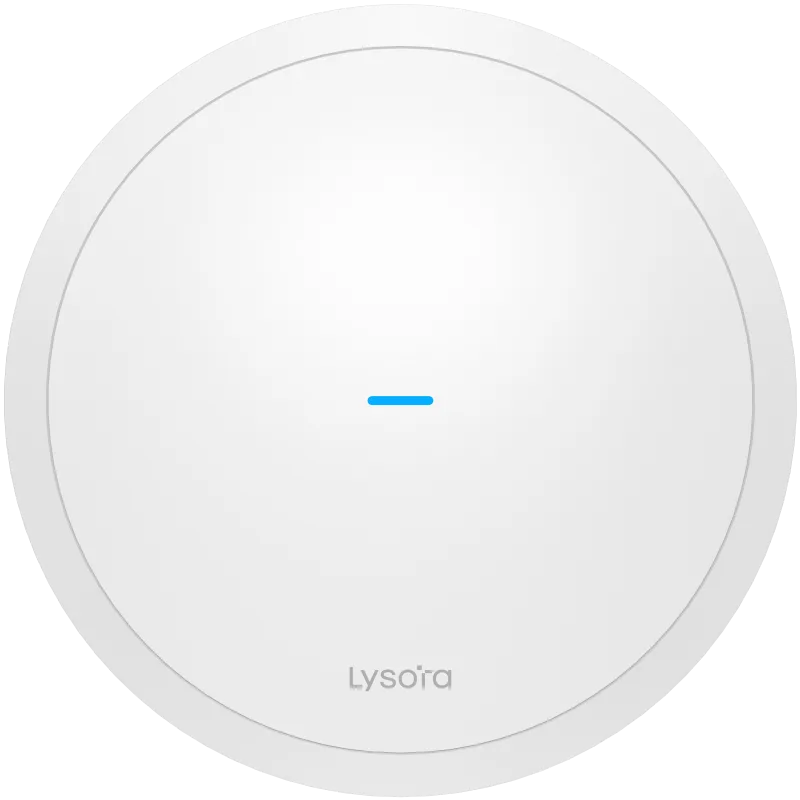 Wireless Access Points
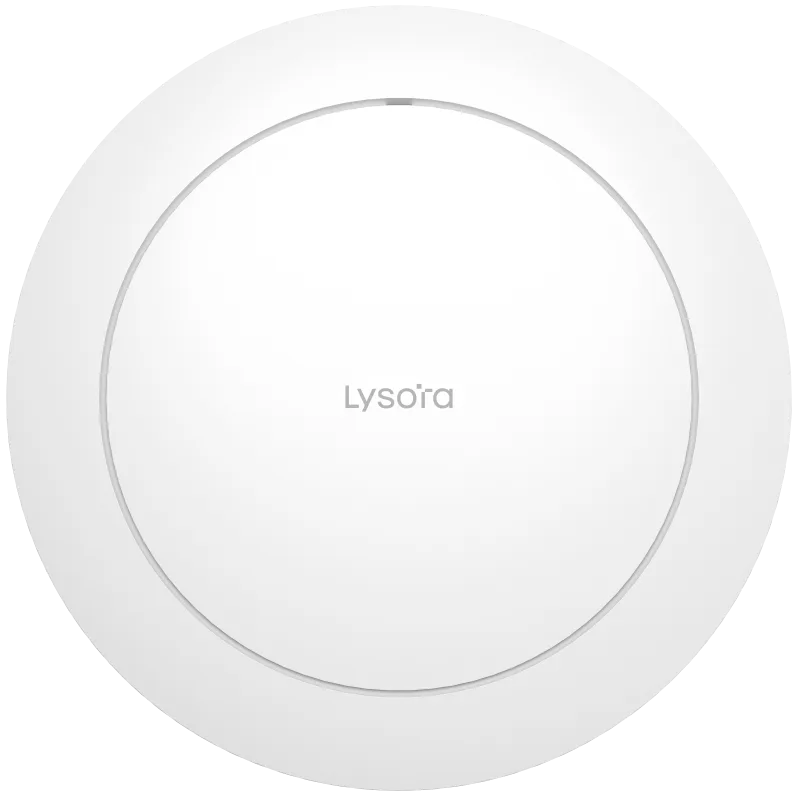 Wireless Access Points
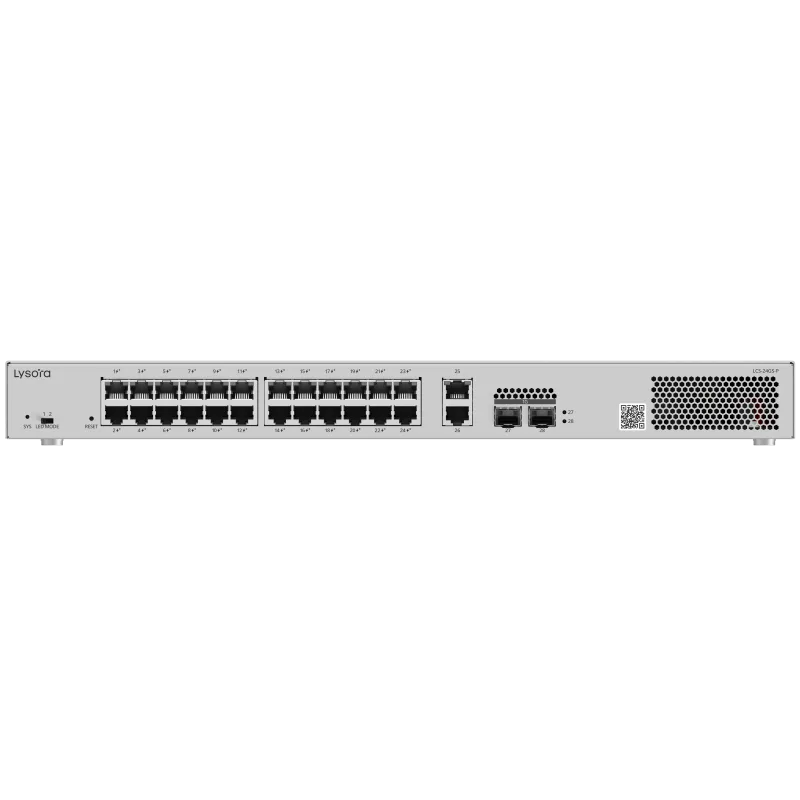 PoE Switches
Deployment Workflow
We work from your device counts, coverage areas, and growth plans to define the topology, VLAN plan, and power budget before anything is quoted.
Cable routes, rack and cabinet locations, environmental conditions, and existing infrastructure are confirmed — on site or from your drawings.
A line-by-line bill of quantities with stock status, priced within 24 working hours, with alternatives suggested for anything out of stock.
Hardware is dispatched with GST invoice and e-way bill. Installation is handled by your team or your integrator; we supply the equipment and documentation.
VLANs, uplinks, PoE budgets, SSIDs, and management are configured to the plan agreed at the planning stage. Configuration support is available on request.
Links, power delivery, roaming, and throughput are verified against the design before handover, so issues surface before the network goes live.
A named point of contact for stock, RMA, and replacements under the standard manufacturer warranty, serviced in India by Lizora Infotech.
Deployment Considerations
Before You Enquire
It depends on room count, wall construction, and expected device density, not on floor area alone. Masonry-heavy properties need access points closer to guests. Share a floor plan and room count and we work through placement with you.
Upload a floor plan or BOQYes. With 802.11k, 802.11v, and 802.11r enabled and a consistent SSID, guests move between access points and floors without re-authenticating, which is essential for voice and video calls.
Choosing enterprise access pointsGuest Wi-Fi runs on its own VLAN with client isolation, logically separated from property management, CCTV, and door-lock systems on the same physical cabling.
Yes. Outdoor-rated access points cover courtyards and poolside, and wireless bridges link annex buildings where trenching new fibre is impractical. Reach and layout depend on line of sight and distance.
See wireless bridgesBoth. Wi-Fi 6 remains cost-effective for standard rooms; Wi-Fi 7 suits high-density public areas and new builds. A mixed deployment is common and fully compatible.
Wi-Fi 6 vs Wi-Fi 7Related Resources
Guides from our technical team relevant to this deployment.
Related Solutions
Adjacent deployments that share equipment and design decisions.
Related Industries
Industry pages with sector-specific requirements and recommendations.
Four fields, no account, no attachments needed. Our sales team calls back within working hours with pricing and stock status.
Share a BOQ, a part list, or just a description of the site — our sales team responds within working hours with pricing and stock confirmation.
Prefer to talk? +91 98910 20998