Skip to content
Lizora Infotech
Request Quote

Buying Guides

Choosing Enterprise Access Points

Density before coverage: how to decide access point count, mounting type, power, and backhaul for an enterprise wireless deployment that survives a full office.

  • 7 min read
  • Lizora Infotech Technical Team
  • Ready Stock
  • PAN India Supply
  • Same Day Dispatch*
  • GST Billing
  • BOQ Assistance

*Same-day dispatch applies to in-stock items ordered before cut-off from the Delhi NCR warehouse.

Overview

Enterprise wireless is designed for client density, not for coverage area. A single high-power access point can cover a floor and still fail it, because every client on that radio shares the same airtime.

The reliable method is to count concurrent devices and required throughput per area, then place more access points at lower power rather than fewer at maximum power.

Four decisions follow from that: how many, where they mount, how they are powered, and what carries their traffic back to the core.

1. Start from device count, not floor area

Count the devices that will be associated at once — laptops, phones, tablets, scanners, and IoT — rather than the number of people. In most offices the device count is two to three times the headcount.

Manufacturer client ratings describe what the hardware can associate, not what will feel fast. Lysora rates the L7 at 511 clients, but a comfortable working density per access point in an office is far lower; use the rating as a ceiling, not a target.
2. Match the mounting type to the space

Access point form factor is a coverage-shaping decision as much as an aesthetic one.

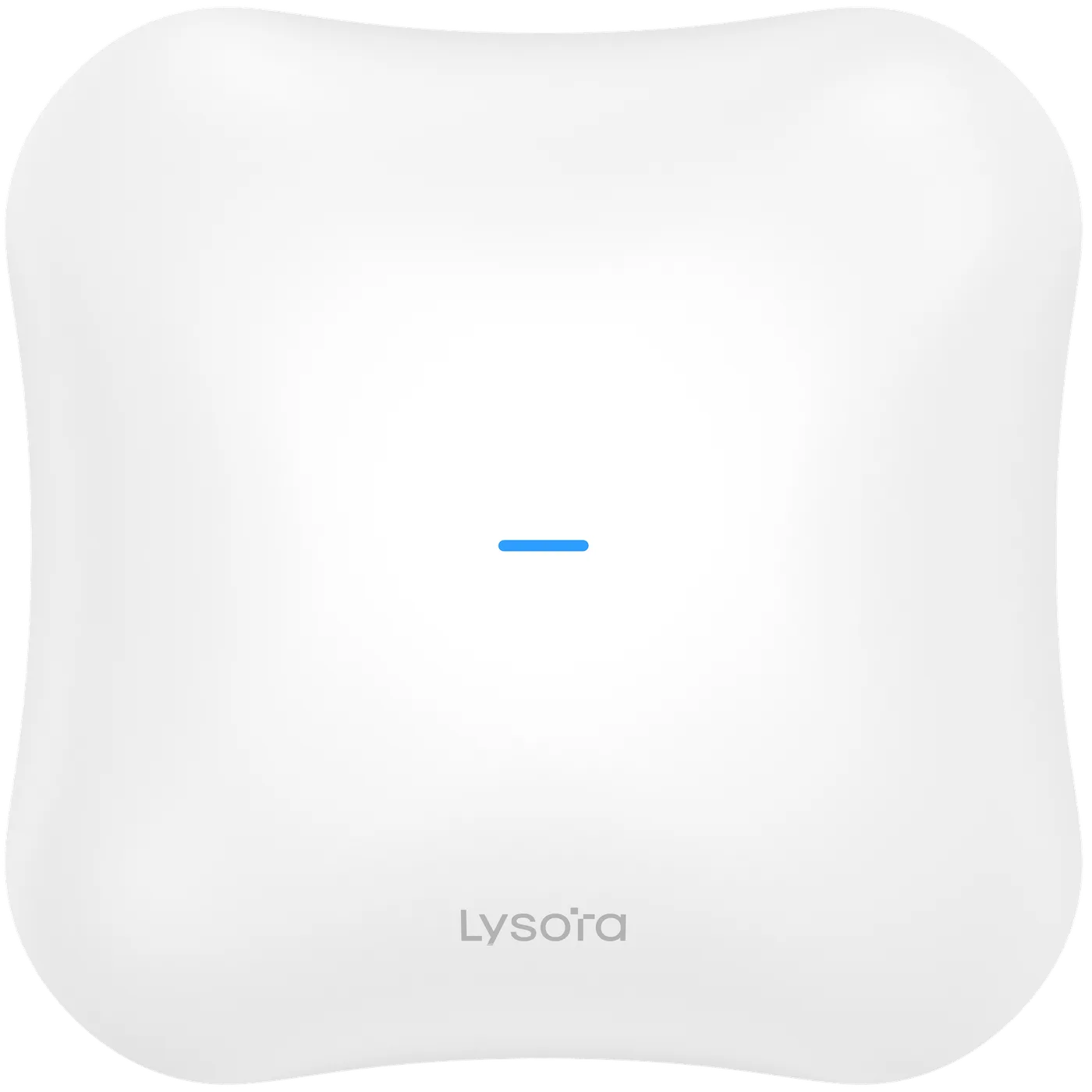
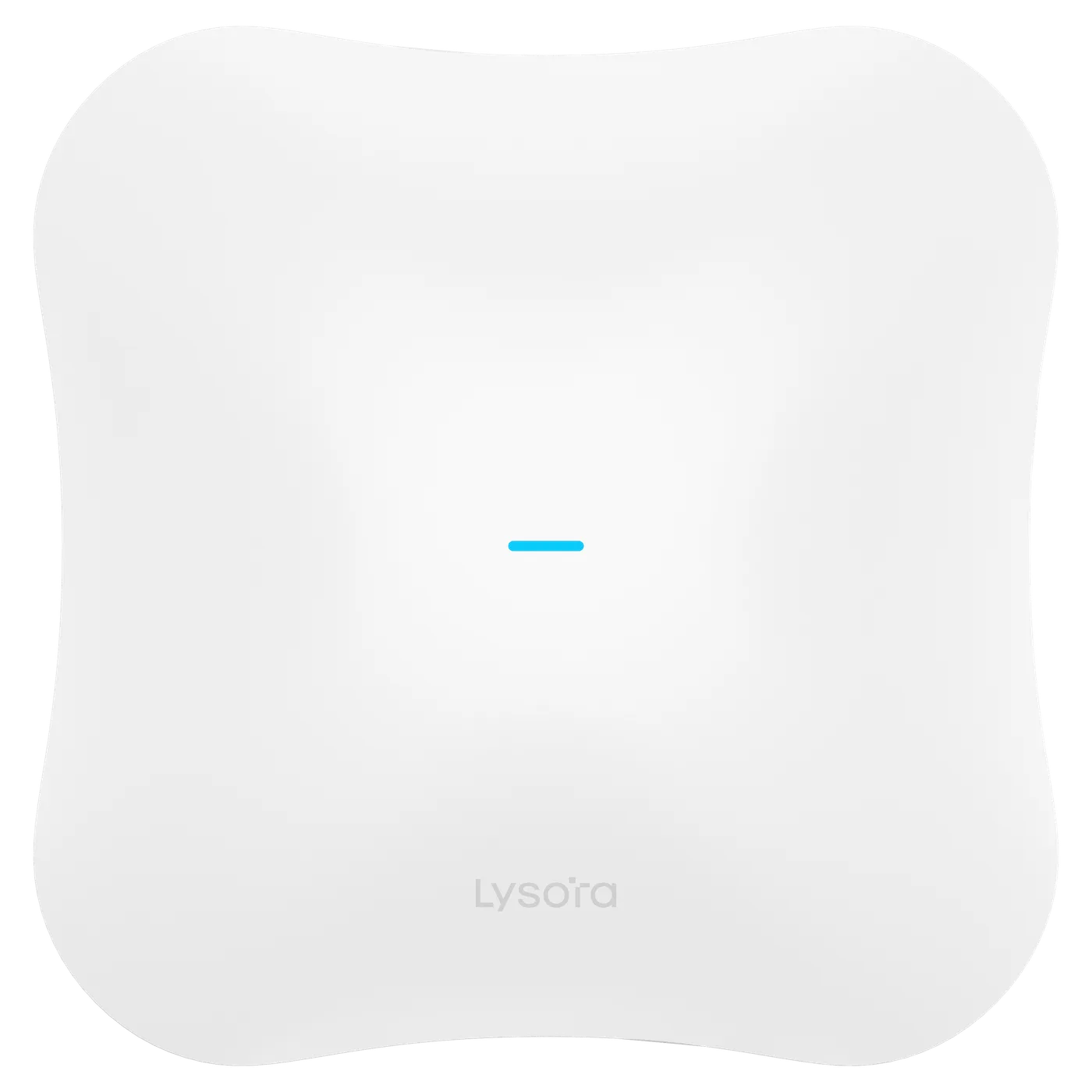
  • Ceiling units — the default for open-plan offices and corridors; even downward coverage.
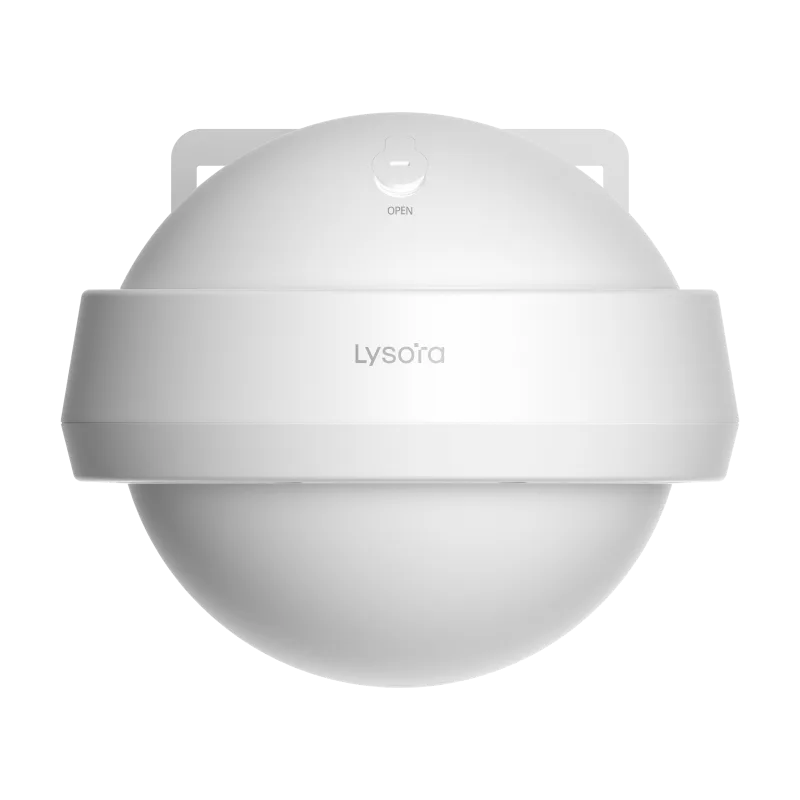
  • Wall units — good for rooms, hotel corridors, and retrofits with existing wall drops.
  • Outdoor units — sealed and temperature-rated for courtyards, campuses, and perimeters.
  • In the Lysora range, the L7-T and L6Pro-T are the outdoor-rated options.

3. Power and cabling

Most enterprise access points are powered over Ethernet, so the switch must supply the right class. Enterprise units are commonly 802.3at (PoE+) loads; the Lysora L7 draws under 30 W on PoE+ or 12 V DC.

Confirm the total PoE budget of the switch against the number of access points it will feed, and remember that cameras on the same switch draw from the same budget.

4. Backhaul is part of the wireless specification

An access point can only deliver what its wired port carries. For Wi-Fi 6 units a gigabit port is usually adequate; for Wi-Fi 7 it frequently is not.

Where Wi-Fi 7 is being deployed, specify 2.5G access ports and 10G uplinks at the same time so the wireless investment is not capped by the switch.

5. Management and roaming

Enterprise deployments need consistent SSIDs, per-SSID VLANs, and assisted roaming so clients move between access points without dropping calls. The relevant standards are 802.11k, 802.11v, and 802.11r, which the Lysora L7 supports along with band steering and mesh.

For multi-site estates, cloud management is usually what makes the deployment supportable without site visits.

Related Products

Equipment referenced in this guide

Models from the official Lysora catalogue that match the requirements described above.

Related Resources

Read next

  • Product Comparisons

    Wi-Fi 6 (802.11ax) and Wi-Fi 7 (802.11be) compared on channel width, modulation, and Multi-Link Operation — plus the wired upgrade Wi-Fi 7 quietly demands.

  • A six-step method for sizing a managed switch — port count, PoE budget, uplinks, switching layer, environment, and management — before the BOQ goes out for pricing.

Before You Enquire

Frequently asked questions

How many access points do I need for an office floor?

It depends on concurrent device count, construction materials, and the throughput each area needs — not on floor area alone. Share a floor plan and expected device counts with your BOQ and we will work through the placement with you.

Upload a floor plan or BOQ

Should I choose Wi-Fi 6 or Wi-Fi 7 access points?

Wi-Fi 6 remains cost-effective where client devices are older and cabling is gigabit. Wi-Fi 7 suits new builds and high-density areas, particularly when the switching layer is being upgraded at the same time.

Wi-Fi 6 vs Wi-Fi 7

Can indoor access points be used outdoors under a shelter?

It is not advisable. Indoor units are not sealed against humidity, dust, or the temperature swings of a semi-open space. Use an outdoor-rated model such as the L7-T or L6Pro-T for anything outside the building envelope.

Tell us what you need — get a quote today

Four fields, no account, no attachments needed. Our sales team calls back within working hours with pricing and stock status.

Send your requirement, get a quote today

Share a BOQ, a part list, or just a description of the site — our sales team responds within working hours with pricing and stock confirmation.

Prefer to talk? +91 98910 20998