Skip to content
Lizora Infotech
Request Quote

Industry

Networking for hospitals and healthcare facilities

Segmented, resilient networks for hospitals and clinics — clinical devices, imaging, nurse-call, CCTV, and guest Wi-Fi separated on infrastructure designed to stay up.

  • Ready Stock
  • PAN India Supply
  • Same Day Dispatch*
  • GST Billing
  • BOQ Assistance

*Same-day dispatch applies to in-stock items ordered before cut-off from the Delhi NCR warehouse.

Industry Overview

Networking for healthcare

Healthcare networks run several systems over one cabling plant — clinical devices and imaging, nurse-call and building management, CCTV, administration, and guest Wi-Fi — each with different uptime and security needs. Clinical traffic cannot tolerate interference from the rest, and downtime has direct clinical consequences.

The recurring requirements for integrators are strict VLAN segregation, resilient fibre aggregation to reduce single points of failure, and PoE for cameras and access points throughout wards and corridors. Integration with existing clinical systems is confirmed per site rather than assumed.

Lizora Infotech supplies the switching, wireless, and optical transport for these builds from ready stock, with pre-sales review of the segmentation and resilience design.

Typical Network Requirements

What this sector's networks need

Clinical traffic isolation

Medical devices and imaging kept on their own VLANs, separated from CCTV, admin, and guest traffic.

Resilience by design

Fibre aggregation and redundant uplinks reduce the impact of any single link or switch failure.

Ward and perimeter CCTV

PoE switching powers cameras across corridors, wards, and grounds on a segregated surveillance VLAN.

Isolated guest Wi-Fi

Visitor Wi-Fi on a separate VLAN that cannot reach clinical or building-management systems.

Recommended Products

Models that fit this sector

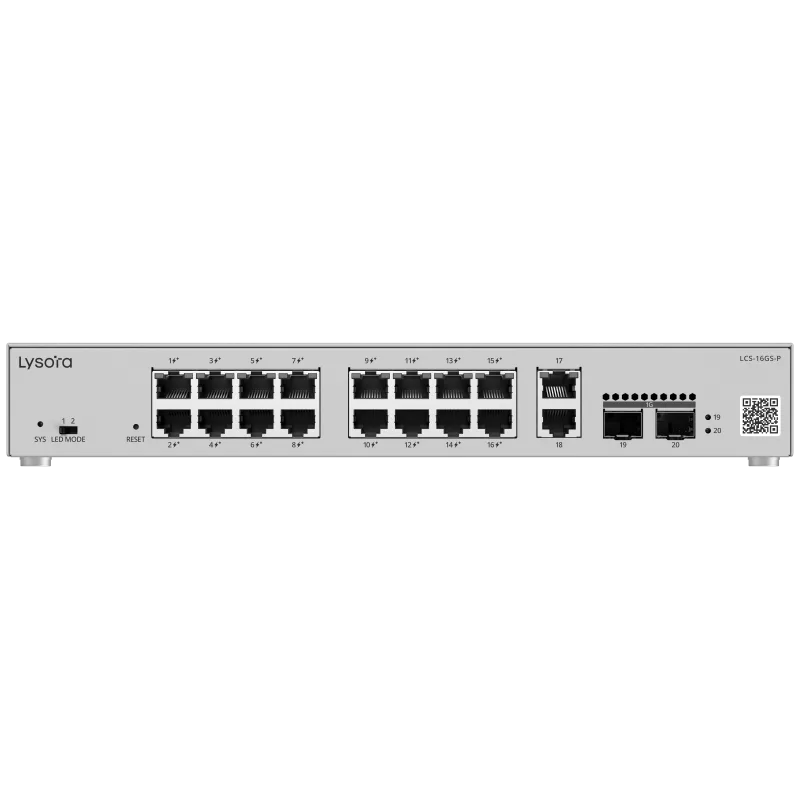
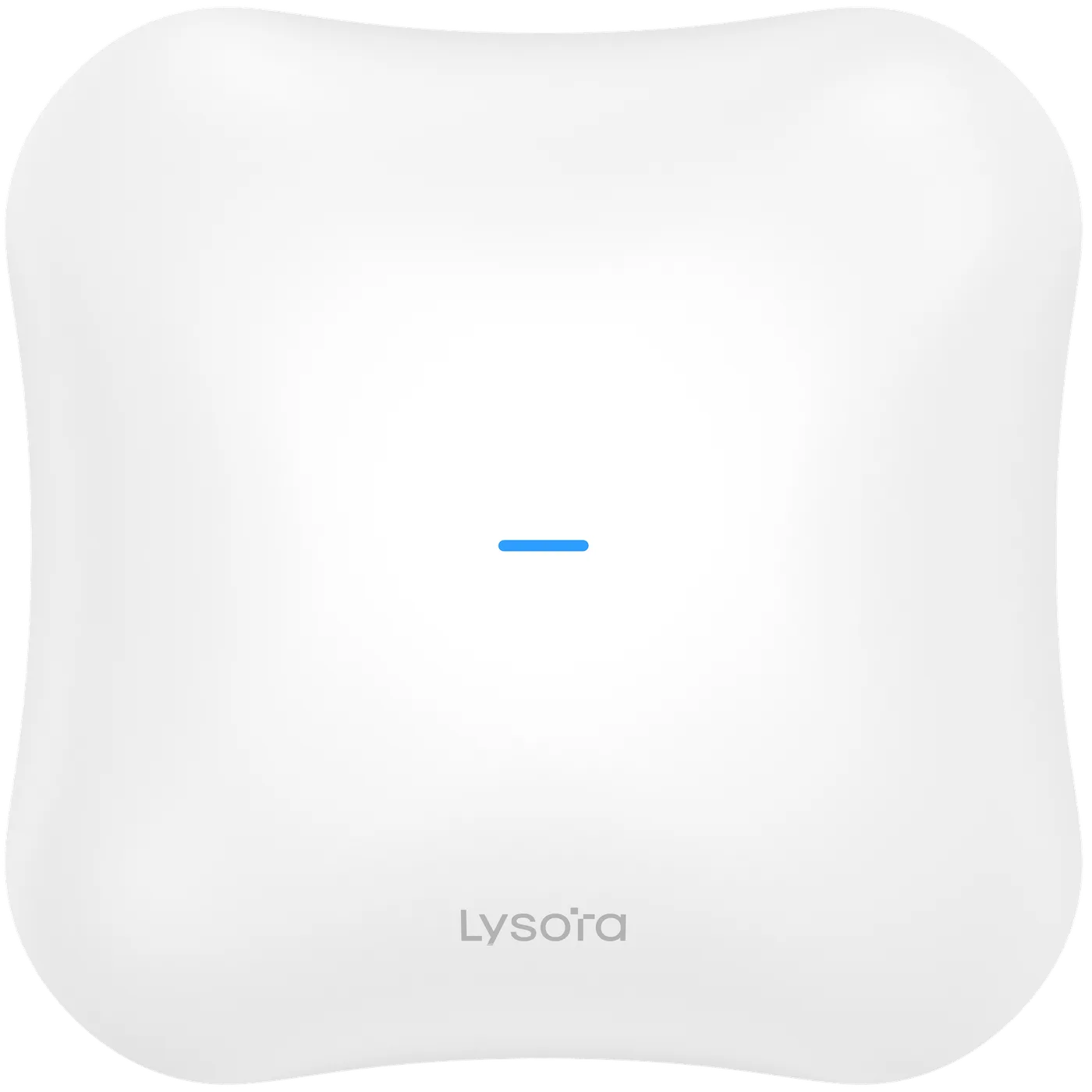
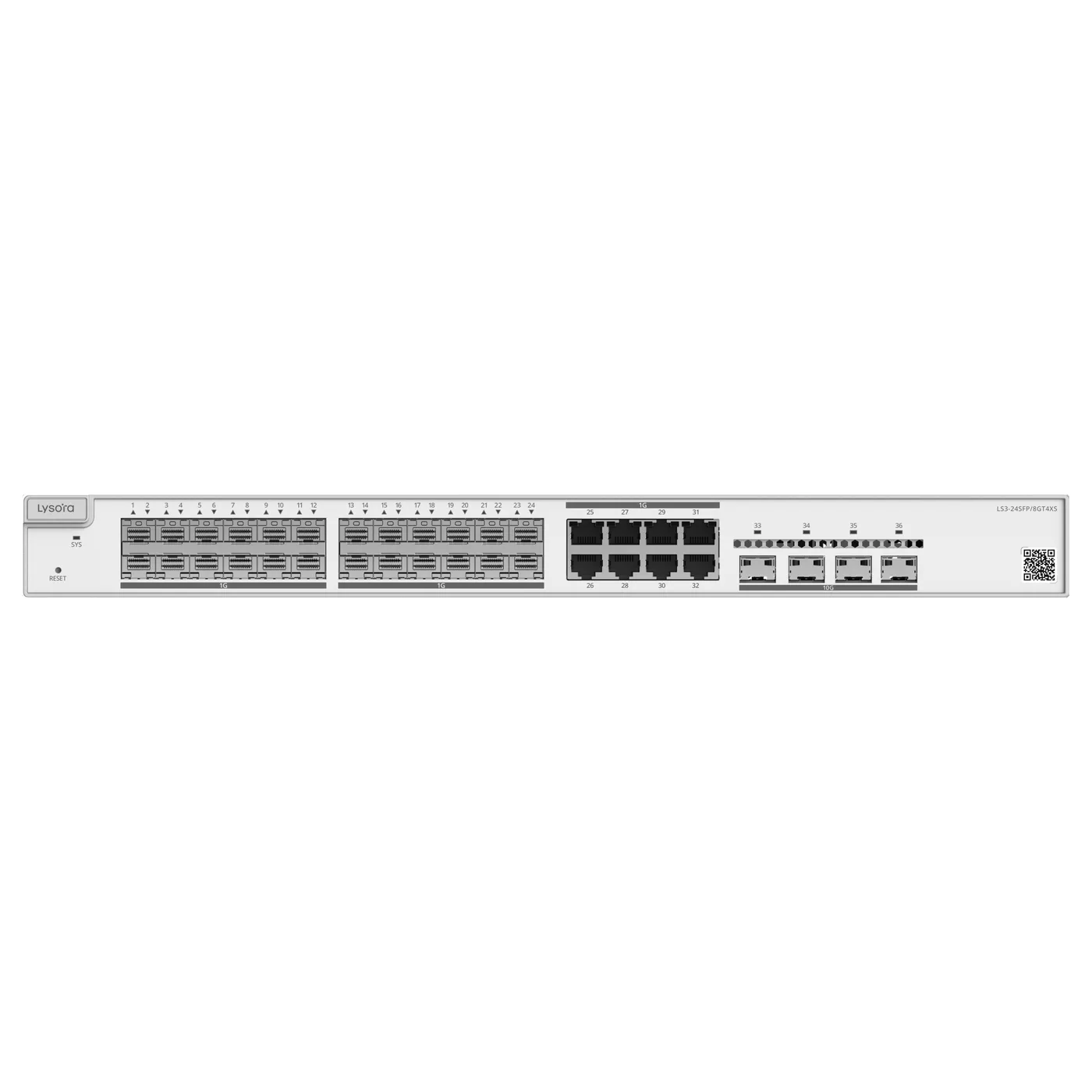
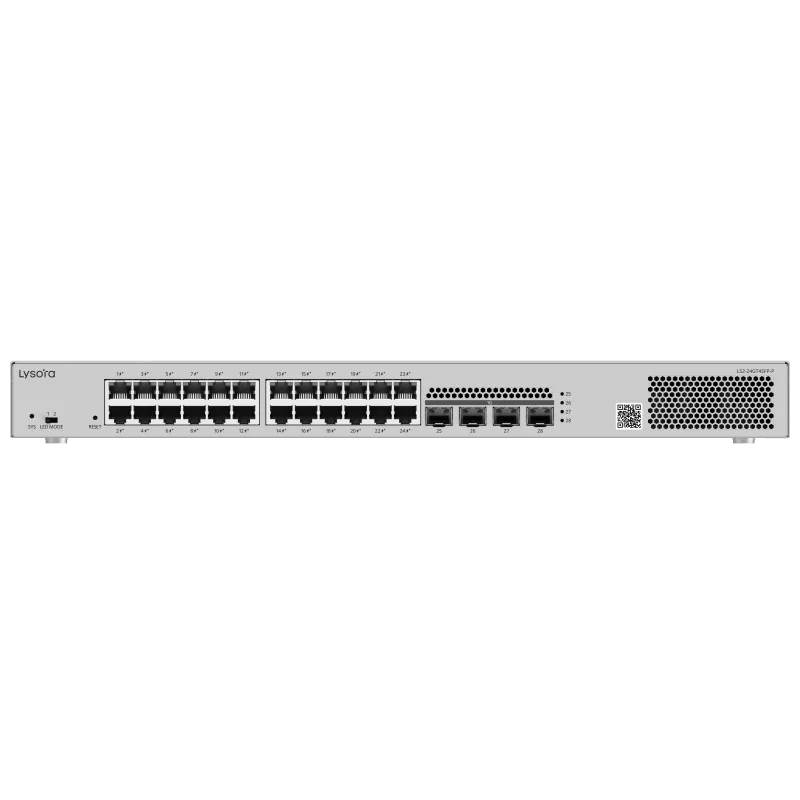
From the official Lysora catalogue, matched to the requirements above. Final selection is confirmed against your BOQ.

Deployment Best Practices

How these networks are built well

  • Segregate clinical devices, imaging, nurse-call, building systems, CCTV, administration, and guest Wi-Fi into distinct VLANs.
  • Aggregate wards and departments onto a fibre core with redundant uplinks to reduce single points of failure.
  • Keep guest Wi-Fi fully isolated from clinical and building-management networks.
  • Confirm integration with existing PACS, clinical devices, and building management per site during survey.
  • Design redundancy and failover around the actual estate; nothing is assumed from a floor plan alone.

Infrastructure Considerations

What the physical build involves

  • Fibre aggregation core with redundant uplinks between wards and departments.
  • PoE budget sized to the combined camera and access-point load per floor.
  • Consistent VLAN plan applied across every ward and department.
  • Central management so IT staff monitor the whole estate from one plane.

Business Challenges

What drives the requirement

Uptime with clinical consequences

Downtime affects care, so resilience is designed in rather than added later — within a realistic budget.

Segregation without a second build

Many systems share one cabling plant; VLANs keep them apart without parallel physical networks.

Coverage through dense construction

Wards and imaging suites need access points placed for the room, not the corridor, to hold coverage.

Why Buy From Lizora Infotech

A supply partner, not just a price list

Ready Stock Availability

Fast-moving SKUs held in the Delhi NCR warehouse, with availability confirmed on every quotation.

PAN India Supply Network

Surface and air cargo delivery to every state, with GST invoicing and e-way bills handled end to end.

BOQ & Solution Consultation

Bill-of-quantities reviewed line by line, with alternatives suggested for out-of-stock or discontinued items.

Technical Pre-Sales Consulting

Switch sizing, PoE budgets, VLAN design, and GPON planning reviewed by our technical team before you commit.

Dedicated B2B Sales Support

A named point of contact for quotes, stock checks, and RMA — not a ticket queue.

Before You Enquire

Frequently asked questions

How is clinical traffic protected from other systems?

Each traffic type — clinical devices, imaging, CCTV, administration, and guest Wi-Fi — runs on its own VLAN across the managed access layer, so they are logically separated on shared cabling and cannot interfere with one another.

Hospital network solution

Can you integrate with our existing clinical systems?

Integration with PACS, clinical devices, and building-management systems is confirmed at survey, because it depends on your current infrastructure and vendors. We scope it before quoting rather than assuming compatibility.

What resilience can the network provide?

Wards and departments aggregate onto a fibre core with redundant uplinks, reducing the impact of a single failure. The exact redundancy and failover design is confirmed per site against the existing estate.

Do you provide service-level commitments?

Equipment carries the standard manufacturer warranty, serviced in India by Lizora Infotech; exact terms are on the quotation. Any support commitment beyond the warranty is agreed separately and depends on the engagement.

Related Resources

Background reading

Guides from our technical team relevant to this sector.

  • A six-step method for sizing a managed switch — port count, PoE budget, uplinks, switching layer, environment, and management — before the BOQ goes out for pricing.

  • Layer 2 switches forward by MAC address inside VLANs; Layer 3 switches also route between IP subnets in hardware. Where each belongs, and what it costs to choose wrong.

  • Buying Guides

    When a commercial switch is the wrong choice, and how to specify an industrial one: temperature rating, mounting, DC input, ingress protection, and surge tolerance.

  • Product Comparisons

    Wi-Fi 6 (802.11ax) and Wi-Fi 7 (802.11be) compared on channel width, modulation, and Multi-Link Operation — plus the wired upgrade Wi-Fi 7 quietly demands.

  • Buying Guides

    Density before coverage: how to decide access point count, mounting type, power, and backhaul for an enterprise wireless deployment that survives a full office.

  • Networking Basics

    SFP, SFP+, single-mode vs multi-mode, BiDi and DAC explained — how to specify the right optic for a fibre uplink and avoid the usual compatibility traps.

  • Networking Basics

    Why industrial networks are built differently: environment, DC power, redundancy, and the separation of OT traffic from IT traffic on shared cabling.

  • Buying Guides

    A decision tree across the whole switch range — unmanaged, managed, PoE, multi-gig, Layer 3, and industrial — mapping site type to the right class of switch.

Tell us what you need — get a quote today

Four fields, no account, no attachments needed. Our sales team calls back within working hours with pricing and stock status.

Send your requirement, get a quote today

Share a BOQ, a part list, or just a description of the site — our sales team responds within working hours with pricing and stock confirmation.

Prefer to talk? +91 98910 20998