

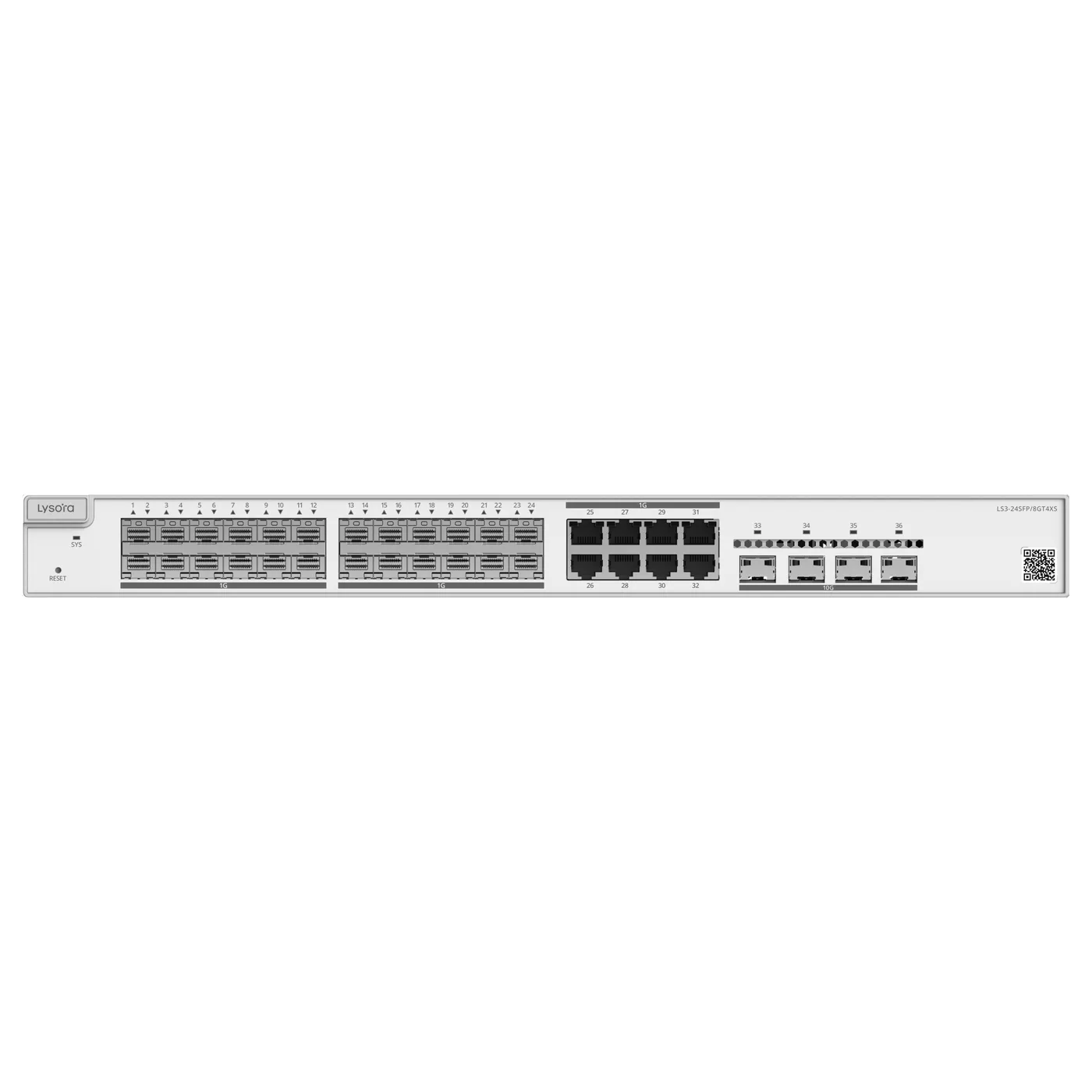
 Managed Switches
- 24× SFP (8 combo)
- 4× 10G SFP+
- OSPFv2/v3
Solution
Core-to-access design for multi-building campuses — fibre aggregation, Layer 3 routing where it earns its cost, multi-gig backhaul, and consistent Wi-Fi throughout.
*Same-day dispatch applies to in-stock items ordered before cut-off from the Delhi NCR warehouse.
Overview
A campus is several buildings behaving as one network. That changes the design from a single flat access layer to a three-tier shape: access switches in each block, fibre aggregation between them, and a core that routes between subnets at wire speed. Get the core and the fibre plant right and the rest scales predictably.
This solution puts a Layer 3 fibre-aggregation core at the centre, ties block switch rooms to it over SFP and SFP+ uplinks, and adds multi-gig PoE where Wi-Fi 7 access points need more than a gigabit of backhaul. VLANs segment departments, guests, and CCTV consistently across every building.
Layer 3 is used where inter-VLAN routing load genuinely warrants it — a campus core — rather than sprinkled across the access layer where it would be wasted budget.
Common Challenges
Recommended Product Categories
The categories most relevant to this deployment. Every product ships from ready stock with GST billing and PAN-India delivery.
Recommended Products
From the official Lysora catalogue, matched to the requirements above. Final selection is confirmed against your BOQ.
Managed Switches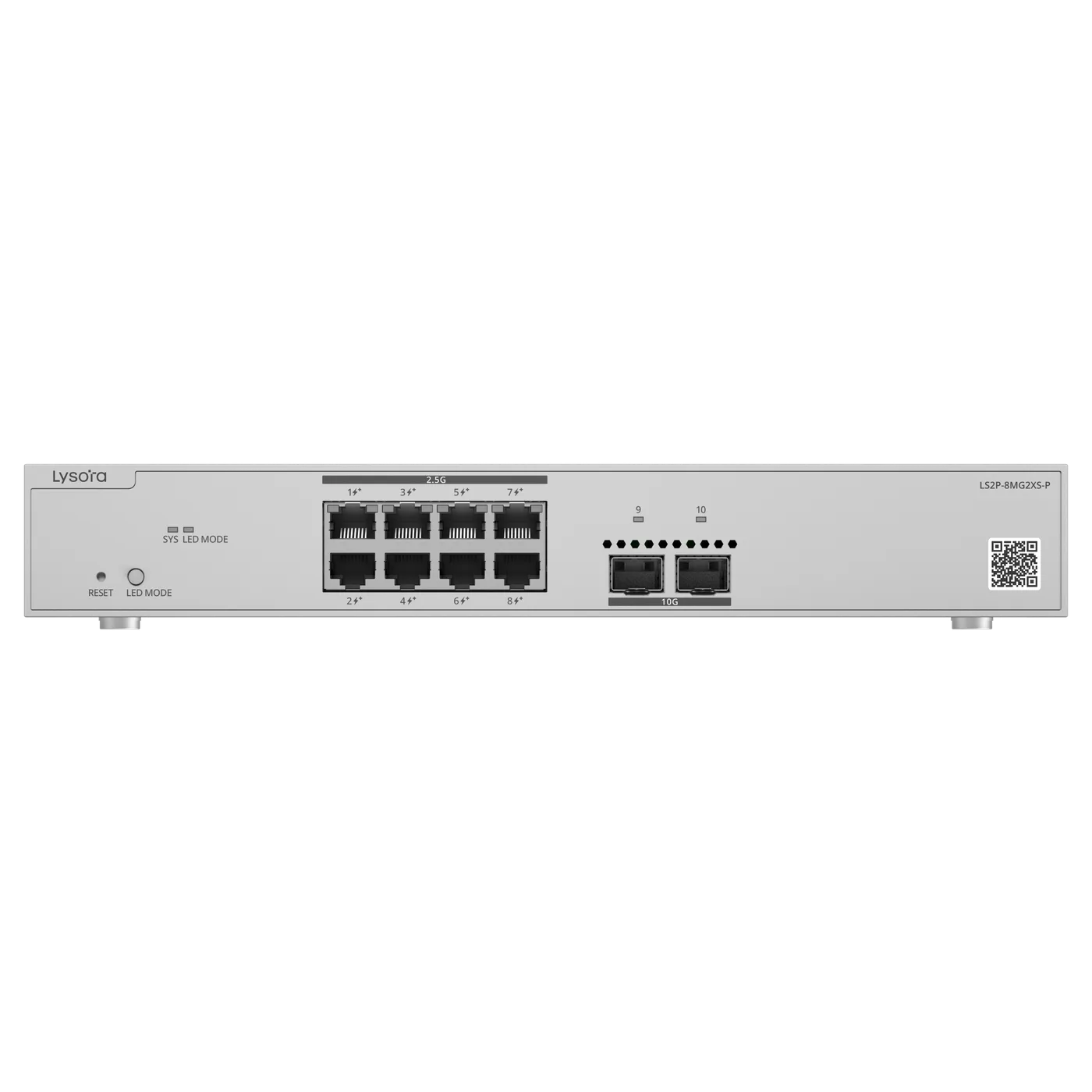 Managed Switches
 Wireless Access Points
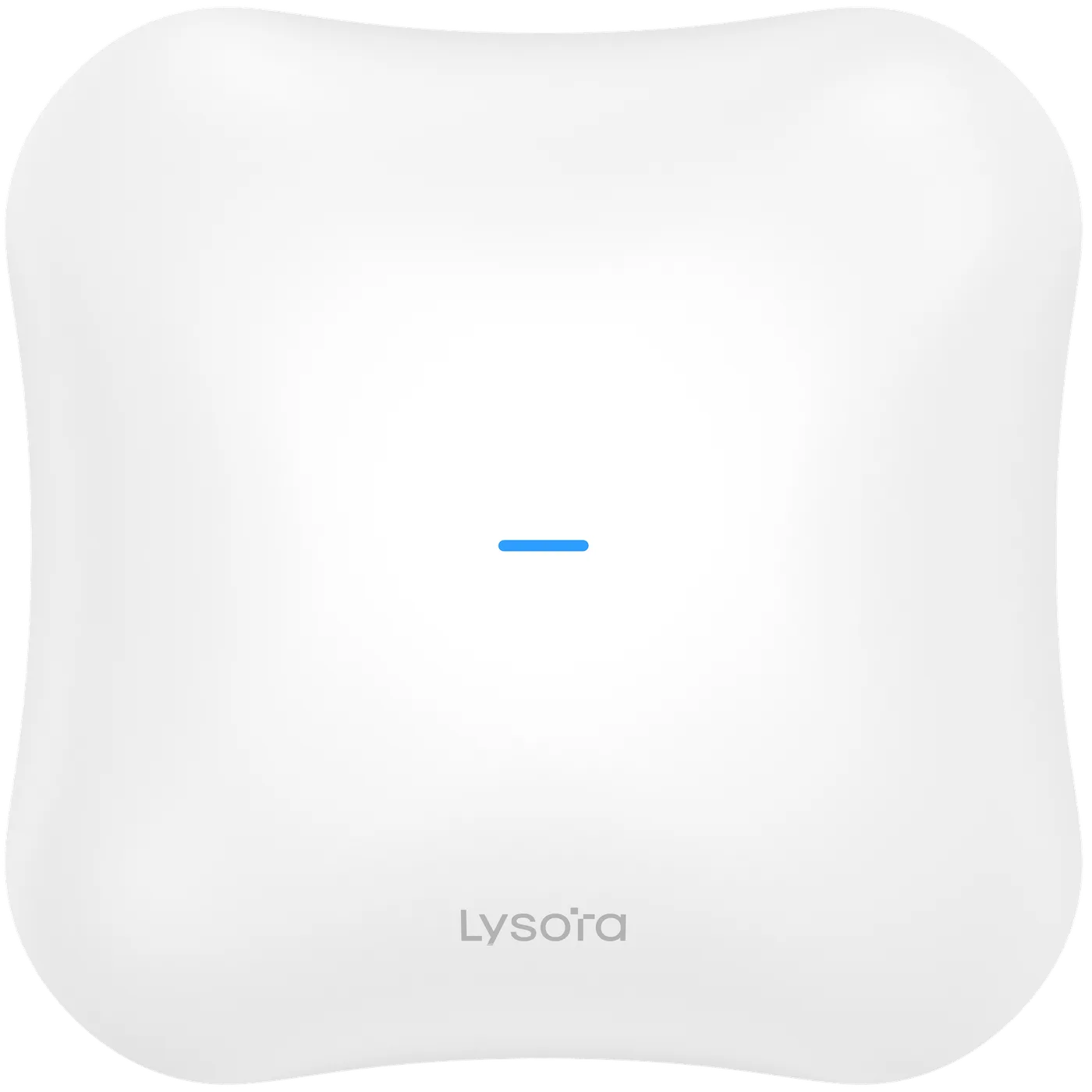 Wireless Access Points
Deployment Workflow
We work from your device counts, coverage areas, and growth plans to define the topology, VLAN plan, and power budget before anything is quoted.
Cable routes, rack and cabinet locations, environmental conditions, and existing infrastructure are confirmed — on site or from your drawings.
A line-by-line bill of quantities with stock status, priced within 24 working hours, with alternatives suggested for anything out of stock.
Hardware is dispatched with GST invoice and e-way bill. Installation is handled by your team or your integrator; we supply the equipment and documentation.
VLANs, uplinks, PoE budgets, SSIDs, and management are configured to the plan agreed at the planning stage. Configuration support is available on request.
Links, power delivery, roaming, and throughput are verified against the design before handover, so issues surface before the network goes live.
A named point of contact for stock, RMA, and replacements under the standard manufacturer warranty, serviced in India by Lizora Infotech.
Deployment Considerations
Before You Enquire
When inter-VLAN traffic is heavy or a central switch is aggregating several blocks, a Layer 3 core routes between subnets in hardware and avoids a round trip to the firewall. A single building with a firewall usually does not need it.
Layer 2 vs Layer 3 explainedBlock switch rooms tie back to the core over fibre using SFP and SFP+ uplinks, removing the copper distance limit and giving each building a high-capacity path to the core.
Understanding SFP modulesOften, yes. A Wi-Fi 7 access point can exceed a gigabit port, so multi-gig PoE switching with 2.5G access and 10G uplinks prevents the wired layer from capping the wireless capacity.
Wi-Fi 6 vs Wi-Fi 7Yes, if the fibre plant and core are planned with headroom. Spare strands and uplink capacity let new blocks connect to the existing core without re-architecting it.
The switches and access points support central management so configuration and monitoring stay consistent across the campus. The exact management method is confirmed on each product's datasheet at quotation.
Related Resources
Guides from our technical team relevant to this deployment.
Related Solutions
Adjacent deployments that share equipment and design decisions.
Related Industries
Industry pages with sector-specific requirements and recommendations.
Four fields, no account, no attachments needed. Our sales team calls back within working hours with pricing and stock status.
Share a BOQ, a part list, or just a description of the site — our sales team responds within working hours with pricing and stock confirmation.
Prefer to talk? +91 98910 20998