Skip to content
Lizora Infotech
Request Quote

Networking Basics

Difference Between Layer 2 and Layer 3 Switches

Layer 2 switches forward by MAC address inside VLANs; Layer 3 switches also route between IP subnets in hardware. Where each belongs, and what it costs to choose wrong.

  • 6 min read
  • Lizora Infotech Technical Team
  • Ready Stock
  • PAN India Supply
  • Same Day Dispatch*
  • GST Billing
  • BOQ Assistance

*Same-day dispatch applies to in-stock items ordered before cut-off from the Delhi NCR warehouse.

Overview

The difference is which part of the packet the switch reads to make a forwarding decision. A Layer 2 switch reads the MAC address and forwards the frame within its VLAN. A Layer 3 switch also reads the IP header, so it can move traffic between different subnets without sending it to a separate router.

Both are managed switches, both support VLANs, and both look identical in a rack. The distinction only matters at the boundary between subnets — which is exactly where networks are hardest to change later.

In practice the question is not which is better, but where the routing boundary should sit in your topology.

What a Layer 2 switch does

A Layer 2 switch builds a table of MAC addresses against ports and forwards frames accordingly. VLANs divide it into separate broadcast domains, so the camera network and the office network can share hardware without sharing traffic.

What it cannot do is move a packet from one VLAN to another. That traffic must leave the switch, reach a router or firewall, and come back — the pattern often called router-on-a-stick.
What a Layer 3 switch adds

A Layer 3 switch holds an IP routing table and forwards between subnets in its switching hardware. Inter-VLAN traffic never leaves the box, which removes the uplink round trip and the router as a bottleneck.

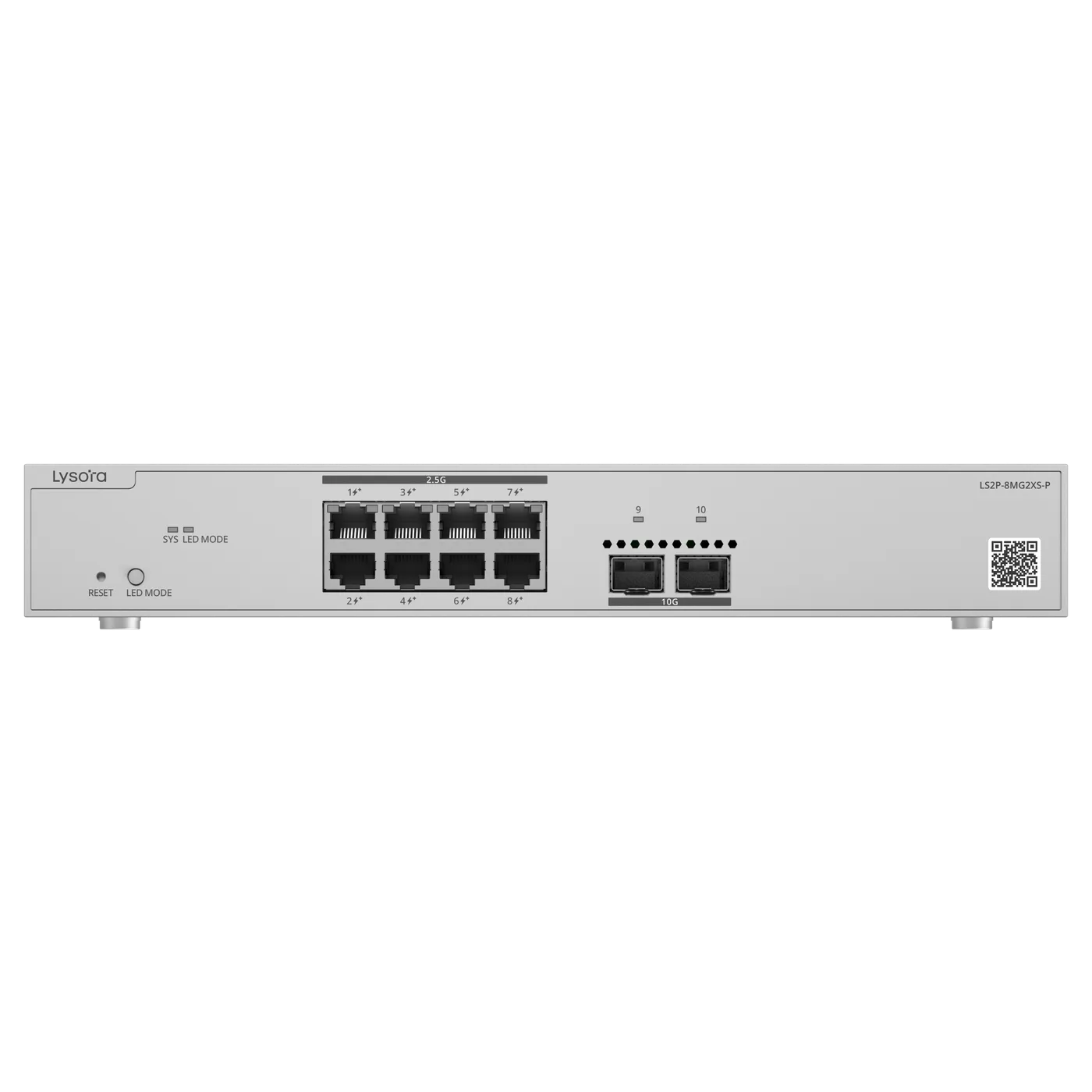
Layer 3 models typically support static routes and, higher up the range, dynamic routing protocols. Some Layer 2 models add limited static routing without being full Layer 3 switches — the LS2P-8MG2XS-P is an example of that middle ground.

Choosing between them

The deciding question is how much traffic crosses subnet boundaries and where that boundary sits.

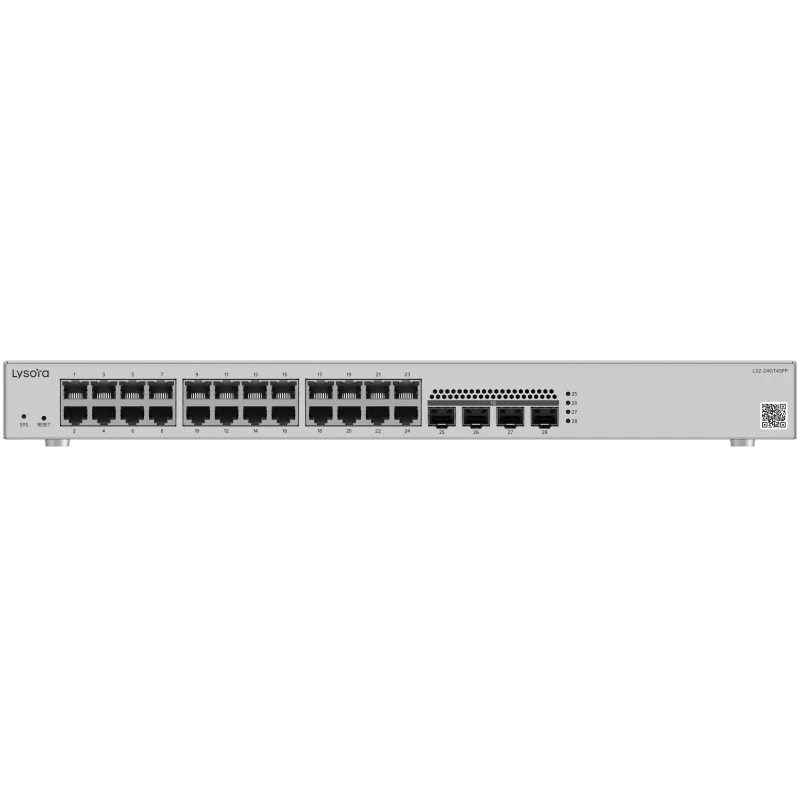
  • Single site, a handful of VLANs, firewall already in place — Layer 2 (LS2 series).
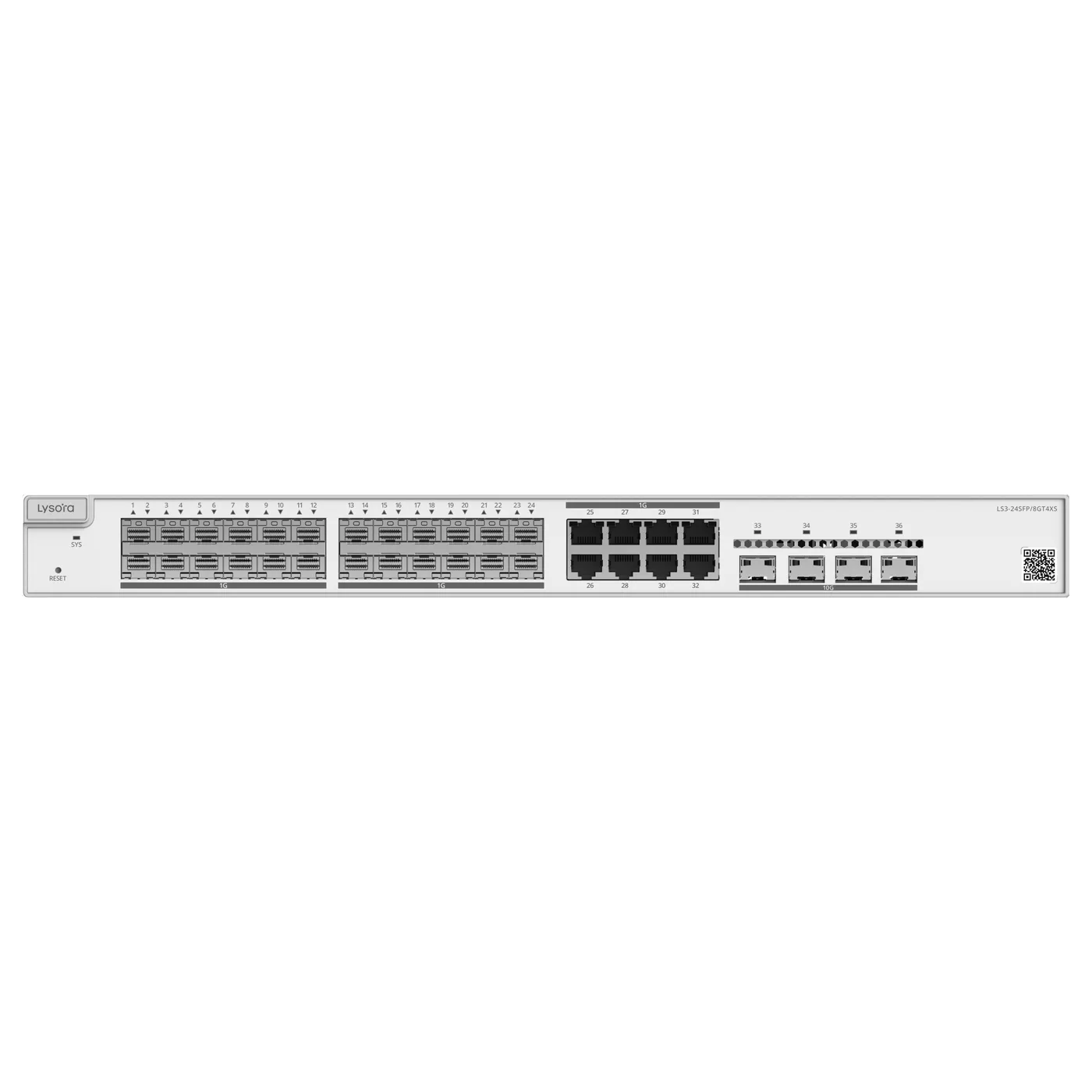
  • Heavy inter-VLAN traffic, or a core aggregating several closets — Layer 3 (LS3-24SFP/8GT4XS).
  • Segmentation needed but routing handled upstream — Layer 2 is sufficient and cheaper.
  • Fibre aggregation with 10G uplinks at the core — Layer 3 with SFP+ ports.

A note on cost and lifespan

Layer 3 switches cost more per port, so buying them for the access layer is usually wasted budget. The more durable design puts Layer 2 at the edge and one Layer 3 switch at the core.

Because the routing boundary is difficult to move once cabling and addressing are in place, this is worth settling at design stage rather than after installation.

Related Products

Equipment referenced in this guide

Models from the official Lysora catalogue that match the requirements described above.

Related Resources

Read next

  • A six-step method for sizing a managed switch — port count, PoE budget, uplinks, switching layer, environment, and management — before the BOQ goes out for pricing.

  • Buying Guides

    A decision tree across the whole switch range — unmanaged, managed, PoE, multi-gig, Layer 3, and industrial — mapping site type to the right class of switch.

  • Networking Basics

    SFP, SFP+, single-mode vs multi-mode, BiDi and DAC explained — how to specify the right optic for a fibre uplink and avoid the usual compatibility traps.

Before You Enquire

Frequently asked questions

Can a Layer 2 switch use VLANs?

Yes. VLAN support is standard on Layer 2 managed switches and is not what distinguishes Layer 3. The difference is that a Layer 2 switch cannot route traffic between those VLANs by itself — it needs a router or firewall to do that.

Is a Layer 3 switch a replacement for a router?

Not entirely. A Layer 3 switch routes between internal subnets very efficiently, but WAN termination, NAT, firewalling, and VPN normally remain with a router or firewall. The two are complementary rather than alternatives.

See routers

Which Lysora switches are Layer 3?

In the current catalogue the LS3-24SFP/8GT4XS is the Layer 3 model, built for fibre aggregation with SFP+ uplinks. The LS2 series is Layer 2 managed, and the LS2P-8MG2XS-P adds static routing to a Layer 2 feature set.

View the LS3-24SFP/8GT4XS

Tell us what you need — get a quote today

Four fields, no account, no attachments needed. Our sales team calls back within working hours with pricing and stock status.

Send your requirement, get a quote today

Share a BOQ, a part list, or just a description of the site — our sales team responds within working hours with pricing and stock confirmation.

Prefer to talk? +91 98910 20998