Skip to content
Lizora Infotech
Request Quote

Buying Guides

Network Switch Selection Guide

A decision tree across the whole switch range — unmanaged, managed, PoE, multi-gig, Layer 3, and industrial — mapping site type to the right class of switch.

  • 6 min read
  • Lizora Infotech Technical Team
  • Ready Stock
  • PAN India Supply
  • Same Day Dispatch*
  • GST Billing
  • BOQ Assistance

*Same-day dispatch applies to in-stock items ordered before cut-off from the Delhi NCR warehouse.

Overview

Most switch selection errors happen one level up from the specification: the wrong class of switch is chosen, and then it is sized carefully. This guide sits at that level.

Six questions separate the classes — does anything need powering, does traffic need segmenting, does the switch need to route, how fast is the edge, where is it mounted, and who administers it.

Work through them in order and the shortlist usually reduces to one or two models.

Unmanaged or managed

Unmanaged switches simply forward traffic. They are appropriate for a handful of devices doing one job with no segmentation requirement.

Everything else benefits from management: VLANs to separate cameras from office traffic, port statistics for diagnosis, and remote administration that avoids a site visit. On any site with mixed traffic, managed is the durable choice.
Does anything need power over the cable

If cameras, access points, or IP phones are in scope, PoE ports remove the need for local power at each device — which is usually the largest installation saving available.

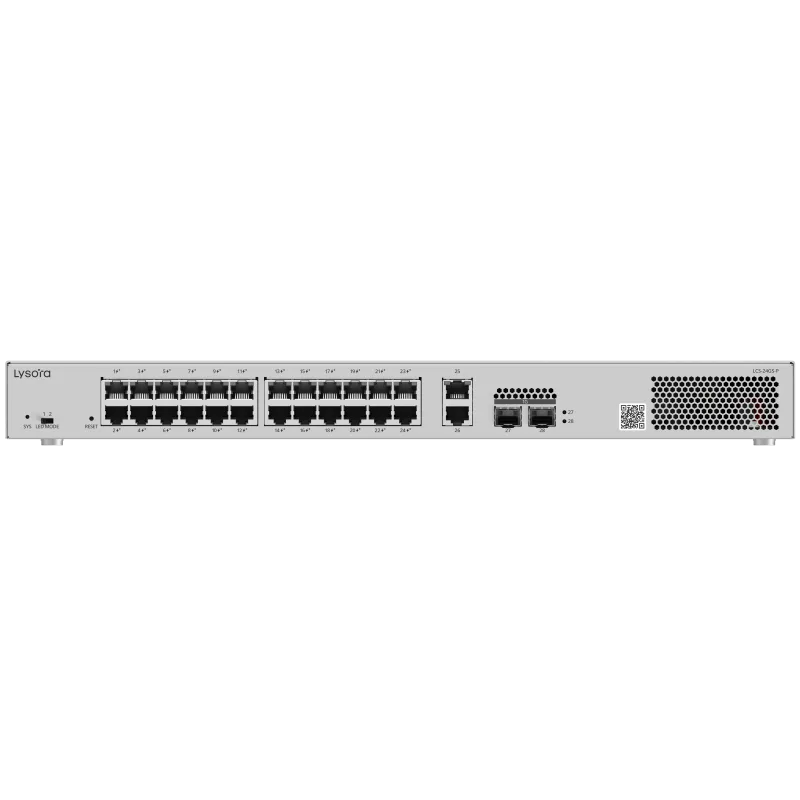
Size on total budget rather than port count. The Lysora LCS series spans 4, 8, 16 and 24 PoE ports, with the LCS-24GS-P carrying a 370 W budget.

How fast is the edge

Gigabit to the desk remains adequate for most office endpoints. The exception is modern wireless: Wi-Fi 7 access points can exceed a gigabit port on their own.

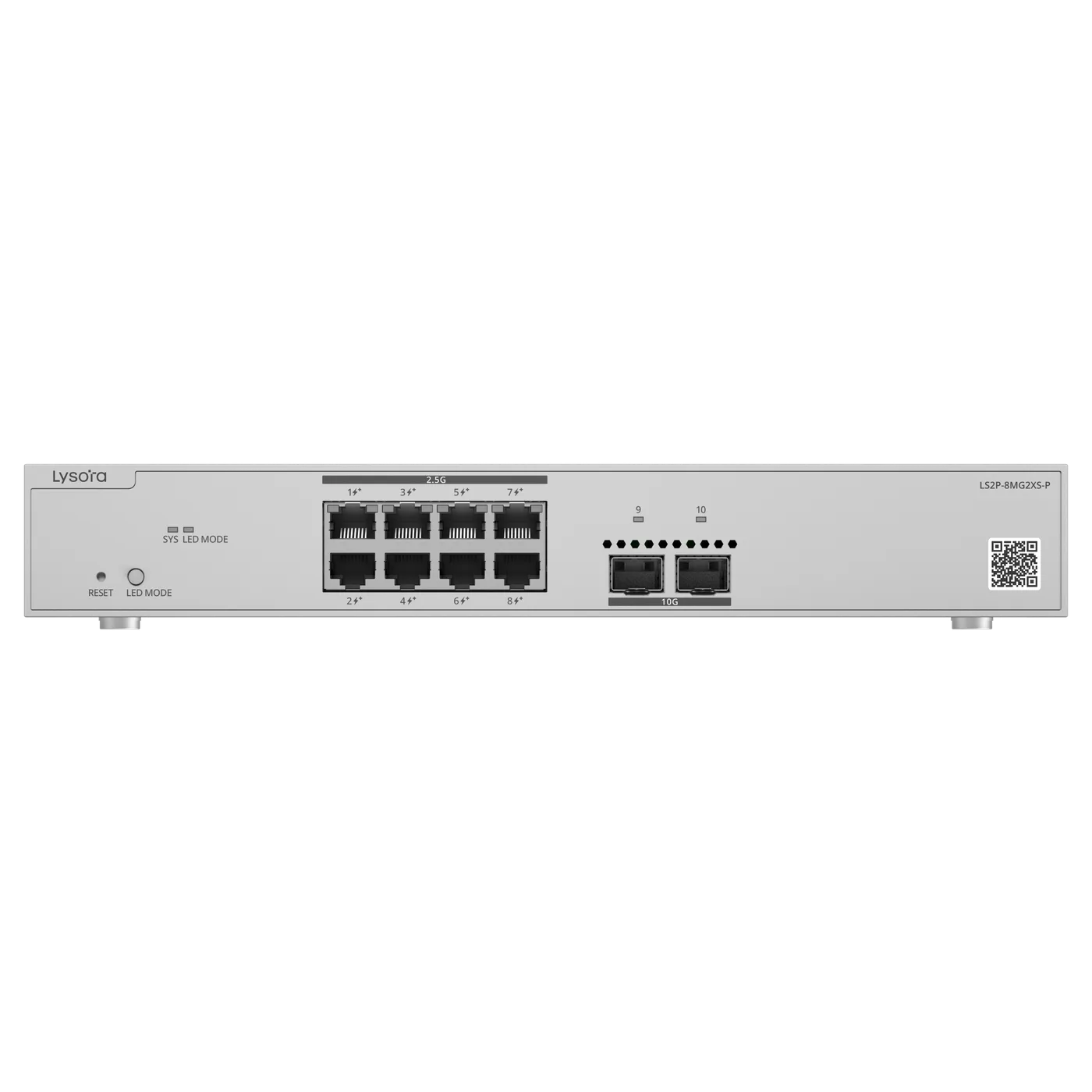
Where multi-gig is needed, the LS2P-8MG2XS-P provides 2.5G PoE access ports with 10G SFP+ uplinks so the wired layer is not the constraint.

Does the switch need to route

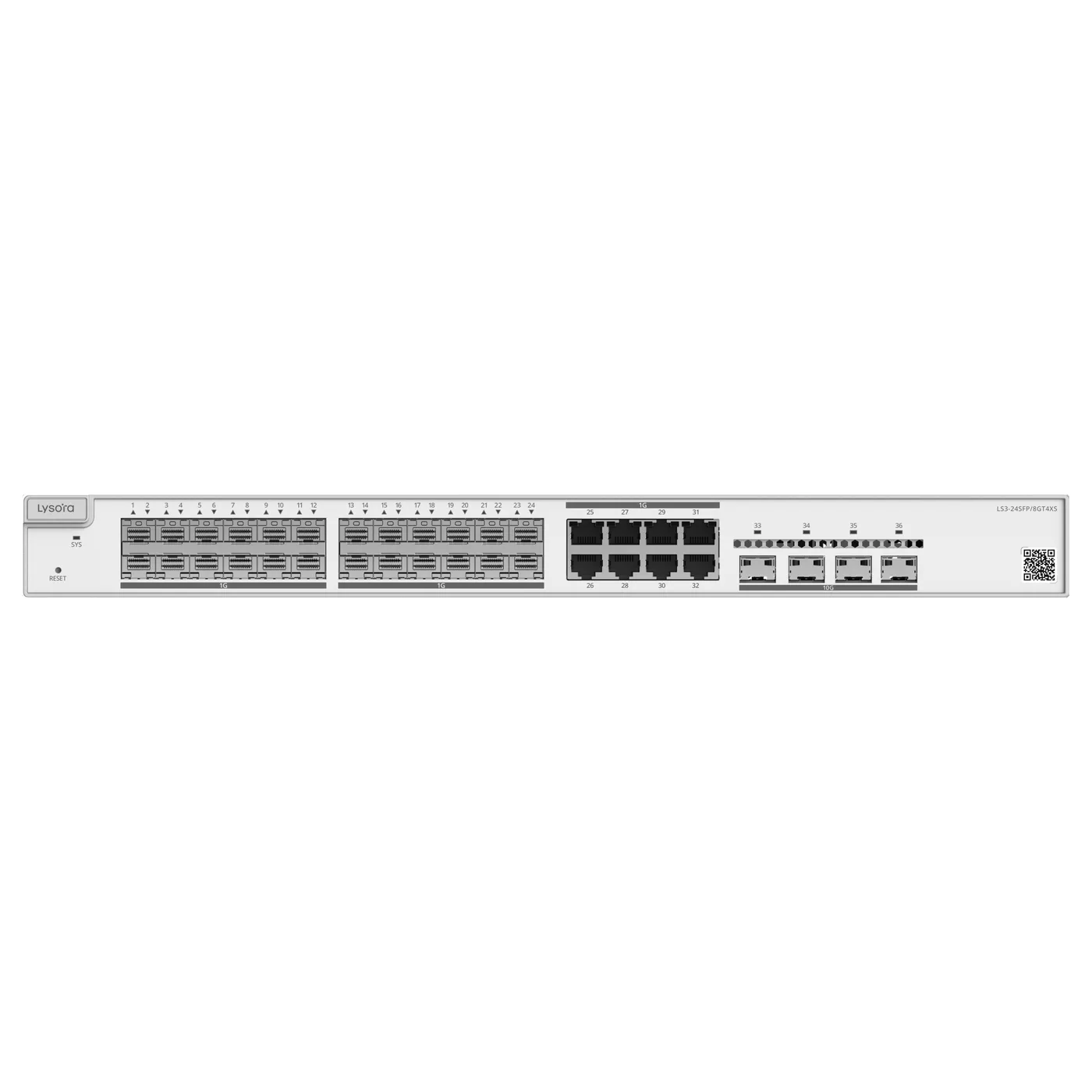
If inter-VLAN traffic is heavy, or the switch is acting as a campus core, a Layer 3 model routes in hardware and avoids a round trip to the firewall. The LS3-24SFP/8GT4XS fills that role with fibre aggregation.

For a single site with a firewall already in place, Layer 2 plus VLANs is normally sufficient and considerably cheaper.

Where is it installed

A rack in a ventilated room takes a commercial switch. A factory panel, roadside cabinet, or rooftop enclosure takes an industrial one — the LS2T-8GT2SFP-HP or LCST-8GT2SFP-HP.

This is a reliability decision rather than a performance one, and it is the specification most often skipped in a BOQ.

Quick mapping

As a shortlist starting point across common site types:

  • Small office, no cameras — unmanaged or a compact managed switch.
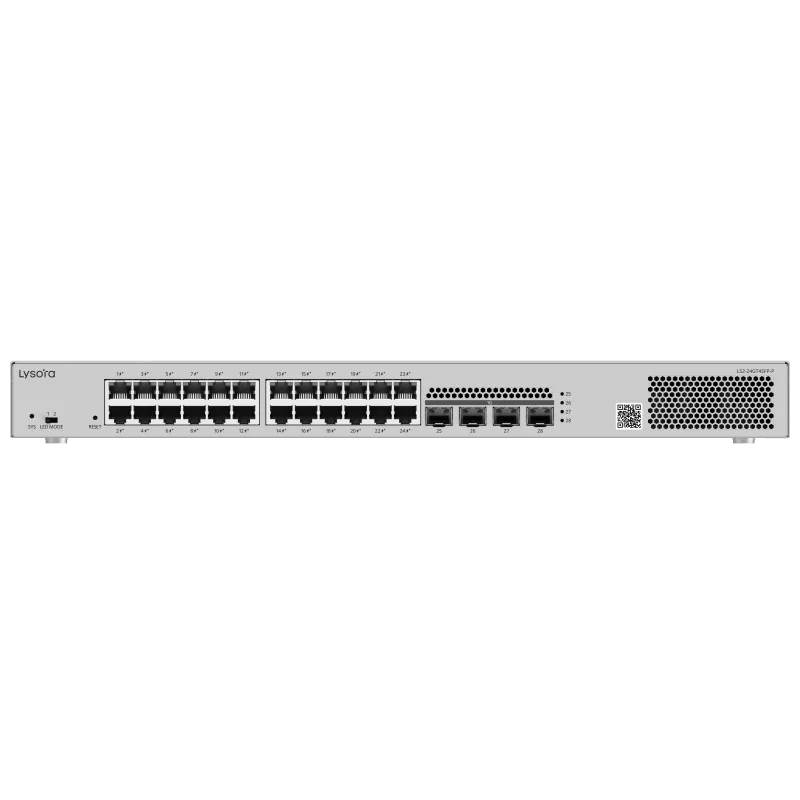
  • Office with cameras and access points — PoE managed (LCS series or LS2-24GT4SFP-P).
  • Wi-Fi 7 rollout — multi-gig PoE (LS2P-8MG2XS-P).
  • Campus core or fibre aggregation — Layer 3 (LS3-24SFP/8GT4XS).
  • Factory, roadside, or rooftop — industrial (LS2T-8GT2SFP-HP).

Related Products

Equipment referenced in this guide

Models from the official Lysora catalogue that match the requirements described above.

Related Resources

Read next

  • A six-step method for sizing a managed switch — port count, PoE budget, uplinks, switching layer, environment, and management — before the BOQ goes out for pricing.

  • Layer 2 switches forward by MAC address inside VLANs; Layer 3 switches also route between IP subnets in hardware. Where each belongs, and what it costs to choose wrong.

  • Buying Guides

    When a commercial switch is the wrong choice, and how to specify an industrial one: temperature rating, mounting, DC input, ingress protection, and surge tolerance.

Before You Enquire

Frequently asked questions

Is an unmanaged switch ever the right choice?

Yes, for small flat networks with no segmentation requirement and no need for remote diagnosis — a few devices in one room, for example. Once cameras or access points share the network with office traffic, a managed switch is the better long-term decision.

See unmanaged switches

How many spare ports should I allow?

Around 20–25% is a practical allowance. Adding a second switch later costs more in cabling, power, and uplink ports than the incremental cost of a larger switch at the outset.

Can I get help sizing a switch for my project?

Yes. Send the device list or drawing with your BOQ and we return priced options with the port count, PoE budget, and uplink specification worked through against the actual load.

Upload your BOQ

Tell us what you need — get a quote today

Four fields, no account, no attachments needed. Our sales team calls back within working hours with pricing and stock status.

Send your requirement, get a quote today

Share a BOQ, a part list, or just a description of the site — our sales team responds within working hours with pricing and stock confirmation.

Prefer to talk? +91 98910 20998