Density, not coverage
The most important idea in enterprise wireless is that access points are chosen for client density, not coverage area. A single high-power access point can blanket a floor with signal and still fail it, because every device on that radio shares the same airtime. The question is never 'will the signal reach?' but 'how many devices will be using it at once, and can the radio serve them all?'.
That shift changes the whole approach. Instead of a few powerful access points spread thin, good design uses more access points at lower power, each serving a manageable number of clients. This guide works through the decisions that follow from that principle: how many access points, where they mount, how they are powered, what carries their traffic, and how clients roam between them.
1. Count devices, not people
Start from the number of devices that will associate at once — laptops, phones, tablets, scanners, and IoT — not the number of people. In most offices the device count is two to three times the headcount, and in a school lab or a conference hall it spikes far higher during peaks.
Reading client ratings correctly
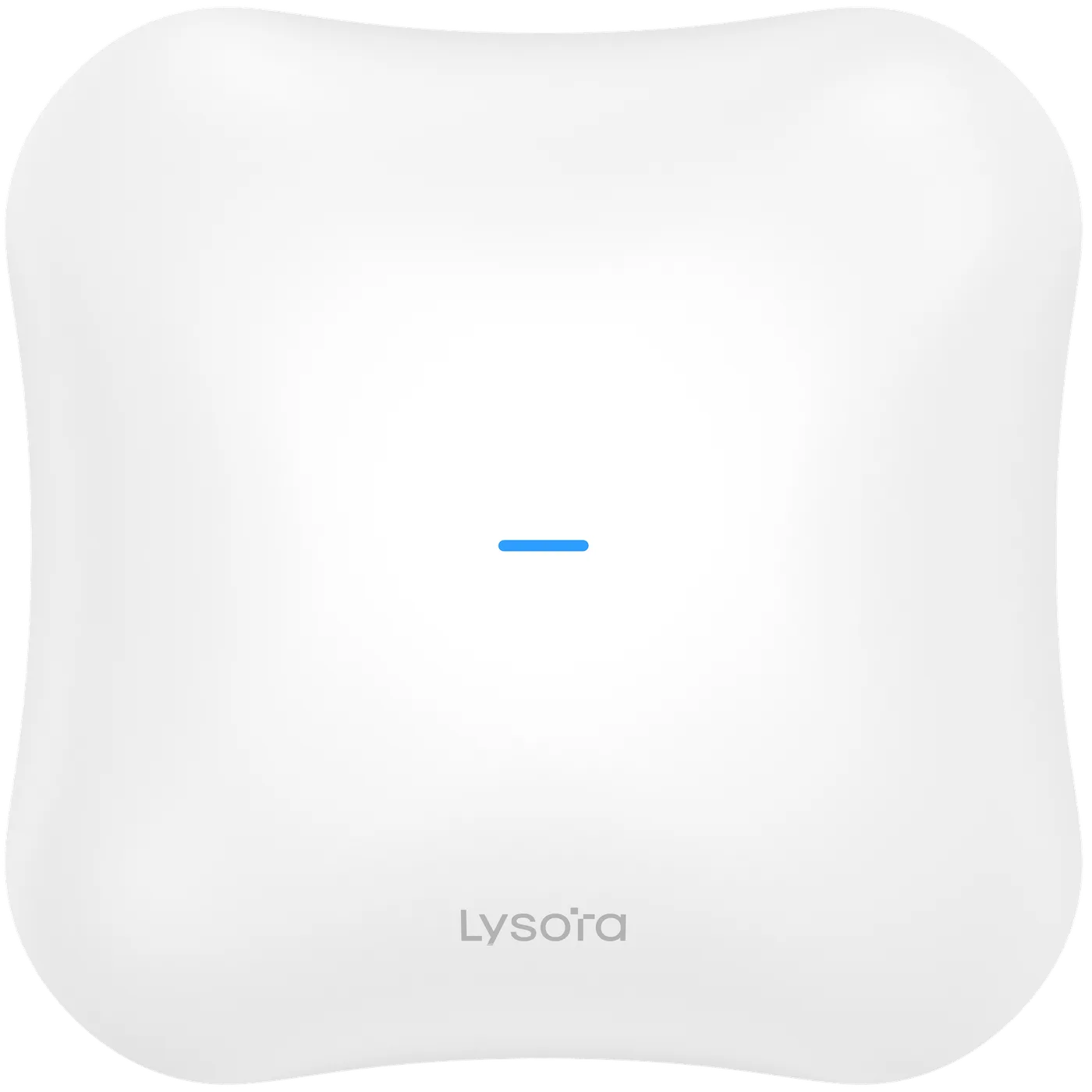
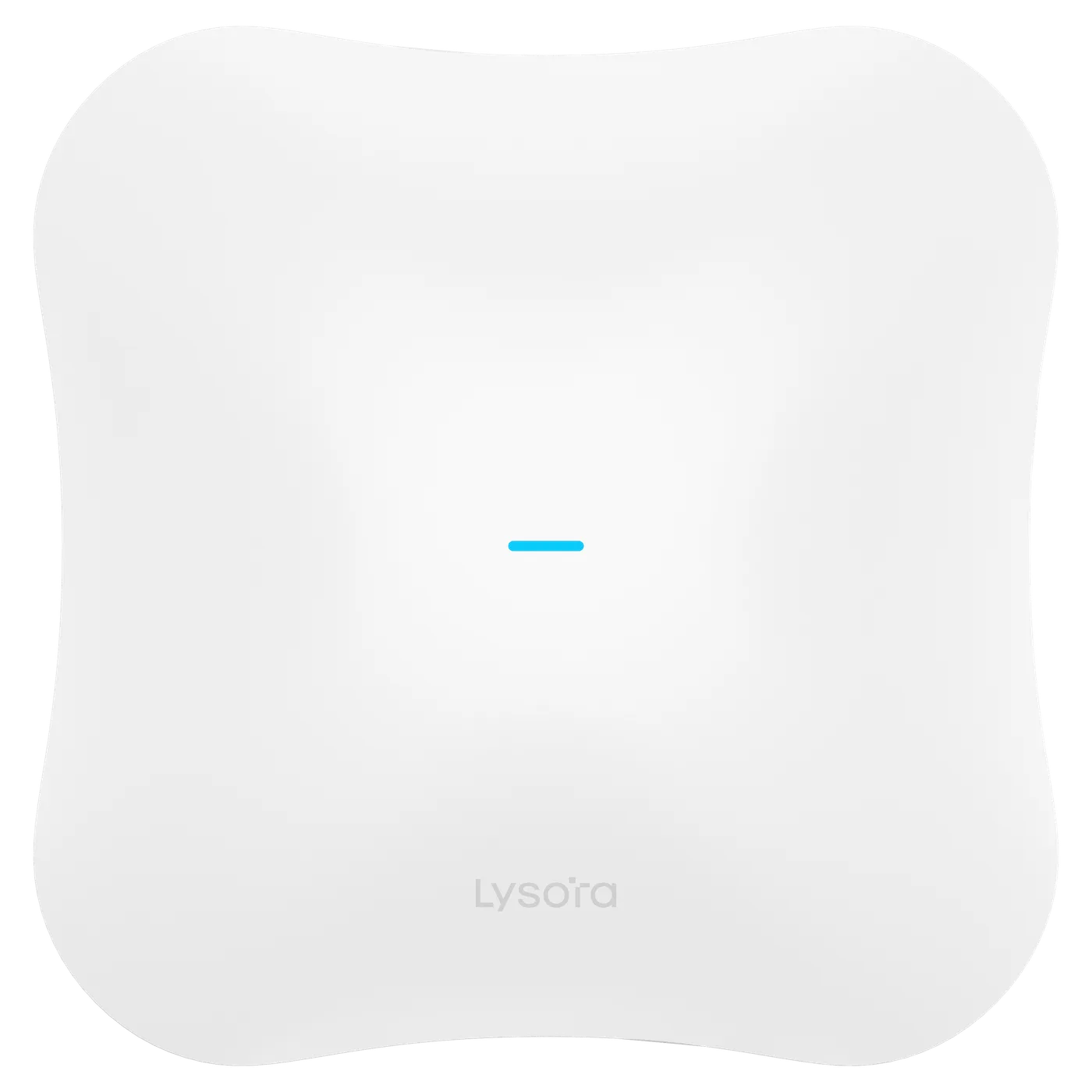
Manufacturer client ratings describe what the hardware can associate, not what will feel fast. The Lysora L7, for example, is rated for 511 clients, but a comfortable working density per access point in an office is far lower. Use the rating as a ceiling that must not be exceeded, never as a target to fill.
2. Match the mounting type to the space
Form factor is a coverage-shaping decision, not just an aesthetic one. Different spaces need different mounting.
- Ceiling units — the default for open-plan offices and corridors, giving even downward coverage.
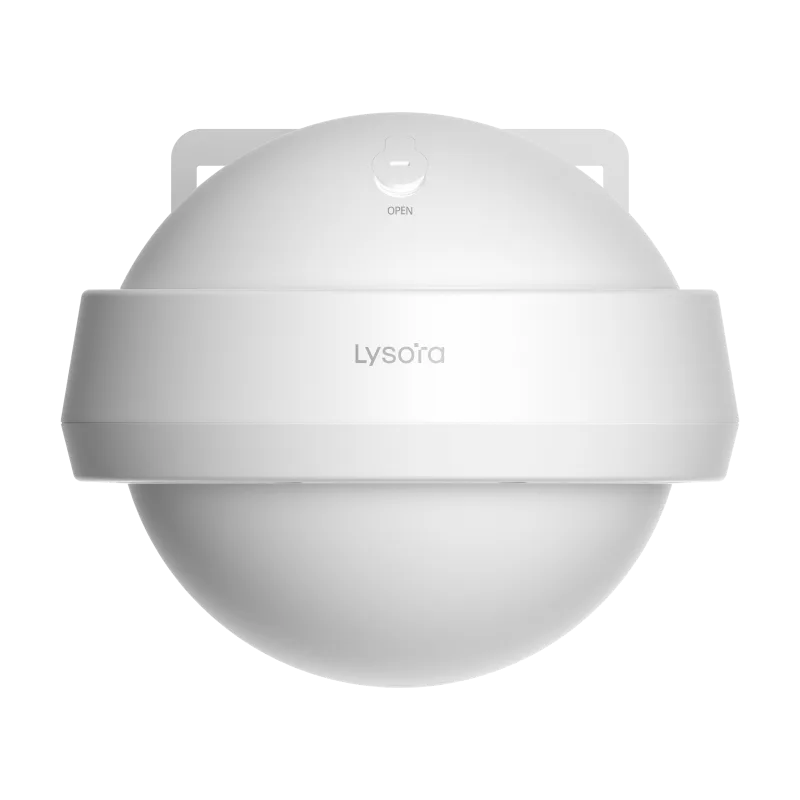
- Wall units — good for hotel corridors, rooms, and retrofits that reuse existing wall drops.
- Outdoor units — sealed and temperature-rated for courtyards, campuses, and perimeters.
Indoor and outdoor in the Lysora range
The L7 and L6 families cover indoor ceiling deployments, with the L7-T and L6Pro-T as outdoor-rated options for courtyards and campus-outdoor coverage. Using an indoor unit outdoors, even under a shelter, is a false economy — indoor access points are not sealed against humidity, dust, or temperature swings.
3. Power and cabling
Most enterprise access points are powered over Ethernet, so the switch must supply the right PoE class. Enterprise units are commonly 802.3at (PoE+) loads; the Lysora L7 draws under 30 W on PoE+ or 12 V DC.
Confirm the switch's total PoE budget against the number of access points it feeds, and remember that any cameras on the same switch draw from the same budget. Sizing PoE for access points and cameras together is a step that is easy to skip and expensive to get wrong.
4. Backhaul is part of the wireless spec
An access point can only deliver what its wired port carries. For Wi-Fi 6 units a gigabit port is usually adequate. For Wi-Fi 7 it frequently is not — a single Wi-Fi 7 access point can exceed a gigabit port on its own.
Where Wi-Fi 7 is being deployed, specify 2.5G access ports and 10G uplinks at the same time, so the wireless investment is not capped by the switch. This is why access-point selection and switch selection have to be done together, not in isolation.
5. Roaming and management
In any multi-access-point deployment, clients must move between access points without dropping connections. That is what assisted roaming provides.
The roaming standards
The relevant standards are 802.11k, 802.11v, and 802.11r, which together let a client discover and move to a better access point quickly and without re-authenticating. The Lysora L7 supports these along with band steering and mesh. For voice and video calls, seamless roaming is not a luxury — a dropped call every time someone walks between rooms is a failed deployment.
Central management
Consistent SSIDs, per-SSID VLANs, and central management keep a multi-access-point network coherent. For multi-site estates, cloud management is usually what makes the deployment supportable without site visits.
Segmentation deserves the same thought as coverage. Running guest, corporate, and IoT traffic on separate SSIDs mapped to separate VLANs keeps a visitor device off the corporate network and contains a compromised IoT sensor, all on the same access points. The wireless design and the VLAN plan are two halves of one system: the access points broadcast the SSIDs, and the switches enforce the segmentation those SSIDs map to.
The site survey and validation
A wireless design on paper is a hypothesis; the site survey is what tests it. Construction materials, especially concrete, brick, and metal, absorb and reflect signal in ways a floor plan cannot show, and the layout on the day — furniture, racking, partitions — rarely matches the drawing. A survey confirms where coverage actually holds and where it does not before the access points are fixed in place.
There are two kinds worth distinguishing. A predictive survey models coverage from the floor plan and construction details, useful at design stage to estimate access-point counts. A validation survey, done after a trial or full install, measures real signal and throughput to confirm the design and find dead spots. For a straightforward office a predictive estimate may suffice; for a warehouse full of metal racking or a masonry-heavy hotel, on-site validation is the difference between a design that works and one that looks right until it fills with people and stock.
- Predictive survey — models coverage from plans; sizes access-point counts at design stage.
- Validation survey — measures real signal and throughput after install; confirms and corrects.
- Dense construction and changing layouts (warehouses, hotels) most need on-site validation.
Common access-point mistakes
Three errors recur. Planning for coverage radius instead of client density gives a network that works on a quiet afternoon and collapses at a peak. Ignoring backhaul caps a Wi-Fi 7 deployment at gigabit. And using indoor units outdoors leads to early failures. All three come from treating the access point in isolation rather than as one part of a system that includes the switch, the cabling, and the environment.
Choosing between Wi-Fi 6 and Wi-Fi 7 is a related decision: Wi-Fi 6 remains cost-effective where clients are older and cabling is gigabit; Wi-Fi 7 suits new builds and high-density areas, especially when the switching layer is being upgraded too.
Conclusion
Select access points by concurrent device count, not coverage area; place more at lower power rather than fewer at maximum power. Match the mounting to the space, size PoE for access points and cameras together, plan multi-gig backhaul for Wi-Fi 7, and enable assisted roaming for seamless movement.
Because the access point, the switch, and the cabling form one system, the reliable way to specify them is together. Send us a floor plan and expected device counts and our team will work through placement, counts, and the matching switch specification with you.