What a PoE switch is
A PoE switch is an ordinary network switch that also delivers electrical power to connected devices over the same Ethernet cable that carries their data. Instead of running a separate power supply to every camera and access point, one cable does both jobs. That single fact changes how networks are installed: devices go where they need to be, not where a power socket happens to exist.
Power over Ethernet is defined by IEEE standards, so a compliant PoE switch and a compliant powered device negotiate power automatically and safely. The switch is the power source; the camera, access point, or phone is the powered device. Understanding how much power actually flows, and how much a switch can supply in total, is the whole of sizing a PoE switch correctly.
Why PoE is worth it
The value of PoE is practical and immediate. Removing the local power supply from every edge device cuts installation cost and complexity, and it puts devices exactly where coverage or line of sight demands rather than where an electrician can reach.
- One cable per device instead of two — data and power together.
- Devices mount on ceilings, poles, and walls without a nearby socket.
- Centralised power means a single UPS on the switch can back up every camera and access point.
- Managed PoE switches can power-cycle a frozen device remotely, no site visit required.
How the PoE standards work
Each IEEE PoE standard defines two numbers: how much power the switch supplies at the port, and how much the device is guaranteed to receive after loss along the cable. Always specify equipment against the second, lower number — the device figure — because that is what actually reaches the camera or access point.
802.3af (PoE / Type 1)
The original standard, ratified in 2003. It supplies 15.4 W at the port and guarantees 12.95 W at the device, over two of the four cable pairs. It suits fixed cameras, VoIP phones, and simple sensors.
802.3at (PoE+ / Type 2)
Ratified in 2009, PoE+ supplies 30 W at the port and 25.5 W at the device, still over two pairs. This is the common class for Wi-Fi 6 and Wi-Fi 7 access points and for cameras with heaters or PTZ motors. A PoE+ port also powers PoE devices, negotiating down automatically.
802.3bt (PoE++ / Type 3 and Type 4)
Ratified in 2018, 802.3bt uses all four pairs. Type 3 supplies 60 W at the port and 51 W at the device; Type 4 supplies 90 W at the port and 71.3 W at the device. These higher classes power demanding devices such as multi-radio access points and heated outdoor cameras.
The budget is the real constraint
Here is the single most important thing about PoE switches, and the one most often missed at procurement: a switch's PoE budget is the total wattage it can deliver across all ports at once, and that total — not the port count — decides how many devices it can power.
A 24-port PoE switch with a 370 W budget cannot run 24 devices at 30 W each, because that would demand 720 W. Size the switch by adding up the real draw of every powered device and keeping margin, then compare that sum against the switch's stated budget. If it does not fit, the answer is a larger budget, not more ports.
A worked example
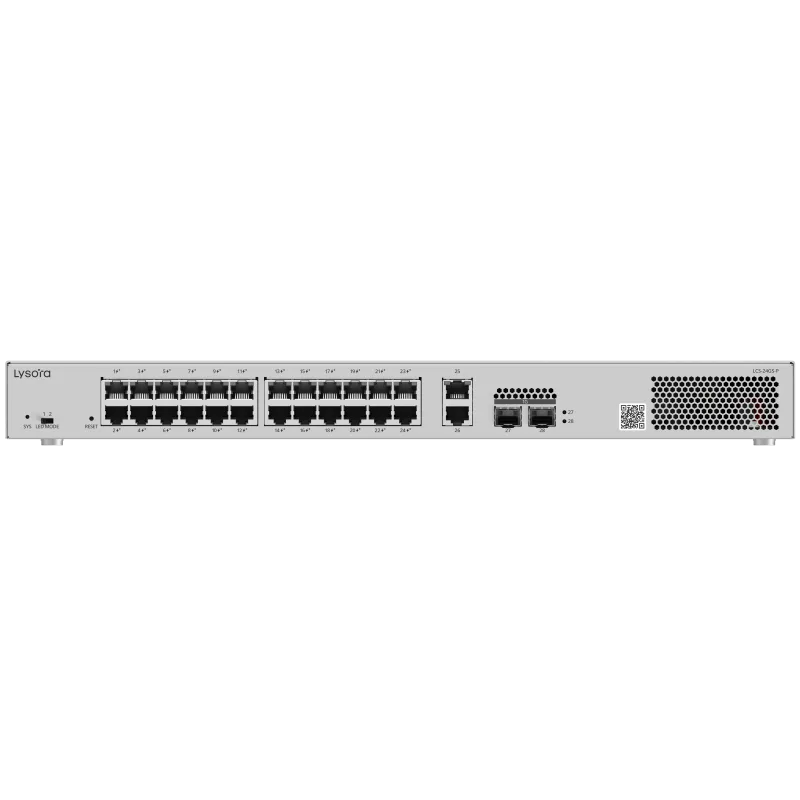
Suppose a small site needs 12 fixed cameras at about 7 W each and 4 access points at about 20 W each. That is roughly 84 W for cameras plus 80 W for access points, around 164 W before margin. A switch with a 370 W budget, such as the LCS-24GS-P, covers that comfortably with room to grow. A switch with a much smaller budget might have enough ports but not enough power — which is exactly the trap to avoid.
Choosing a PoE switch
Four decisions size a PoE switch: how many devices need power, how much they draw in total, whether the switch needs to be managed, and where it will be installed.
Port count and budget
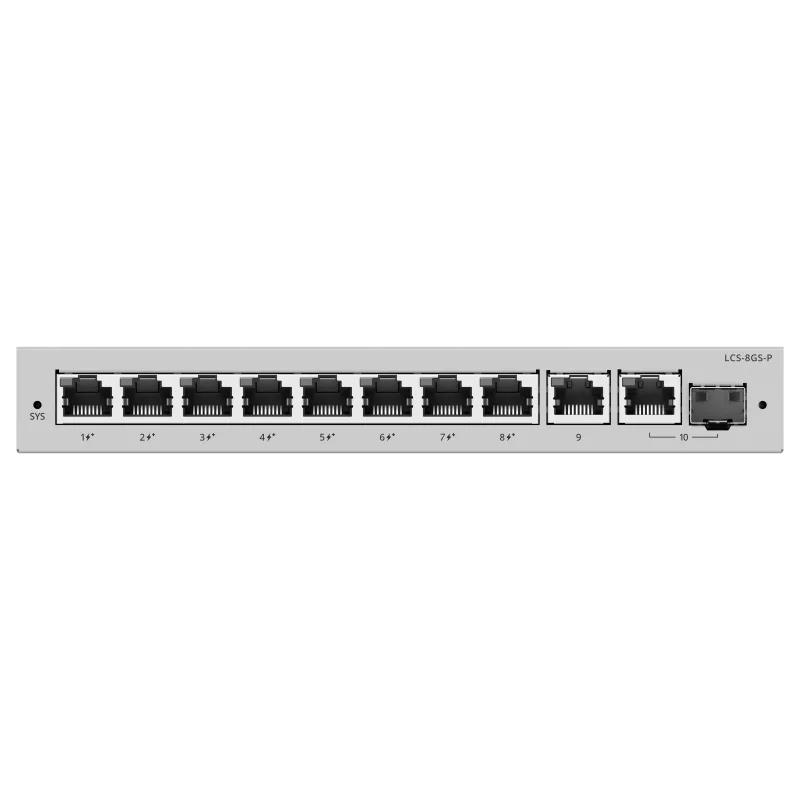
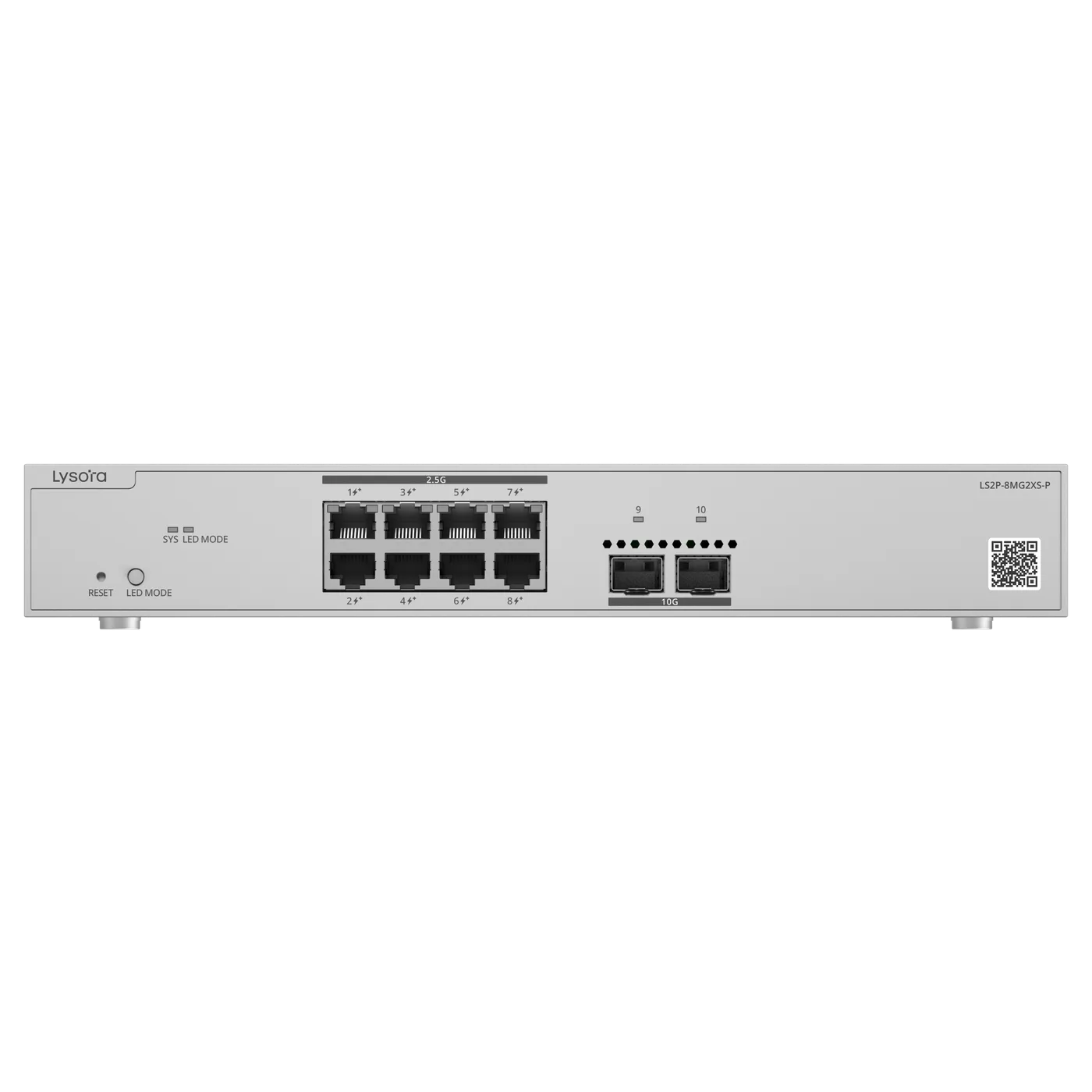
Count the powered devices, add spare ports for growth, then check the combined wattage against the budget. In the Lysora PoE range the LCS series spans 4, 8, 16, and 24 ports, so the port count and budget can be matched to the site rather than over-bought.
Managed or unmanaged
Once powered devices share the network with other traffic, a managed PoE switch lets you segment them onto their own VLAN and see the power draw per port. For a mixed network that is almost always the right choice.
Environment
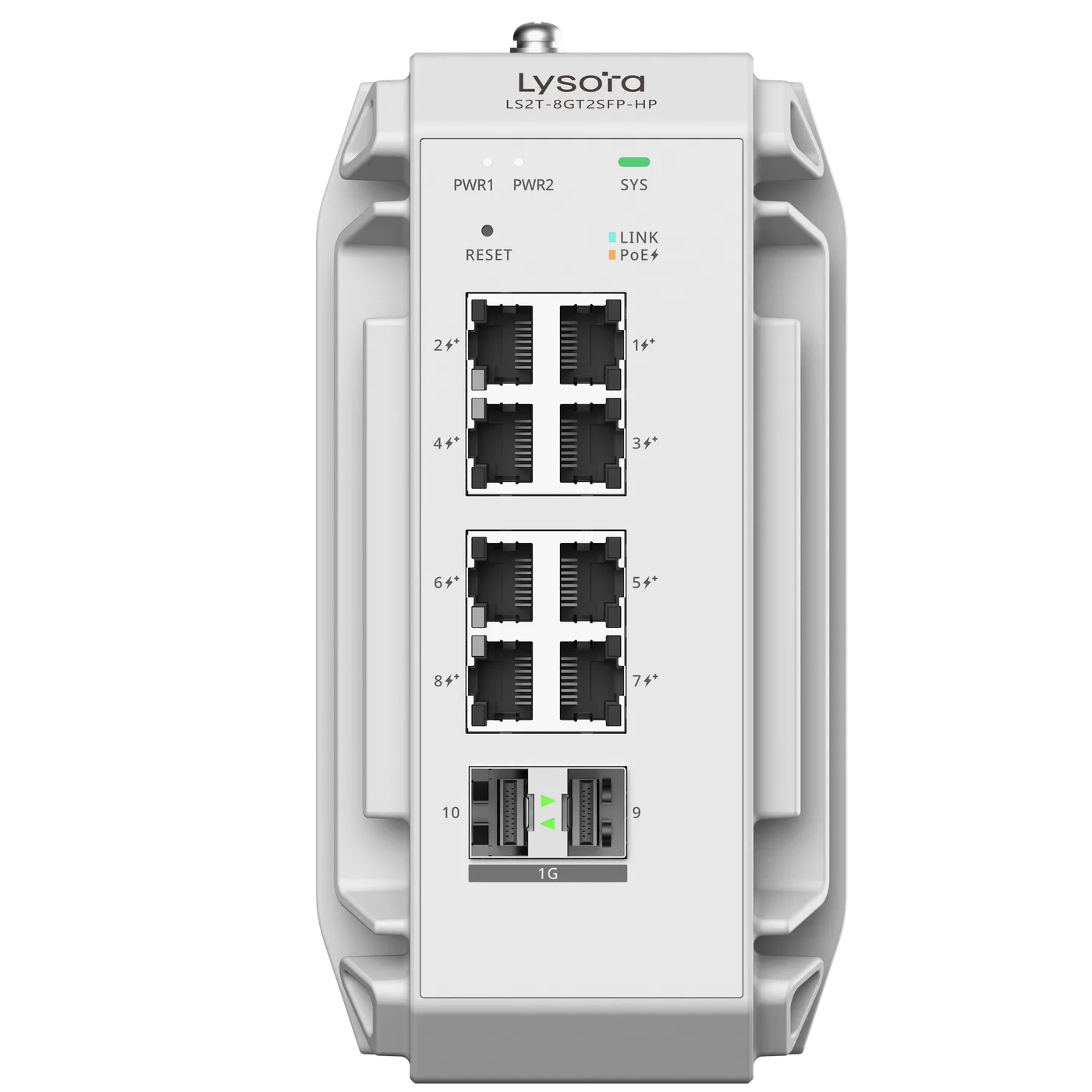
Indoor racks take a standard PoE switch. Outdoor cabinets, factory panels, and rooftop enclosures need an industrial PoE switch rated for the temperature and dust — the LS2T-8GT2SFP-HP carries a 240 W budget in a DIN-rail body rated for a far wider temperature range than commercial hardware.
Power resilience and remote control
A quietly valuable property of PoE is that it centralises power, and centralised power is easy to back up. Instead of a separate UPS behind every camera and access point, a single UPS on the PoE switch keeps every powered device running through a mains outage. For surveillance and access control, that difference — cameras that stay up when the power dips — is often the reason PoE is specified in the first place.
Managed PoE switches add remote control over that power. A frozen camera or access point can be power-cycled from the management interface, per port, without anyone visiting the site — the equivalent of unplugging and replugging it, done remotely. On a multi-site estate that single capability saves a great many engineer callouts, and it is one more reason a managed PoE switch usually repays its premium over an unmanaged one on any network that matters.
Common PoE mistakes
The most frequent error is sizing on port count and discovering the budget cannot power every device at peak. The second is specifying the wrong class — assuming a 25 W access point will run from a 15.4 W (802.3af) port because the numbers look close. It will not; it needs 802.3at. The third is ignoring environment and installing a commercial PoE switch in an outdoor cabinet, where it fails early.
All three are avoidable by doing the arithmetic against real device draw, matching the PoE class to each device's datasheet, and choosing the enclosure for the location rather than the price.
Conclusion
A PoE switch delivers power and data over one cable, which is why it underpins almost every modern camera and wireless deployment. The standards — 802.3af, 802.3at, and 802.3bt — define what each port can deliver, but the number that decides how many devices a switch can run is the total power budget.
Size on real draw, match the class to each device, and choose the right enclosure for the location. Send us your camera and access-point list and we will size the switch — port count, budget, and environment — against the actual load.