The two standards
Wi-Fi 6 is the marketing name for IEEE 802.11ax; Wi-Fi 7 is IEEE 802.11be. Both operate in the 2.4 GHz and 5 GHz bands, and both are designed around dense client environments rather than headline speed alone. The generational jump is real, but it is not the number most people expect.
Wi-Fi 7 widens channels, raises modulation density, and adds Multi-Link Operation — the ability for a client to use more than one band at the same time instead of choosing between them. The consequence most often missed at procurement, though, is wired rather than wireless: a Wi-Fi 7 access point can exceed what a gigabit switch port can carry, so the switch specification changes too.
What Wi-Fi 6 introduced
Wi-Fi 6 was primarily an efficiency release rather than a raw-speed one. Its improvements show up in crowded rooms, which is exactly where older Wi-Fi struggled.
- OFDMA lets one transmission carry data for several clients at once, improving efficiency in dense areas.
- MU-MIMO improves the number of parallel streams the access point can serve.
- Target Wake Time reduces battery drain on IoT and mobile devices.
Why it still matters
Because its benefit is efficiency in dense environments, Wi-Fi 6 remains the right specification for a great many offices today, particularly where client devices are predominantly Wi-Fi 6 themselves and the cabling plant is gigabit. It is not obsolete; it is cost-effective.
What Wi-Fi 7 adds
Wi-Fi 7 builds on the same foundations and pushes three levers further.
- Channel width up to 320 MHz — double the Wi-Fi 6 maximum.
- 4096-QAM modulation, packing more bits into each transmission than Wi-Fi 6's 1024-QAM.
- Multi-Link Operation (MLO): a client can transmit across bands simultaneously, improving throughput and latency stability.
- Finer resource-unit allocation, which helps mixed traffic in dense areas.
Multi-Link Operation, in plain terms
MLO is the headline Wi-Fi 7 feature. Where earlier standards made a client pick one band, MLO lets it use multiple bands at once. That both raises throughput and makes latency steadier — which matters for video calls and real-time applications, not just for download speed tests.
The wired upgrade nobody quotes for
This is where Wi-Fi 7 deployments most often disappoint. If a Wi-Fi 7 access point is connected to a 1 Gbps switch port, the port becomes the ceiling regardless of the radio's capability. The wireless can be superb and the network still feels no faster, because the bottleneck moved to the cable.
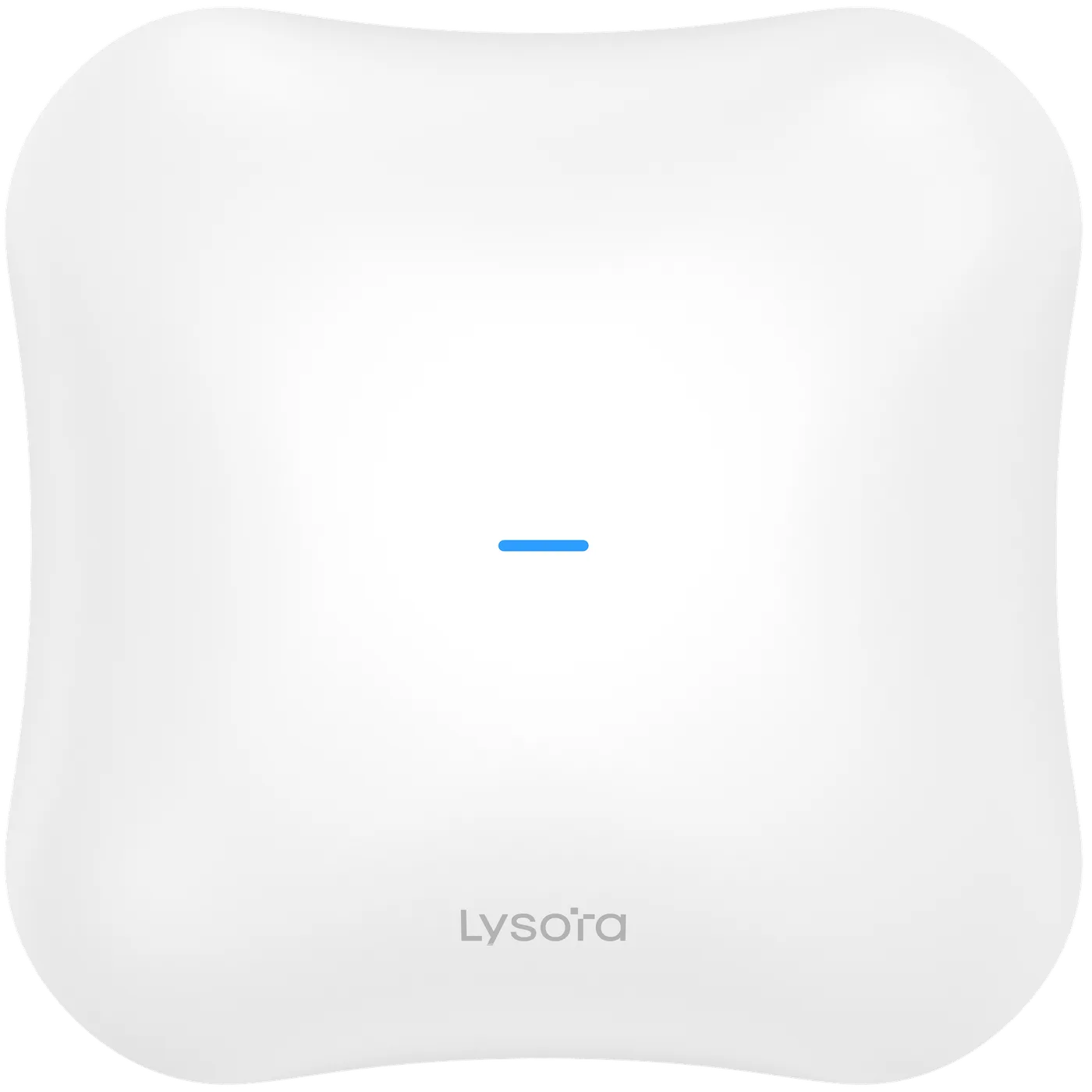
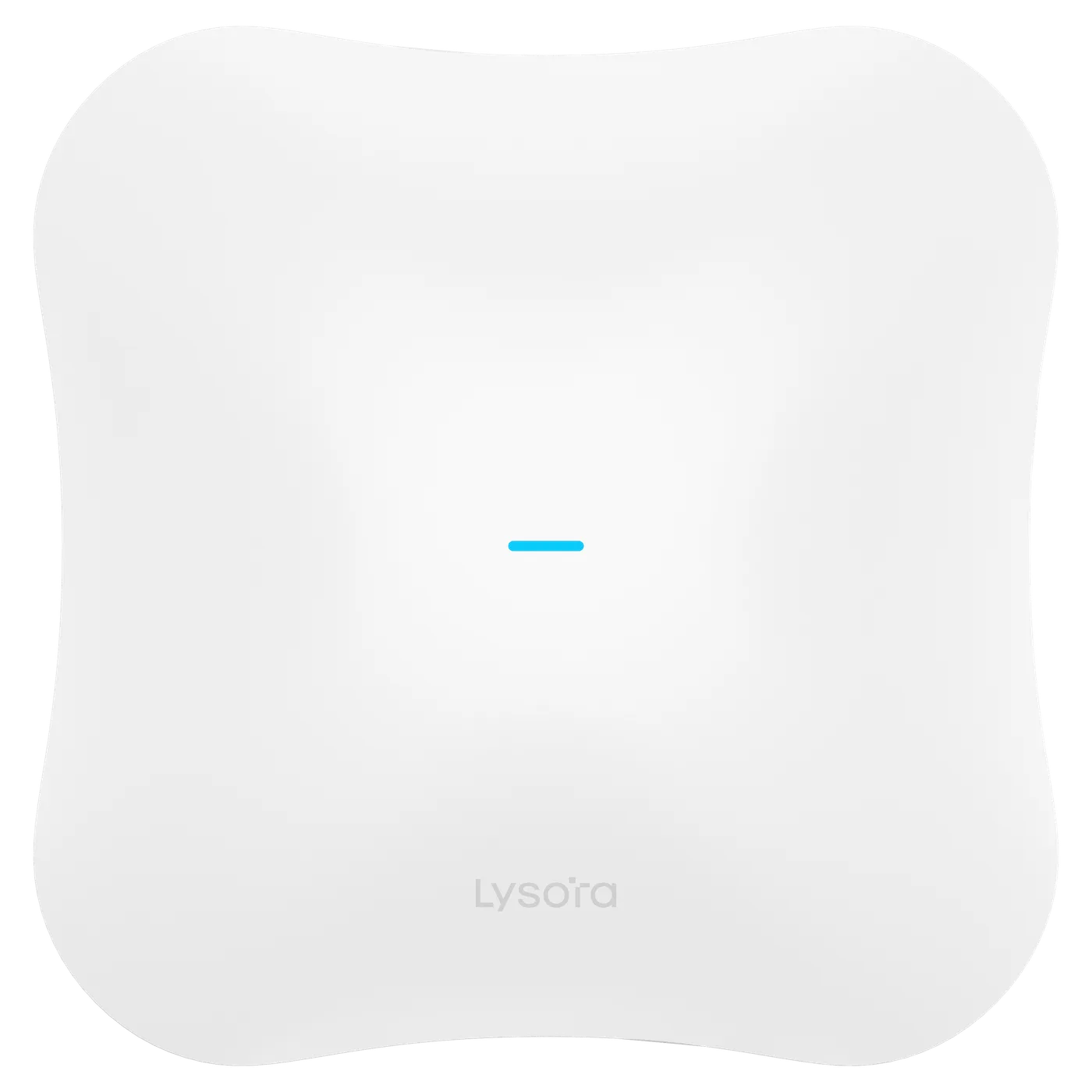
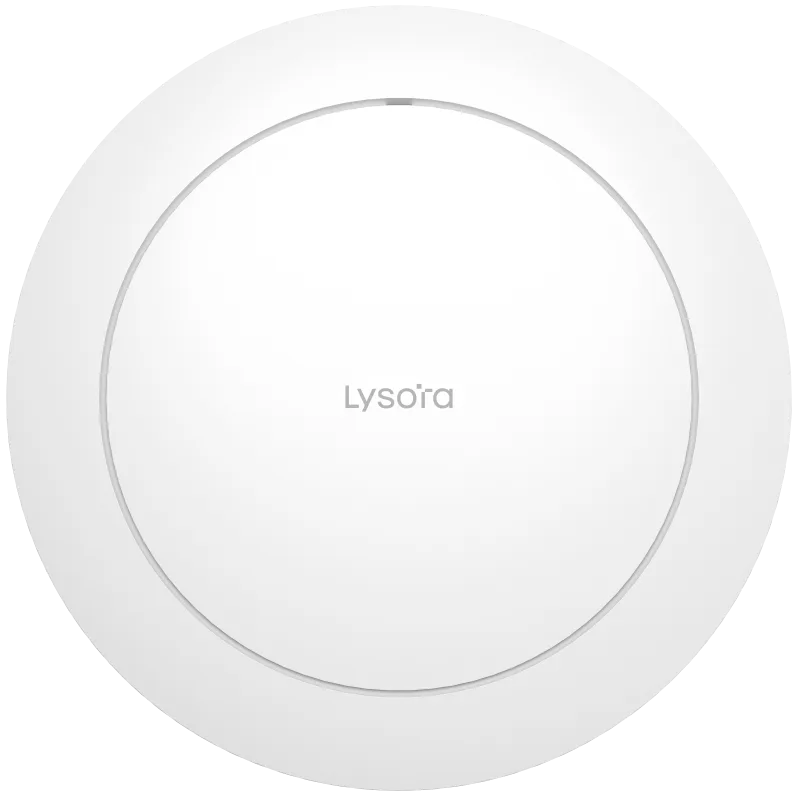
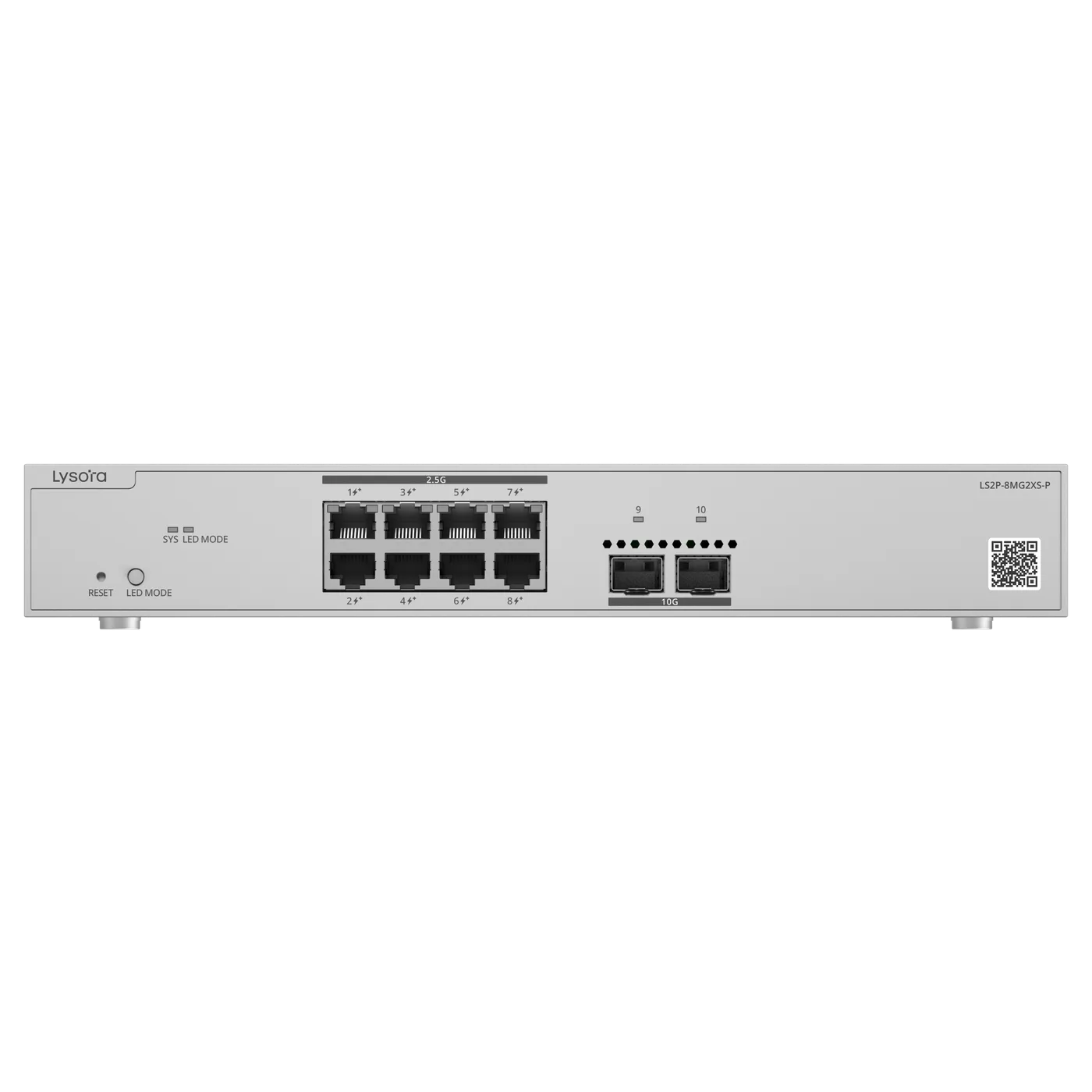
The Lysora Wi-Fi 7 range reflects this reality: the L7 provides a 2.5G port for backhaul alongside a 1G port. Feeding a floor of them properly means multi-gig switching — the LS2P-8MG2XS-P pairs 2.5G PoE access ports with 10G SFP+ uplinks for exactly this purpose. Budgeting for the access points without budgeting for the switch that feeds them is the single most common Wi-Fi 7 mistake.
Choosing between them
The decision is not which is better in the abstract, but which fits the site and its refresh cycle.
A useful way to frame it is to separate the wireless need from the wired reality. If the site genuinely has high-density areas — lecture halls, trading floors, event spaces — where many devices contend for airtime, Wi-Fi 7's wider channels and Multi-Link Operation earn their place, provided the switching can feed them. If density is moderate and the cabling and switches are staying gigabit for now, Wi-Fi 6 delivers most of the practical benefit at lower cost. The refresh cycle matters as much as the technology: the best time to adopt Wi-Fi 7 is when the switching layer is being upgraded anyway.
- Wi-Fi 6 — cost-effective where client devices are older and the cabling plant is gigabit.
- Wi-Fi 7 — right for new builds, high-density spaces, and estates upgrading the switching layer at the same time.
- A mixed deployment — Wi-Fi 7 in high-density areas and Wi-Fi 6 elsewhere — is common and fully compatible.
Backward compatibility
Both standards are backward compatible. A Wi-Fi 7 access point serves Wi-Fi 6 and older clients normally, at their own rates, so a Wi-Fi 7 access point is never wasted on a mixed estate. To gain the Wi-Fi 7 features themselves — particularly Multi-Link Operation — the client device must support 802.11be, but older devices keep working.
This is why a phased upgrade works well: deploy Wi-Fi 7 where density justifies it, keep Wi-Fi 6 elsewhere, and let client devices catch up over their normal replacement cycle.
The 6 GHz band and Wi-Fi 6E
Between Wi-Fi 6 and Wi-Fi 7 sits Wi-Fi 6E, which extends Wi-Fi 6 into the 6 GHz band where regulators permit it. The 6 GHz band matters because it is wide and, being newer, largely free of the congestion that fills 2.4 GHz and much of 5 GHz. A device operating there has more clean spectrum to work with, which is a large part of why Wi-Fi 7's wide 320 MHz channels are practical.
The catch is regulatory. Access to the 6 GHz band and the power levels allowed in it depend on national spectrum rules, and those rules differ by country and continue to evolve — including in India. So while 6 GHz is central to the newer standards on paper, what a deployment can actually use depends on the regulations in force at the site. Plan around the bands you are permitted to operate, and confirm the current position rather than assuming the full band is available.
- 2.4 GHz — long range, heavily congested, best for basic IoT and coverage fill.
- 5 GHz — the workhorse band for capacity, widely available.
- 6 GHz — wide and clean where permitted, central to Wi-Fi 6E and Wi-Fi 7, subject to local regulation.
Planning a phased rollout
Because Wi-Fi 6 and Wi-Fi 7 coexist, the practical way to adopt Wi-Fi 7 is rarely a single overnight replacement. A phased rollout deploys Wi-Fi 7 first where density justifies it — lecture halls, open-plan floors, event spaces — and keeps Wi-Fi 6 in lower-density areas, all under consistent SSIDs so clients roam seamlessly across both.
The dependency to plan around is the wired layer. If the switching is being refreshed anyway, that is the moment to introduce multi-gig access and 10G uplinks so the Wi-Fi 7 areas are not capped. If the switching is staying, Wi-Fi 6 remains the pragmatic choice until the wired refresh comes round. Sequencing the wireless and the wired upgrades together is what makes a Wi-Fi 7 investment actually deliver.
Conclusion
Wi-Fi 6 (802.11ax) is an efficiency standard that remains cost-effective for many offices; Wi-Fi 7 (802.11be) adds wider channels, denser modulation, and Multi-Link Operation for high-density and new-build sites. Both are backward compatible, so mixed deployments are practical.
The decision that most affects a Wi-Fi 7 rollout is the wired one: plan multi-gig switching so the access points are not capped at gigabit. Send us your coverage areas and device mix and we will specify the access points and the matching switches together.