The core difference
The difference between a Layer 2 and a Layer 3 switch is which part of the packet the switch reads to decide where traffic goes. A Layer 2 switch reads the MAC address and forwards the frame within its VLAN. A Layer 3 switch also reads the IP header, so it can move traffic between different IP subnets without handing it to a separate router.
Both are managed switches, both support VLANs, and both look identical in a rack. The distinction only matters at one place: the boundary between subnets. That is also the hardest part of a network to change later, which is why choosing the right layer at design stage saves real money and disruption.
What a Layer 2 switch does
A Layer 2 switch builds a table of MAC addresses against ports and forwards frames accordingly. VLANs divide it into separate broadcast domains, so a camera network and an office network share hardware without sharing traffic.
What it cannot do is move a packet from one VLAN to another. That traffic has to leave the switch, reach a router or firewall, and come back — the pattern often called 'router on a stick'. For a single site with a firewall already in place, that is perfectly adequate and considerably cheaper than Layer 3.
What a Layer 3 switch adds
A Layer 3 switch holds an IP routing table and forwards between subnets in its switching hardware. Inter-VLAN traffic never leaves the box, which removes the uplink round trip to the router and the router itself as a potential bottleneck.
When that matters
It matters when a lot of traffic crosses subnet boundaries — a campus where departments in different VLANs constantly exchange data, or a core switch aggregating several closets. Routing that traffic in the switch, at wire speed, is far more efficient than sending it all to a firewall and back.
The middle ground
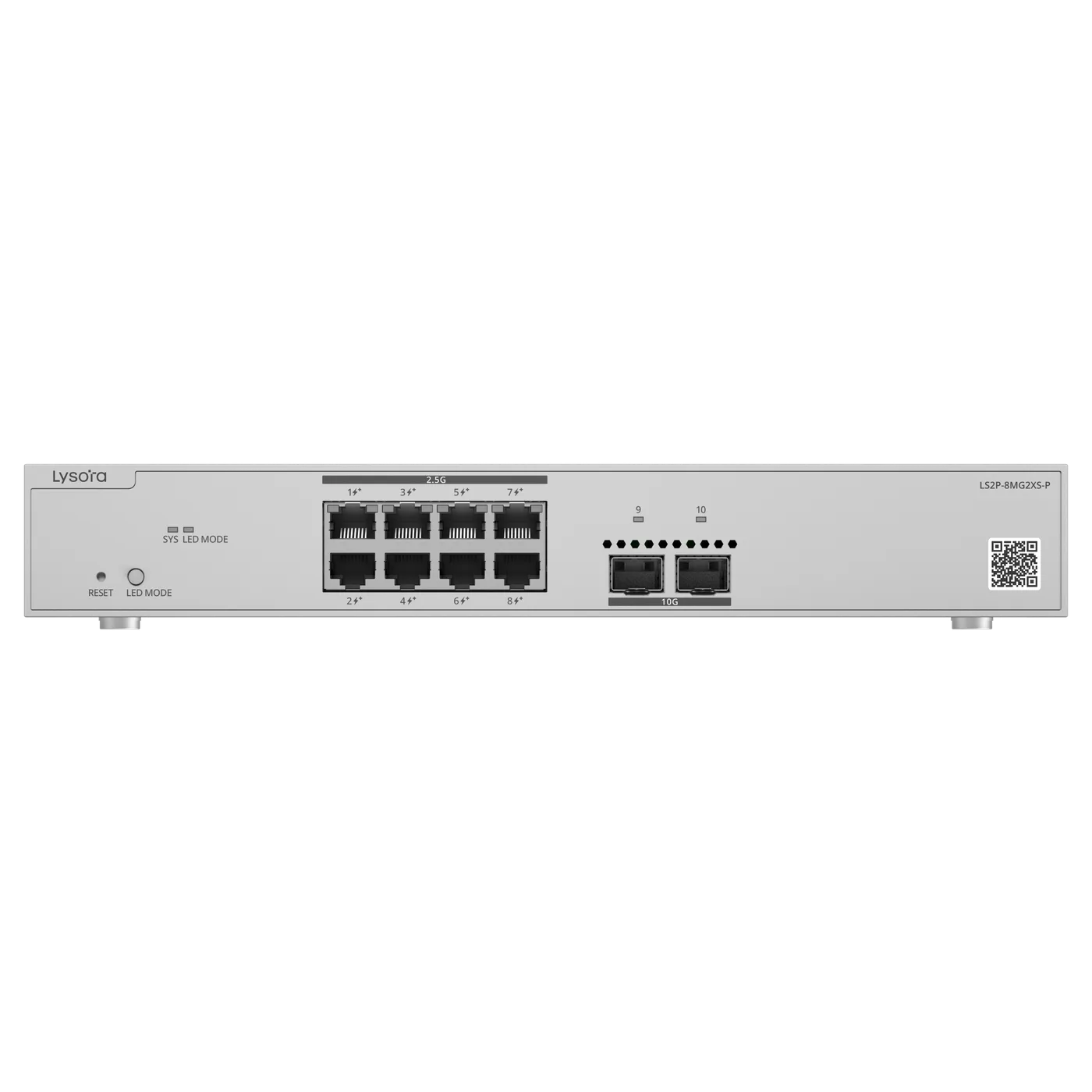
Some Layer 2 switches add limited static routing without being full Layer 3 devices. The Lysora LS2P-8MG2XS-P is an example: a Layer 2 switch with static routing, which covers modest inter-VLAN needs without the cost of a full Layer 3 core.
Choosing between them
The deciding question is how much traffic crosses subnet boundaries and where that boundary sits. Answer that and the layer chooses itself.
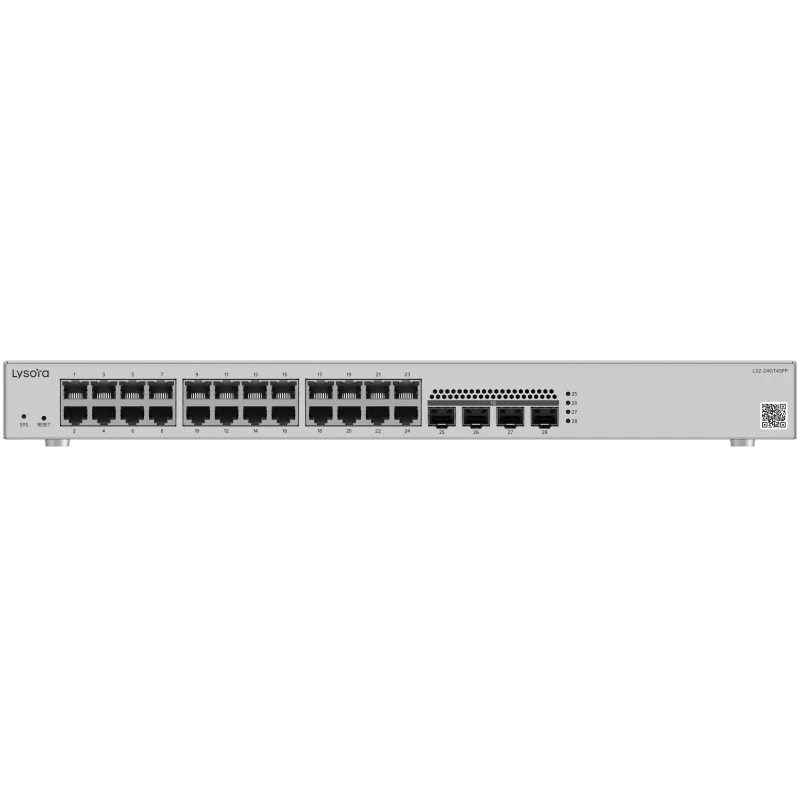
- Single site, a few VLANs, firewall already in place — Layer 2 (the LS2 series).
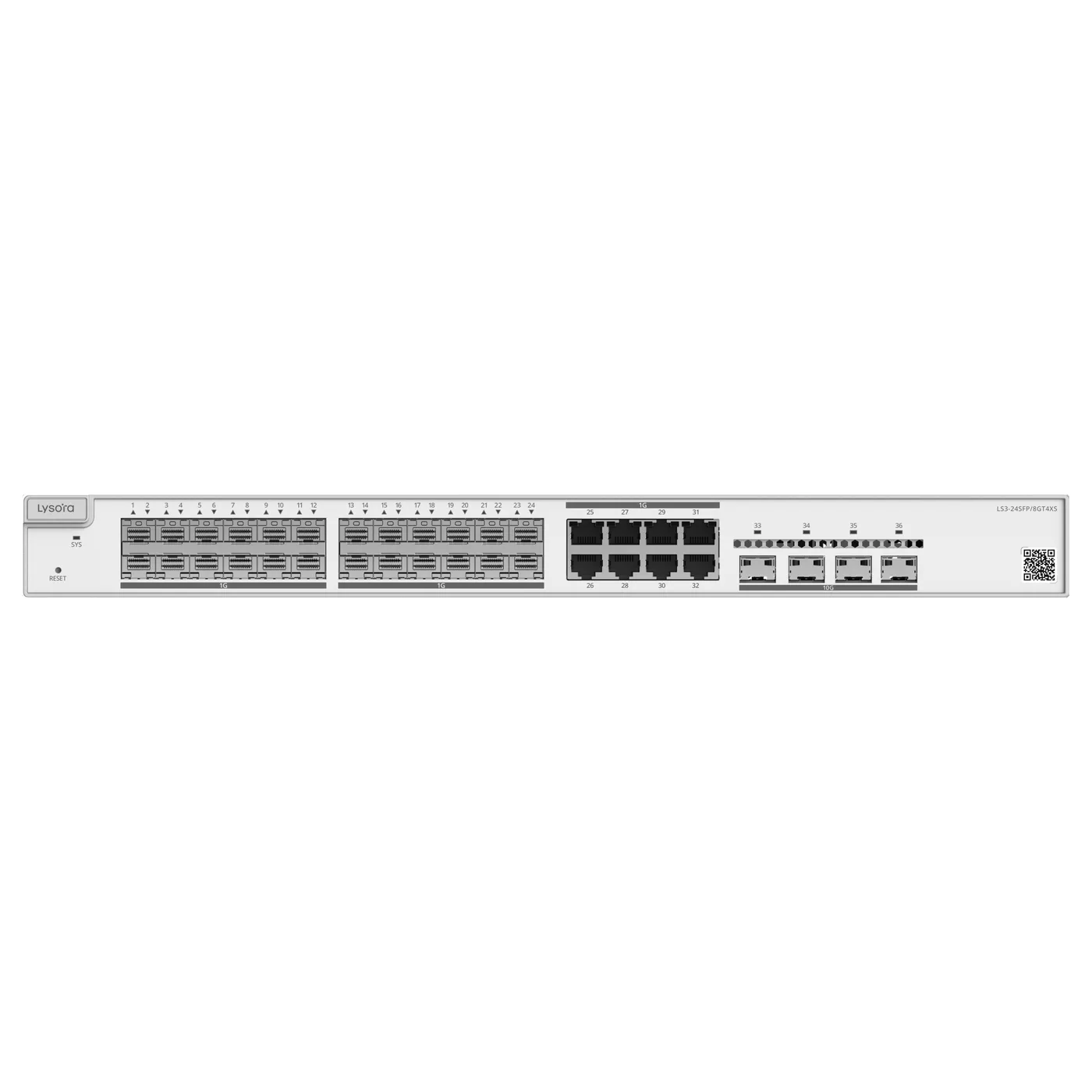
- Heavy inter-VLAN traffic, or a core aggregating several closets — Layer 3 (LS3-24SFP/8GT4XS).
- Segmentation needed but routing handled upstream — Layer 2 is sufficient and cheaper.
- Fibre aggregation with 10G uplinks at the core — Layer 3 with SFP+ ports.
The cost and lifespan angle
Layer 3 switches cost more per port, so buying them for the access layer — the switches devices plug into — is usually wasted budget, because access switches rarely need to route. The durable design puts Layer 2 at the edge and one Layer 3 switch at the core, where the routing actually happens.
Because the routing boundary is difficult to move once cabling and IP addressing are in place, this is a decision worth settling at design stage rather than discovering after installation. A network built flat and later needing inter-VLAN routing is far cheaper to plan for than to retrofit.
What both layers share
It is easy to frame Layer 2 and Layer 3 as opposites, but they share far more than they differ. Both are managed switches, so both provide VLAN segmentation, per-port monitoring, remote administration, and the security features — 802.1X authentication, storm control, port security — that make a shared network orderly. A Layer 3 switch is a Layer 2 switch with routing added, not a different class of device.
This matters for design because it means the access layer loses nothing by being Layer 2. Access switches still segment traffic, still enforce security, and still report per-port statistics. The only capability they lack is routing between subnets in their own hardware — and that is precisely the capability an access switch does not need, because routing belongs at the core. Understanding that the two layers share their whole managed feature set is what makes it comfortable to put Layer 2 at the edge and reserve Layer 3 for where routing actually happens.
A practical example
Consider a two-building campus. Each building has access switches where computers, cameras, and access points connect — those are Layer 2, segmenting traffic into VLANs. The two buildings connect over fibre to a central switch that routes between all the VLANs at wire speed — that is Layer 3, the LS3-24SFP/8GT4XS with its SFP and SFP+ ports.
Now consider a single-floor office. Access switches segment traffic into VLANs; a firewall at the internet edge routes between them. There is no Layer 3 switch, because the inter-VLAN traffic is light and the firewall handles it. Same principles, different answer — driven entirely by where and how much routing is needed.
Growing from Layer 2 into Layer 3
Most networks do not start needing Layer 3 — they grow into it. A single office runs happily on Layer 2 with a firewall for years. Then a second floor is added, then a second building, and suddenly a lot of traffic is crossing subnet boundaries and the firewall becomes a bottleneck. That is the moment a Layer 3 core earns its place.
The good news is that a well-designed Layer 2 access layer does not need replacing when that moment comes. The access switches keep doing exactly what they did — segmenting traffic into VLANs — and a Layer 3 switch is added at the core to route between those VLANs at wire speed. This is why the advice to keep Layer 2 at the edge and reserve Layer 3 for the core is not just about cost today; it is about a growth path that adds the routing layer without tearing up the access layer. Plan the VLAN and addressing scheme with that future in mind and the upgrade is an addition, not a rebuild.
Conclusion
A Layer 2 switch forwards by MAC address within VLANs and hands inter-VLAN routing to a firewall or router. A Layer 3 switch also routes between subnets in its own hardware, which suits a busy core or campus. VLAN support is common to both and is not what distinguishes them.
Choose Layer 2 for the access layer and single-site offices; add Layer 3 at the core where inter-VLAN traffic is heavy. If you are unsure where the routing boundary should sit, send us your topology and our team will advise and specify the switches.