The short answer
An unmanaged switch forwards traffic and does nothing else. You plug devices in and they talk to each other — no configuration, no login, no settings. A managed switch does the same forwarding but adds a control layer on top: VLANs to segment traffic, monitoring to see what is happening on each port, and remote administration so you can change the network without standing in front of it.
The decision is not about which is 'better'. It is about whether your network needs that control layer. A four-device network in a single room does not. A network that carries cameras, phones, access points, and office traffic on the same cabling almost always does. This guide works through exactly where the line sits so you buy the right switch the first time.
What an unmanaged switch does — and does not do
An unmanaged switch is a fixed-function device. Internally it builds a table of which MAC address is reachable on which port and forwards frames accordingly. That is the whole job. There is no IP address on the switch, no web interface, and no way to change its behaviour.
This simplicity is a genuine strength in the right place. There is nothing to misconfigure, nothing to secure, and nothing to fail in software. For a handful of devices that all belong to the same network and trust each other, an unmanaged switch is the correct, cost-effective answer.
Where unmanaged switches fit
Unmanaged switches suit small, flat, single-purpose networks where every device is on the same logical network and no traffic needs to be kept apart or watched.
- A few computers and a printer in one room.
- Extending ports at a single desk cluster behind a managed switch upstream.
- A temporary or event network with no segmentation requirement.
Where they run out of road
The moment cameras, access points, or guest devices share the cabling with office traffic, an unmanaged switch stops being adequate. It cannot separate those traffic types, cannot tell you which port is saturated, and cannot be adjusted without a physical visit. Every one of those limitations becomes a real operational cost as the network grows.
What a managed switch adds
A managed switch keeps all the forwarding behaviour of an unmanaged one and layers control on top. That control is what turns a pile of connected devices into a network you can segment, secure, monitor, and support remotely.
VLAN segmentation
The headline feature is the VLAN. A VLAN lets one physical switch behave as several separate networks, so cameras, voice, guest Wi-Fi, and corporate traffic each sit in their own broadcast domain even though they share the same hardware and cabling. Without VLANs, everything shares one flat network — a security and performance problem that only gets worse with scale.
Monitoring and diagnostics
A managed switch reports per-port statistics: link status, traffic counters, errors, and PoE draw. When something is slow or a camera drops off, that visibility is the difference between a five-minute diagnosis and an afternoon of guesswork.
Remote management
Managed switches are administered over a web interface or, increasingly, a cloud platform. For a single site that saves walking to the rack; for a multi-site estate it is the feature that makes remote support possible at all, because you can diagnose and reconfigure a branch without sending an engineer.
Security and control features
Beyond VLANs, managed switches typically add access controls such as 802.1X authentication, storm control, IP-MAC-port binding, and multicast handling. These are the tools that keep a shared network orderly and resistant to both accidents and abuse.
The real cost comparison
Unmanaged switches cost less per port, and that gap is real. But the comparison that matters is total cost over the life of the network, not the sticker price of the box.
A managed switch that lets you segment traffic, spot a failing link remotely, and add a VLAN without re-cabling repays its premium the first time it saves a site visit or contains a problem to one segment. An unmanaged switch that has to be ripped out and replaced when the network grows costs far more than the difference would have. For anything expected to grow or carry mixed traffic, managed is usually the cheaper decision over time.
A clear rule for choosing
Strip away the feature lists and the decision comes down to a few questions. If the answer to any of them is yes, you want a managed switch.
- Does the network carry more than one kind of traffic that should be kept apart — cameras, voice, guest, corporate?
- Will anyone ever need to diagnose or change the network without being physically present?
- Is the site expected to grow, or is it one of several that should be managed consistently?
- Does anything on the network need PoE, QoS, or access control?
Matching to the Lysora range
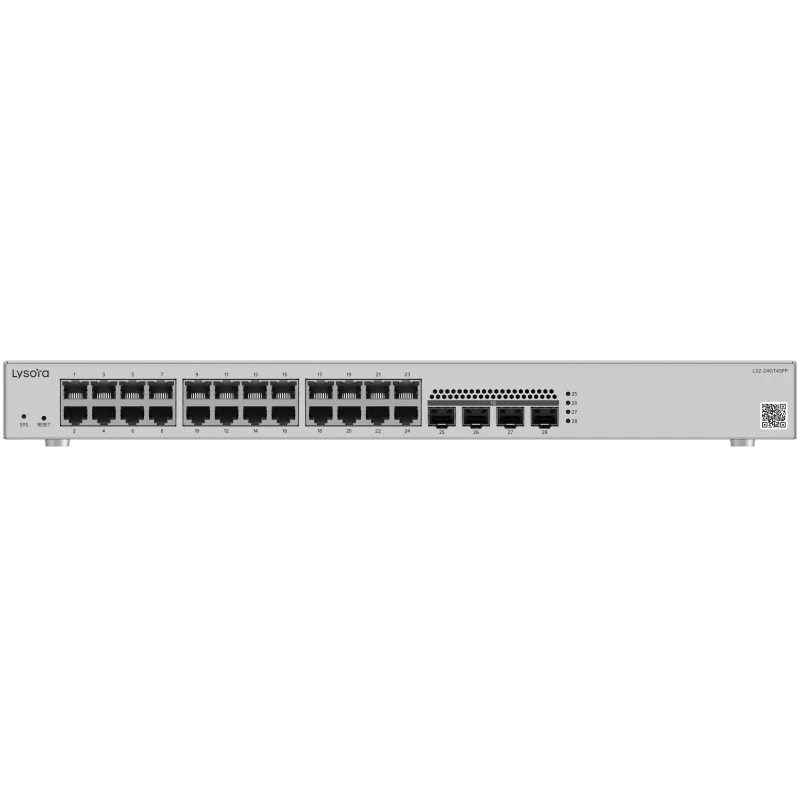
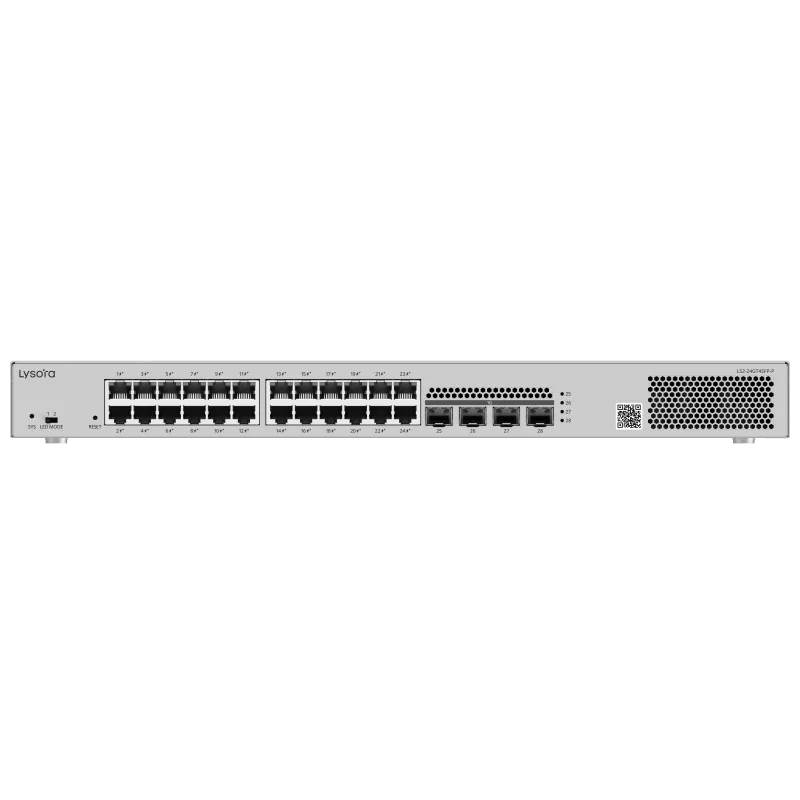
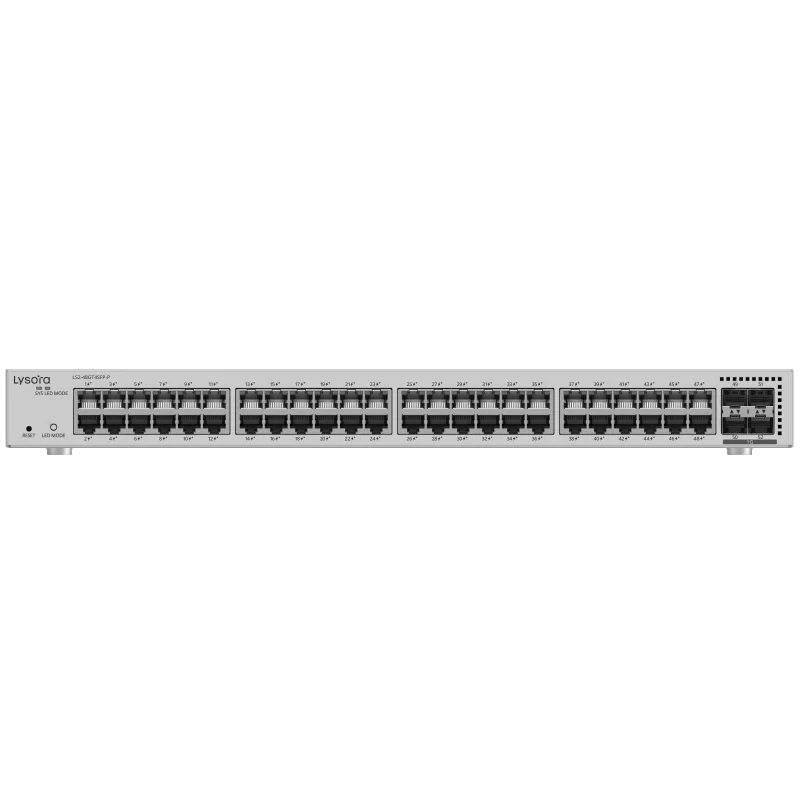
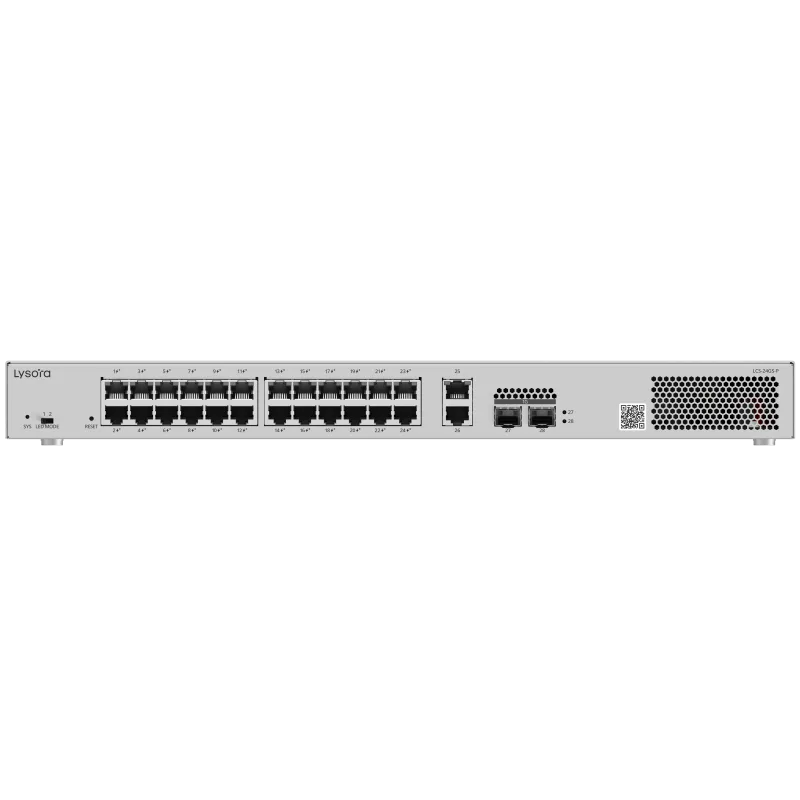
In the switches we supply, the managed line spans compact to high-density models — the LS2-8GT2SFP-P for small sites, the LS2-24GT4SFP and LS2-24GT4SFP-P for standard offices, and the LS2-48GT4SFP-P for larger floors. Where cameras or access points need power, the LCS PoE series covers 4 to 24 ports. These are all managed because that is what mixed, growing networks need; unmanaged switches remain the right call only for genuinely small, flat, single-purpose segments.
Common mistakes to avoid
Two errors show up repeatedly. The first is buying unmanaged switches to save money on a network that clearly carries mixed traffic, then discovering there is no way to segment cameras from the office or to diagnose a problem remotely. The retrofit costs more than the saving.
The second is the opposite: buying a large managed switch for a genuinely tiny, flat network and never using a single managed feature. Right-sizing cuts both ways. The goal is to match the switch's capability to what the network actually requires, now and over its expected life.
Conclusion
Unmanaged switches forward traffic and nothing more, which makes them the right, economical choice for small, flat, single-purpose networks. Managed switches add the VLANs, monitoring, remote control, and security that any network carrying mixed traffic or expecting to grow will need — and that control usually makes them the cheaper decision over the life of the network.
If your network has cameras, access points, phones, or multiple user groups sharing cabling, or if it will be supported remotely or grow over time, choose managed. Send us your device list and site details and we will size the exact model against your requirement.