Six decisions, in order
Choosing an enterprise switch feels complicated because datasheets list dozens of specifications. In practice, the choice reduces to six decisions, and taking them in order narrows the shortlist to one or two models quickly. Those decisions are: how many devices connect, whether they need power, how fast the uplink must be, whether the switch has to route between subnets, how it will be managed, and where it is installed.
Get these six right and the rest of the specification follows. Get them wrong — usually by buying on port count alone — and the switch passes acceptance testing and then bottlenecks or fails in production. This guide works through each decision the way a bill of quantities is normally built.
1. Port count and headroom
Start from the device inventory: computers, printers, phones, cameras, access points, and any uplinks to other closets. Then add roughly 20–25% spare capacity, because re-cabling an occupied office costs far more than the extra ports bought up front.
- Up to 8 devices — a compact switch such as the LS2-8GT2SFP-P.
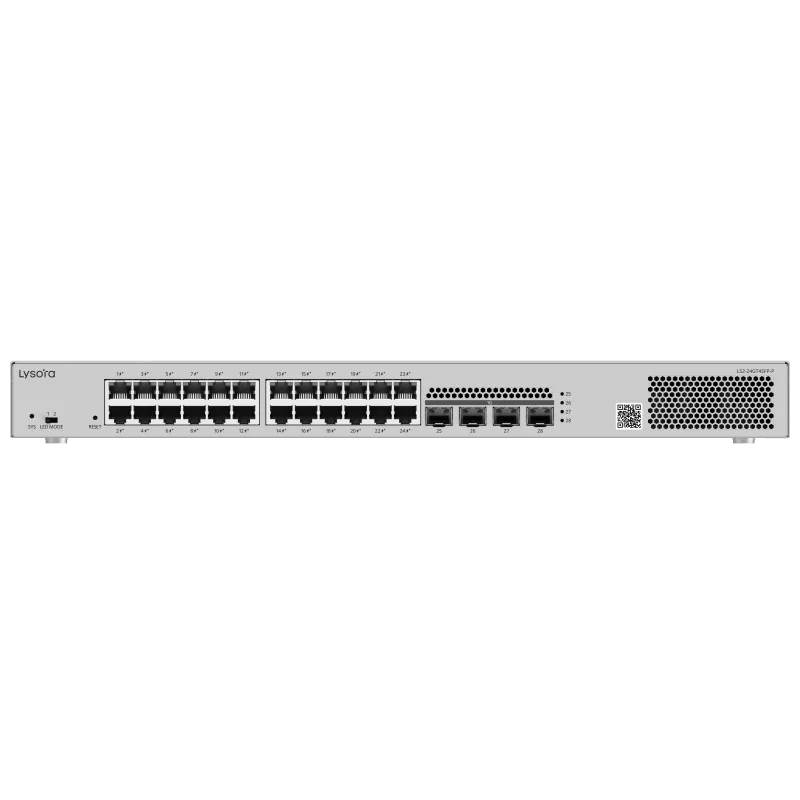
- 16–24 devices — a 24-port switch such as the LS2-24GT4SFP or LS2-24GT4SFP-P.
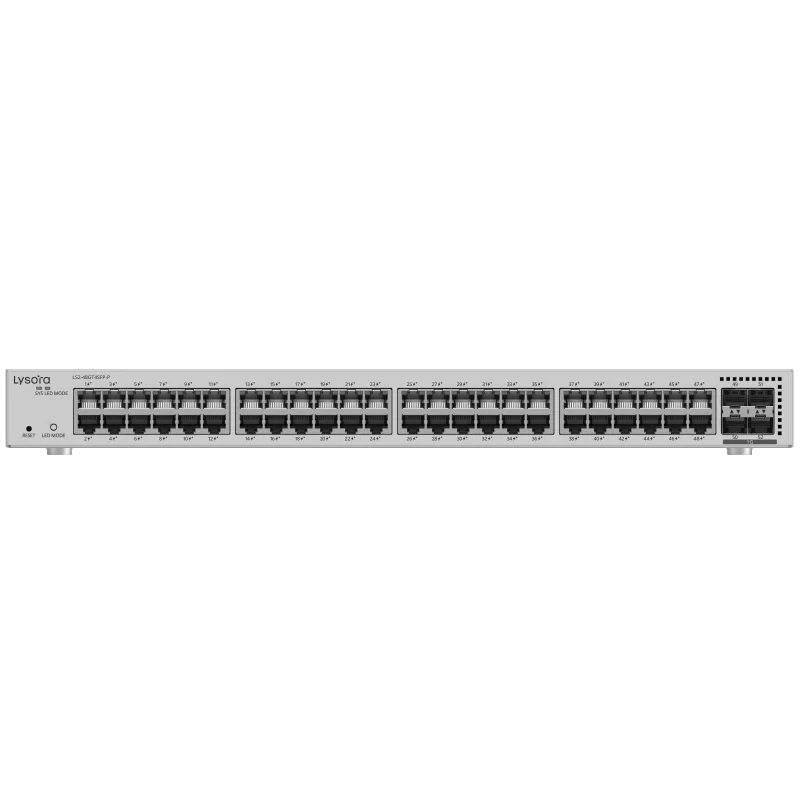
- 40+ devices — a 48-port switch such as the LS2-48GT4SFP-P.
2. Does anything need power?
If cameras, access points, or IP phones are in scope, PoE ports remove the need for local power at each device — usually the single largest installation saving available. But size on total budget, not port count: a switch's PoE budget is the total wattage it can deliver across all ports at once.
Add the real draw of every powered device, keep margin, and compare against the switch's budget. In the Lysora range the LCS PoE series spans 4 to 24 ports, with the LCS-24GS-P carrying a 370 W budget for larger edge counts. Where the budget is tight, the answer is a larger budget rather than more ports.
3. Match the uplink to the edge
The uplink carries the combined traffic of every access port, so it must not become the bottleneck. Fibre SFP uplinks also cross between floors and buildings beyond the 100 m copper limit.
The Wi-Fi 7 factor
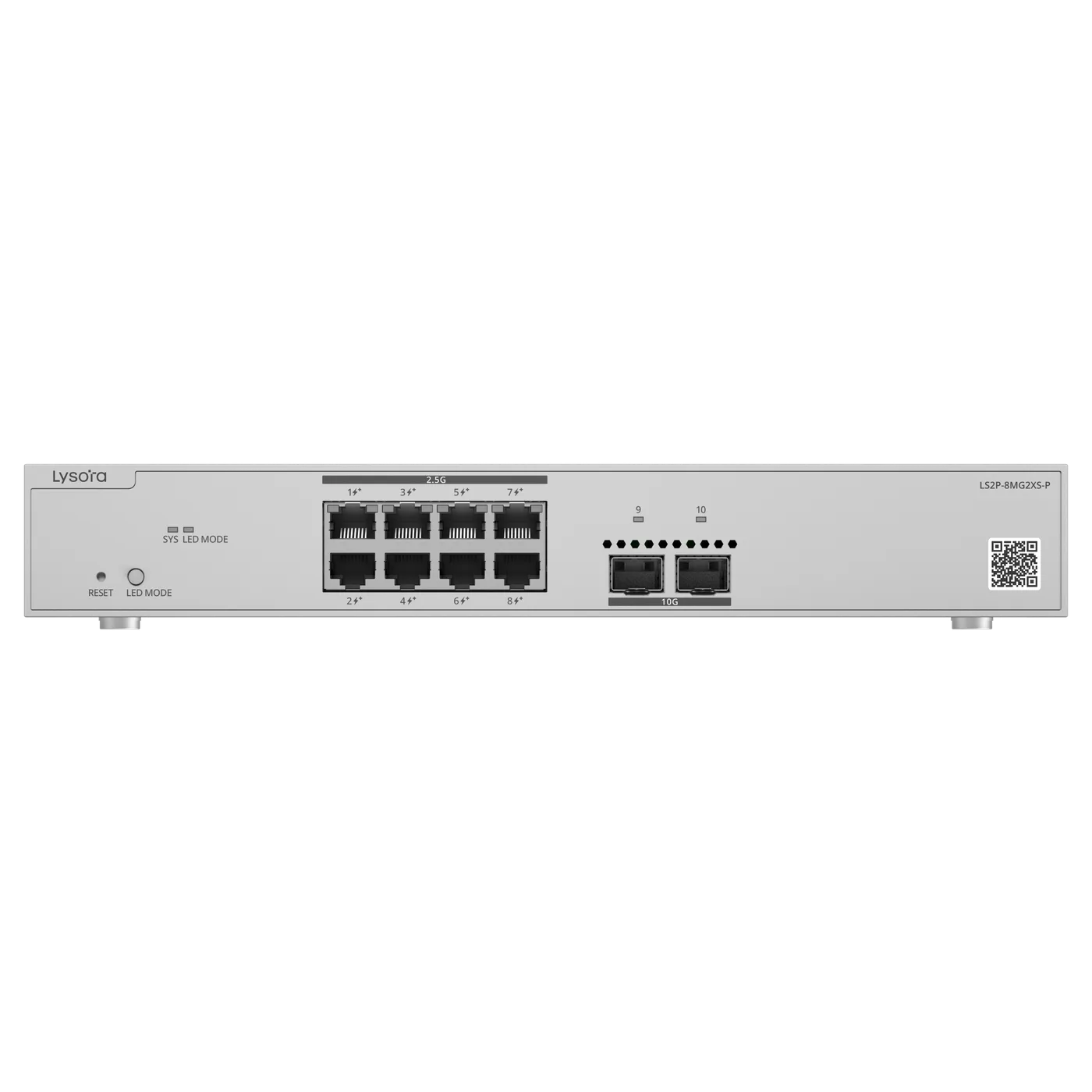
The current reason gigabit uplinks fail is modern wireless. A single Wi-Fi 7 access point can saturate a 1 Gbps port on its own. Where multi-gig access points are in scope, plan 2.5G access and 10G uplinks — the LS2P-8MG2XS-P exists precisely for that case, pairing 2.5G PoE ports with 10G SFP+ uplinks.
4. Layer 2 or Layer 3?
A Layer 2 managed switch segments the network with VLANs and hands routing between subnets to a router or firewall. That is the right choice for most single-site offices.
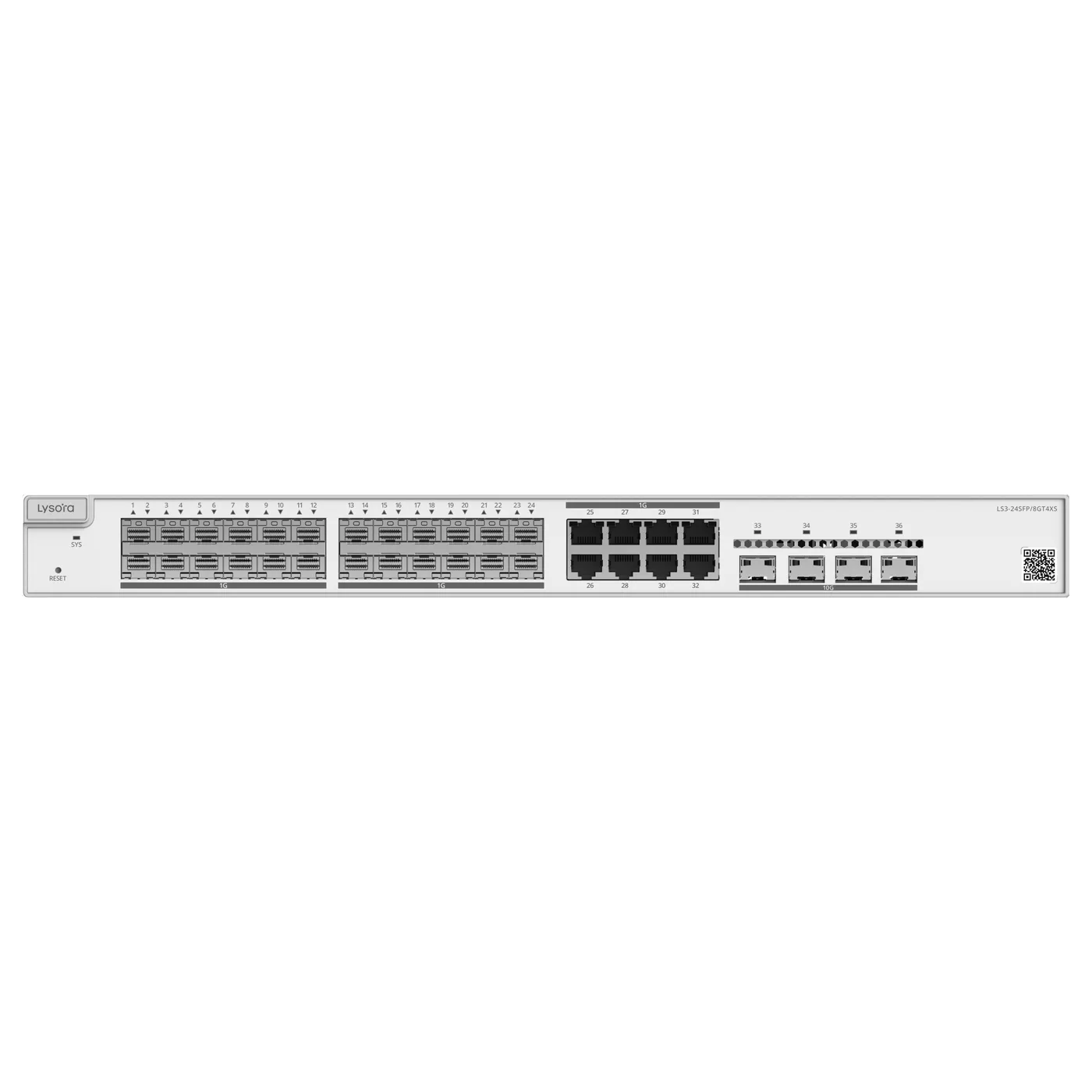
Choose Layer 3 when the switch itself must route between VLANs at wire speed — typically a campus or multi-floor core aggregating several closets. In the Lysora range the LS3-24SFP/8GT4XS is the Layer 3 fibre-aggregation model. Do not sprinkle Layer 3 across the access layer, where its extra cost is wasted; keep it at the core where the routing load actually is.
5. How will it be managed?
Decide who administers the switch and from where. Local web management suits a single site. Cloud management is what makes a multi-site estate practical to support, because a branch can be diagnosed and reconfigured without an engineer visit.
Whichever you choose, confirm the exact management method on the datasheet at quotation stage — it is the specification most often assumed rather than checked, and it determines how the network is supported for its whole life.
6. Environment decides the enclosure
Commercial switches are rated for roughly 0–50 °C in ventilated racks. Roadside cabinets, factory panels, and rooftop enclosures routinely exceed that, and a commercial switch installed there fails early and unpredictably.
For those locations use an industrial model with DIN-rail mounting and a wide temperature rating, such as the LS2T-8GT2SFP-HP. This is a reliability decision driven by location, not a performance one — and it is the specification most often skipped in a BOQ.
Warranty, support, and total cost
The six technical decisions size the switch, but a good specification also weighs how the switch is supported over its life. Warranty terms, the availability of replacements, and who answers when something fails are part of the real cost of ownership, even though they do not appear on a port-count comparison. A cheaper switch that is slow to replace and hard to get support for can cost far more than the saving when a link goes down.
Warranty on the Lysora range is the standard manufacturer warranty, serviced in India by Lizora Infotech, with exact terms stated on the quotation — we do not quote warranty periods or service levels beyond what is documented. Just as important for a business network is the practical support around it: stock availability so a failed unit is replaced quickly, a named contact rather than a ticket queue, and pre-sales review so the specification is right before the order. Those are the factors that determine whether a switch is a one-time purchase or a recurring headache.
Total cost of ownership also includes power and lifespan, which rarely appear on a comparison sheet. A switch's power consumption adds up across a large estate over years of continuous operation, and a fanless design has one fewer part to fail than a fan-cooled one. None of these should override the six technical decisions, but weighed alongside them they often separate two switches that looked identical on port count and price — and they are exactly the factors a good supplier will raise before you commit.
Putting it together
The six decisions interlock. A 48-port PoE switch with a small budget behind a floor of Wi-Fi 7 access points fails on both power and uplink; a Layer 3 switch bought for a flat single office wastes budget on routing it will never do. The discipline is to answer the six questions against the real deployment, then let them converge on a model.
For a standard 24-user office with cameras and access points, that usually lands on a managed PoE switch such as the LS2-24GT4SFP-P or an LCS model, gigabit to the desk, fibre uplinks between closets, Layer 2 with a firewall, web or cloud management, and a commercial enclosure. Change any input — Wi-Fi 7, a campus core, an outdoor site — and the specification shifts accordingly.
Conclusion
An enterprise switch is chosen on six decisions: port count with headroom, PoE sized on budget, uplink matched to the edge, Layer 2 or Layer 3, management method, and environment. Taken in order, they turn a daunting datasheet into a clear specification.
The most expensive mistakes all come from skipping one of the six — usually buying on ports alone. Send us your device list, floor plan, or draft BOQ and our technical team works through all six against your deployment and returns a priced, right-sized specification.