The problem cloud management is actually solving
A single switch in a single office does not need cloud management. You plug in a laptop, open the web interface on its local address, and configure it. That has worked for twenty years and still works.
The problem starts at the second site. A retail chain with fourteen stores, a school with three blocks, an ISP with sixty customer installations — every one of those has switches and access points sitting behind someone else's internet connection, in a cupboard, with no engineer nearby. Reaching a local web interface means either a site visit or a VPN, and the thing you usually need to know is trivial: is the access point on the first floor up, and how much PoE is the camera string drawing.
Cloud management exists for that gap. The device dials out to a management service, and you reach it from wherever you are. Lysora Cloud is the app for the Lysora range, and this is what it does, what it manages, and where its limits are.
What Lysora Cloud is
Lysora Cloud is a free Android app published by Lysora Technology Inc on Google Play, under the Tools category. At the time of writing it shows over a thousand downloads, was last updated on 21 September 2026, and is rated for ages 3 and up. Its most recent release added Japanese language support and fixed unspecified issues.
The listing describes it as built for network engineers, IT staff and operations teams, and highlights four things: Wi-Fi setup and configuration, cloud management offered free for the life of the device, SD-WAN across any link, and AI-assisted design tools for projects. Three of those are everyday operational features. The fourth — the AI design tooling — is the one to evaluate against your own workflow rather than take on description alone.
The functional core, as described, is device onboarding, real-time status monitoring, and custom device attributes. In practice that means adding a device to your account, seeing whether it is up and what it is doing, and labelling it so that a fleet of sixty units is navigable six months later.
- Publisher: Lysora Technology Inc
- Platform: Android, via Google Play (package com.lysora.lyapp)
- Cost: free, with management described by the manufacturer as free for the lifetime of the device
- Last updated: 21 September 2026
Which Lysora products it manages
Almost the entire Lysora range published on this site supports cloud management, but the exact management surface differs by model, and it is worth checking before you promise a client an app-managed network.
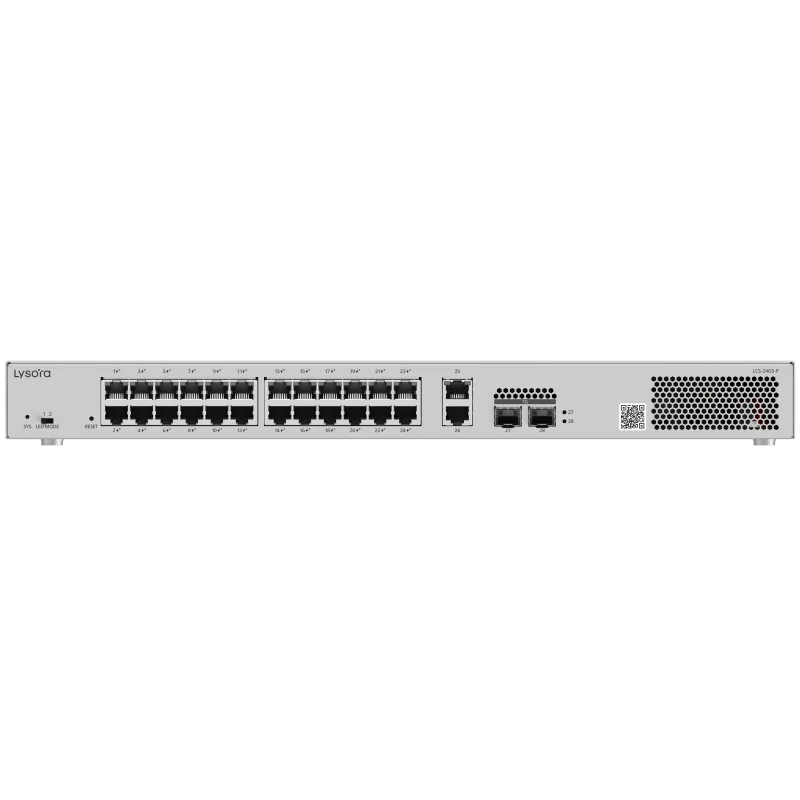
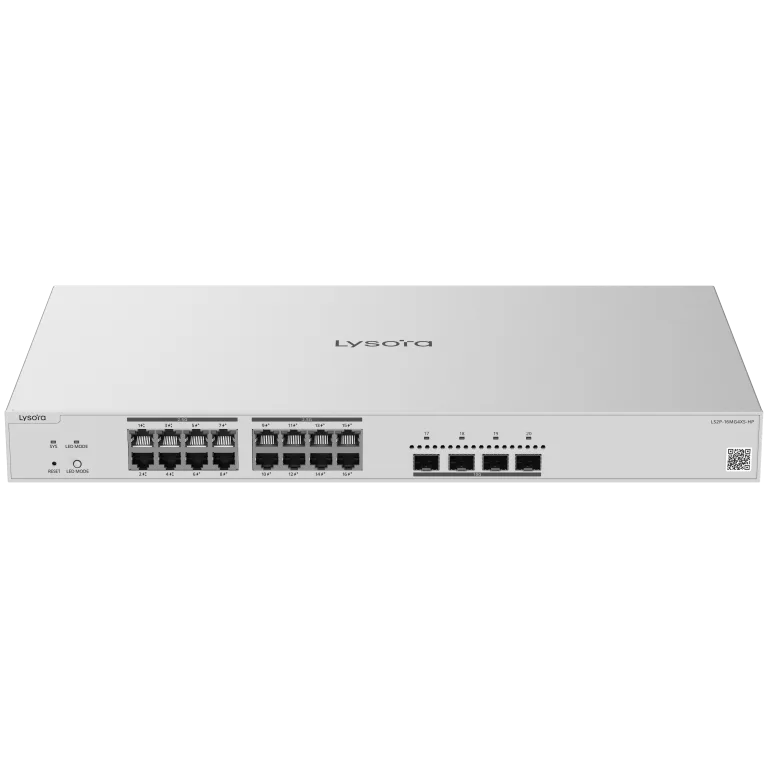
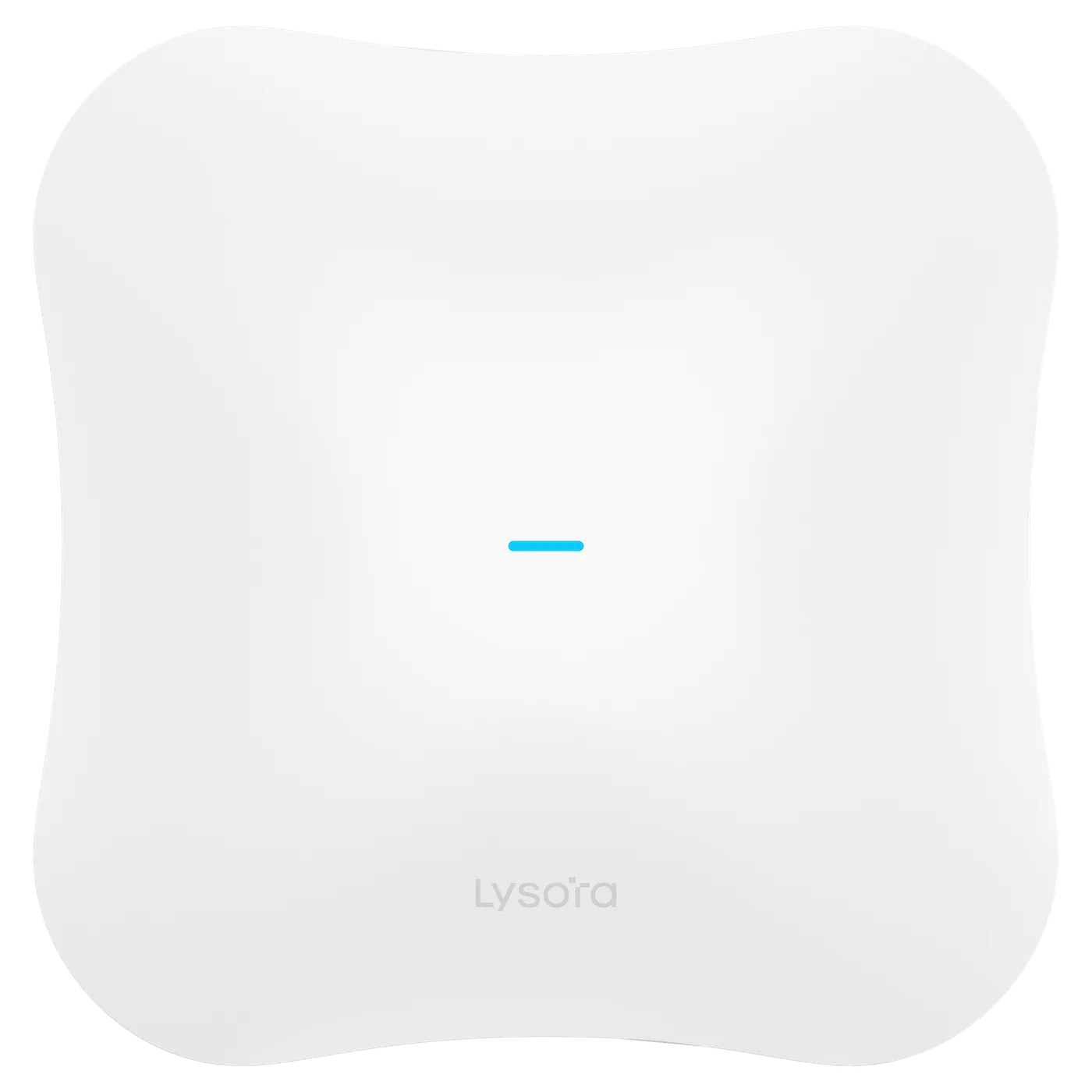
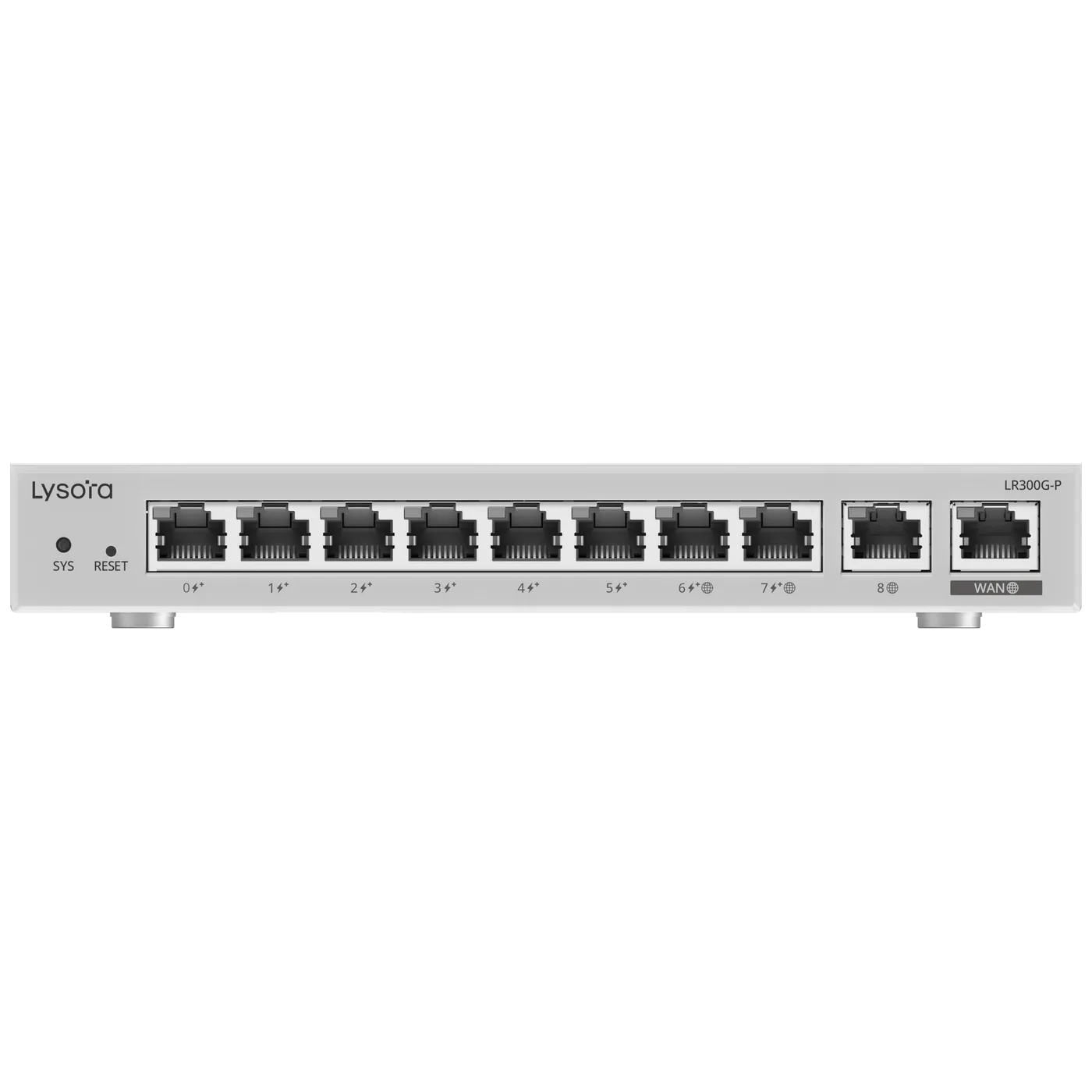
The LCS cloud PoE switches and the industrial LCST state web, cloud and app management explicitly. So do the LS2P multi-gigabit managed PoE switches and the LS3-12XS. The Wi-Fi 6 and Wi-Fi 7 access points are managed through Lysora Cloud and their own web interface, with app management stated on the L6 and SNMP on the L7 and L7Pro. The LR routers run Lysora Cloud and web. The LS2 managed switches publish web management with cloud support.
The practical reading: if a model's page says cloud, the device can be adopted into your Lysora Cloud account. Where a page lists the app specifically, phone-based management is a stated capability rather than an inference. Every model's management row is on its own product page, and that page is the source we quote against on a quotation.
- Web, cloud and app stated: LCS-4GS-P, LCS-8GS-P, LCS-16GS-P, LCS-24GS-P, LCST-8GT2SFP-HP, LS2P-8MG2XS-P, LS2P-16MG4XS-HP, LS3-12XS and the L6 access point
- Lysora Cloud and web: the rest of the L6 and L7 access point range, LR100G, LR300G-P, LR1500XS
- Web with cloud support: LS2-8GT2SFP-P, LS2-24GT4SFP-P, LS2-48GT4SFP-P
- HPE Networking Instant On models are managed through HPE's own platform, not Lysora Cloud
What it changes on a real deployment
The gain is not that configuration becomes easier. A VLAN is the same VLAN whether you set it from a phone or a laptop. The gain is in the time between a problem occurring and someone knowing about it.
On a surveillance project, the common failure is not a dead switch — it is one camera that has hung and stopped recording. A PoE watchdog restarts it automatically on the models that have one, but knowing that it happened, and that it keeps happening on the same port, is what turns a recurring site visit into a cable replacement. That visibility is what the monitoring is for.
On a multi-site rollout, the gain is onboarding. Shipping a pre-adopted device to a site where someone non-technical can plug it in, and having it come up with the right configuration, removes an engineer's travel day per site. At fourteen sites that is the difference between a profitable rollout and a break-even one.
Where the local web interface is still the right tool
Cloud management does not replace local access, and you should not design as though it does. Initial commissioning on a site with no working internet, recovery from a bad configuration, and detailed troubleshooting with live port counters are all faster on the device's own web interface.
Every cloud-managed Lysora model keeps its web interface. Treat the app as the day-to-day operational view and the web UI as the engineering tool, rather than choosing one.
Read the data-safety disclosure before you standardise on it
Google Play requires publishers to declare their data practices, and Lysora's declaration is worth reading before the app goes onto a client's estate.
The listing states that the app may collect personal information, app activity, and device or other identifiers, and that it may share those same categories with third parties. It states that data is encrypted in transit and that users can request deletion of their data.
None of that is unusual for a cloud management platform — the device has to report in, and the account has to identify you. But if you are deploying into healthcare, government or a regulated enterprise, this is the paragraph your client's IT policy will ask about, and it is better to raise it yourself than to have it raised after the order. For those environments, specify the devices on local web management and treat cloud adoption as a separate decision.
An honest assessment of its maturity
The app shows over a thousand downloads and no visible rating or review count on its Play listing. That is a young platform, not an established one, and it would be dishonest to present it otherwise.
What that means practically: pilot it before you commit a large estate to it. Adopt two or three devices, run them for a few weeks, and check the things that matter to you — whether status is accurate, whether alerts arrive, whether a device that drops off reconnects without intervention. That is a short exercise and it tells you more than any description.
It also means that the local web interface is not a fallback you can skip in the design. Specify the network so that it is fully operable without the cloud, and treat cloud management as the layer that makes it convenient. That is good practice with any vendor's cloud platform, and more so with a new one.
Getting started
If you already run Lysora hardware, adoption is additive — the devices keep running exactly as they are while you try the app alongside them.
- Install Lysora Cloud from Google Play and create an account.
- Pick two devices that are easy to reach physically, in case you need to reset them.
- Confirm each one is on a current firmware release through its web interface first.
- Adopt them into the account and label them properly — site, floor, cupboard. Labels are the difference between a usable fleet view and a list of serial numbers.
- Leave them for two to three weeks and watch whether the status you see matches reality.
- Only then decide whether to adopt the rest of the estate.