

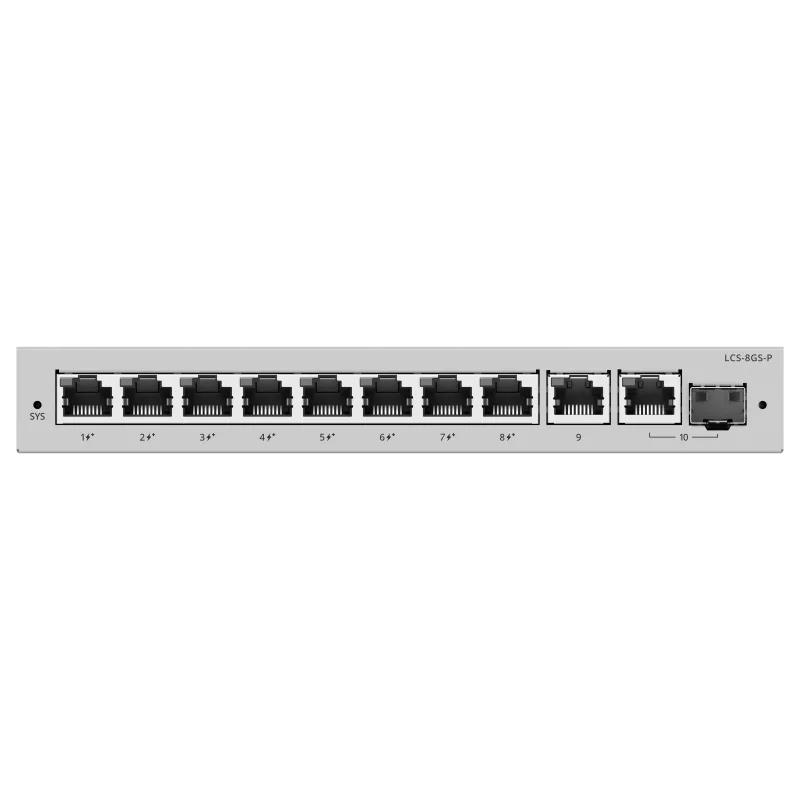
 PoE Switches
- 8× GbE PoE+
- 120 W budget
- Cloud managed
Solution
Compact, repeatable networks for single stores and chains — POS, CCTV, and guest Wi-Fi segmented, powered over Ethernet, and centrally managed across sites.
*Same-day dispatch applies to in-stock items ordered before cut-off from the Delhi NCR warehouse.
Overview
A retail network has a small footprint but zero tolerance for downtime — if the till or the payment link drops, the store stops trading. It also mixes point-of-sale, CCTV, back-office, and customer Wi-Fi in one compact space, and for a chain it has to be the same repeatable build in every branch.
This solution uses a compact PoE switch to power cameras and access points, VLANs to separate POS and CCTV from customer Wi-Fi, and a cloud-managed router so head office can support every store without a site visit. The design is deliberately identical across branches so rollout and support stay simple.
Because POS and payment continuity is the priority, the internet edge and any failover are sized to keep card transactions and cloud POS working through congestion.
Common Challenges
Recommended Product Categories
The categories most relevant to this deployment. Every product ships from ready stock with GST billing and PAN-India delivery.
Recommended Products
From the official Lysora catalogue, matched to the requirements above. Final selection is confirmed against your BOQ.
PoE Switches Wireless Access Points
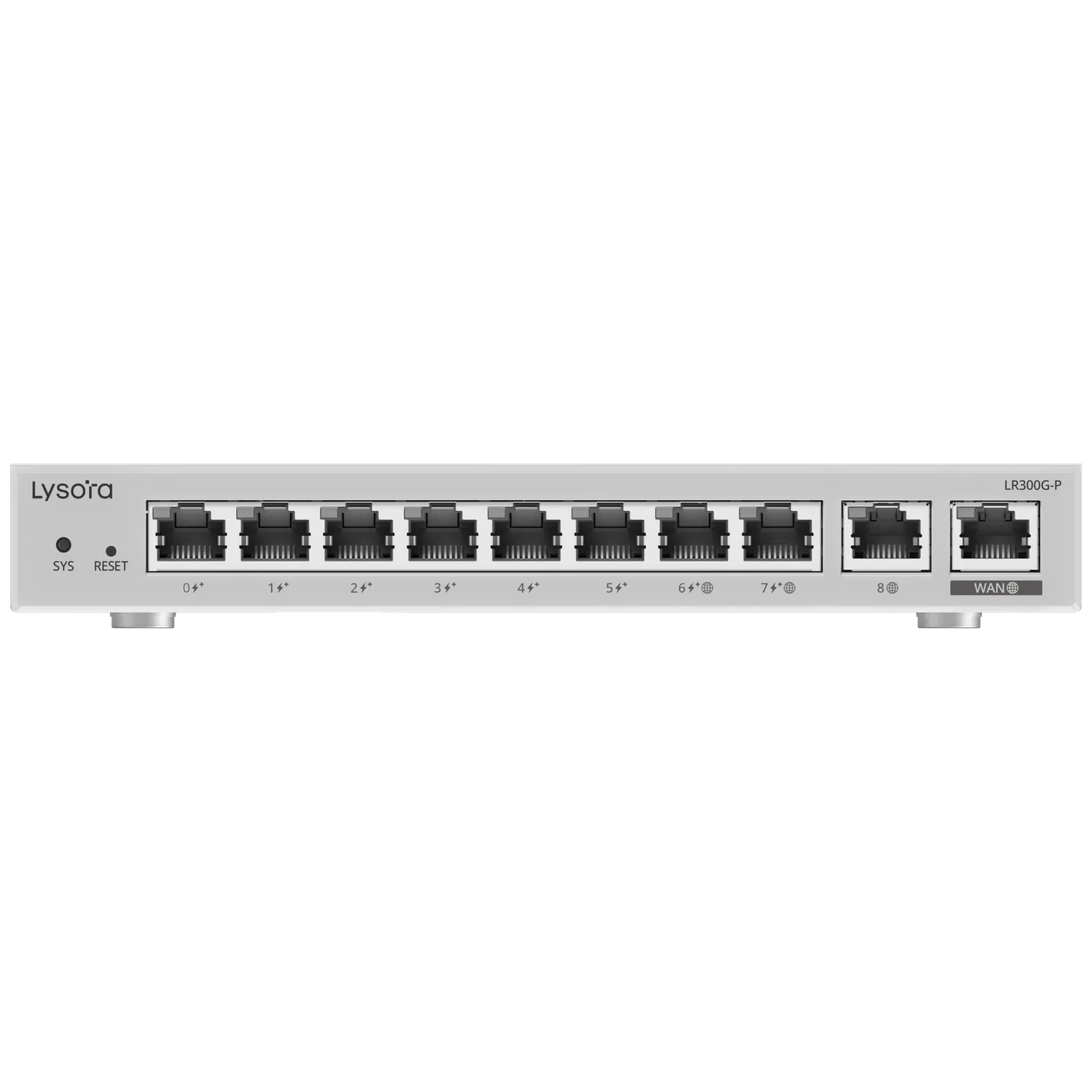 Routers
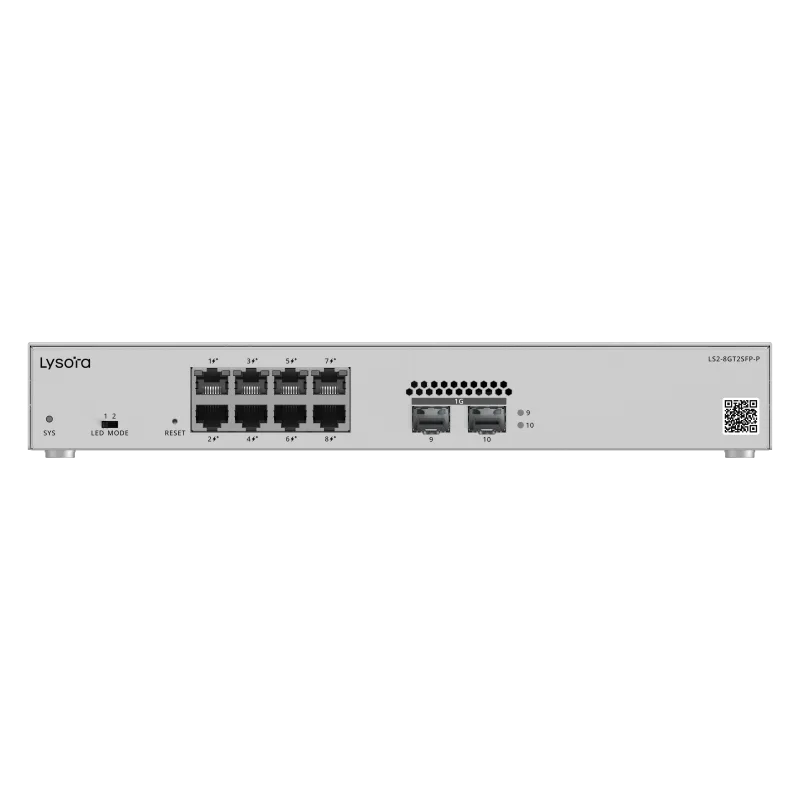 Managed Switches
Deployment Workflow
We work from your device counts, coverage areas, and growth plans to define the topology, VLAN plan, and power budget before anything is quoted.
Cable routes, rack and cabinet locations, environmental conditions, and existing infrastructure are confirmed — on site or from your drawings.
A line-by-line bill of quantities with stock status, priced within 24 working hours, with alternatives suggested for anything out of stock.
Hardware is dispatched with GST invoice and e-way bill. Installation is handled by your team or your integrator; we supply the equipment and documentation.
VLANs, uplinks, PoE budgets, SSIDs, and management are configured to the plan agreed at the planning stage. Configuration support is available on request.
Links, power delivery, roaming, and throughput are verified against the design before handover, so issues surface before the network goes live.
A named point of contact for stock, RMA, and replacements under the standard manufacturer warranty, serviced in India by Lizora Infotech.
Deployment Considerations
Before You Enquire
POS and payment traffic run on a priority VLAN, separated from customer Wi-Fi, with the internet edge sized to keep transactions working through congestion. Failover options are scoped to the store's transaction volume.
Yes — that is the intent. A standardised compact build per branch, cloud-managed from head office, keeps rollout, spares, and support consistent across the chain. Store-specific variations are handled at survey.
Upload a multi-site BOQYes. Customer Wi-Fi runs on an isolated guest VLAN with client isolation, so shoppers cannot reach the POS, CCTV, or back-office network on the same cabling.
With cloud-managed switches and routers, head office can monitor and adjust every branch remotely, which reduces engineer callouts and speeds up support across a chain.
See routersWe supply the PoE switching backbone that powers and connects the cameras on a segregated surveillance VLAN. Camera selection is confirmed against your loss-prevention plan and the switch PoE budget sized accordingly.
Surveillance network solutionRelated Resources
Guides from our technical team relevant to this deployment.
Related Solutions
Adjacent deployments that share equipment and design decisions.
Related Industries
Industry pages with sector-specific requirements and recommendations.
Four fields, no account, no attachments needed. Our sales team calls back within working hours with pricing and stock status.
Share a BOQ, a part list, or just a description of the site — our sales team responds within working hours with pricing and stock confirmation.
Prefer to talk? +91 98910 20998